




Training Threat Slides for SWOT Analysis
RJ0500042_13
- Last Update 06/18/2025
- File Size 1.6MB
- # of Slides 2
- File Format PPTX
- Slide Ratio 16:9
- Color
Keywords
About the Product
A specialized 2-slide PowerPoint set designed for SWOT analysis of educational institutions, focusing on the Threat (T) component. Each slide features a large image area paired with three text input zones for documenting external threats such as policy changes, technological disruption, and competitive pressures. Available in both light and dark background versions to match your presentation style. The layout enables educational leaders to systematically identify and communicate institutional vulnerabilities during strategic planning sessions, board meetings, and stakeholder presentations. Fully editable and ready for immediate use with minimal text customization.
Usage Points
-
Main Usage
Enable educational institutions to systematically analyze and communicate external threats during strategic planning. The slide set supports identification of policy risks, technological disruption, enrollment challenges, and competitive threats in a structured, visual format suitable for executive presentations.
-
How to Use
Insert specific threats facing your institution into the three text input areas and add relevant images or data visualizations to the large image zone. Deploy in board meetings, strategic planning workshops, investor presentations, and institutional analysis reports to communicate threat assessment findings effectively.
-
Recommended For
Educational institution executives, strategic planning teams, and marketing departments conducting SWOT analysis. Also valuable for education consulting firms, regional education authorities, and university leadership preparing institutional analysis and strategic planning documents.
-
Slide Structure
Each slide features a prominent 'THREAT' heading with a large image area (student photograph) in the upper section, and three horizontally-arranged text input zones in the lower section. Provided in both light and dark background versions for flexible integration with existing presentation templates.
Related Products
-
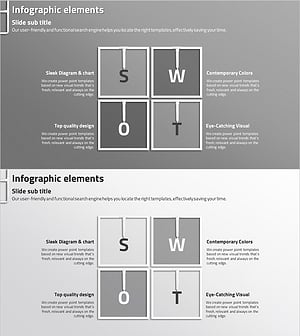
SWOT Analysis Closed Diagram – Market and Competitive Analysis
#Market and Competitor Analysis #Diagram #SWOT Analysis
-
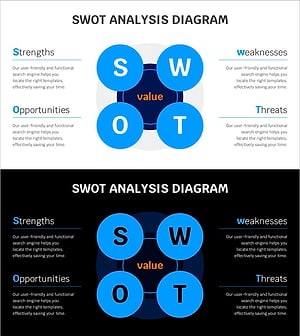
Center-Aligned Diagram for SWOT Analysis – Blue Line Wide Template
#Market and Competitor Analysis #Diagram #SWOT Analysis
-
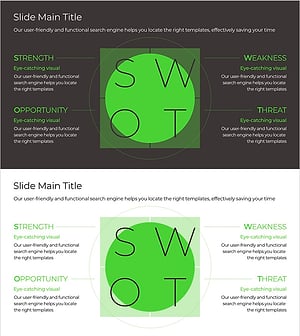
Green & Gray Template SWOT Diagram for Effective Analysis
#Market and Competitor Analysis #Diagram #SWOT Analysis
-
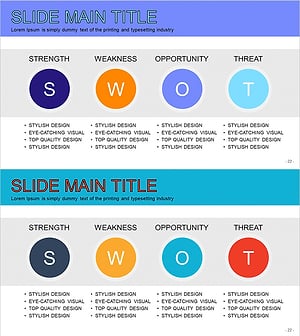
SWOT Analysis Simple Diagram – A Tool for Market and Competitor Analysis
#Market and Competitor Analysis #Diagram #SWOT Analysis
