



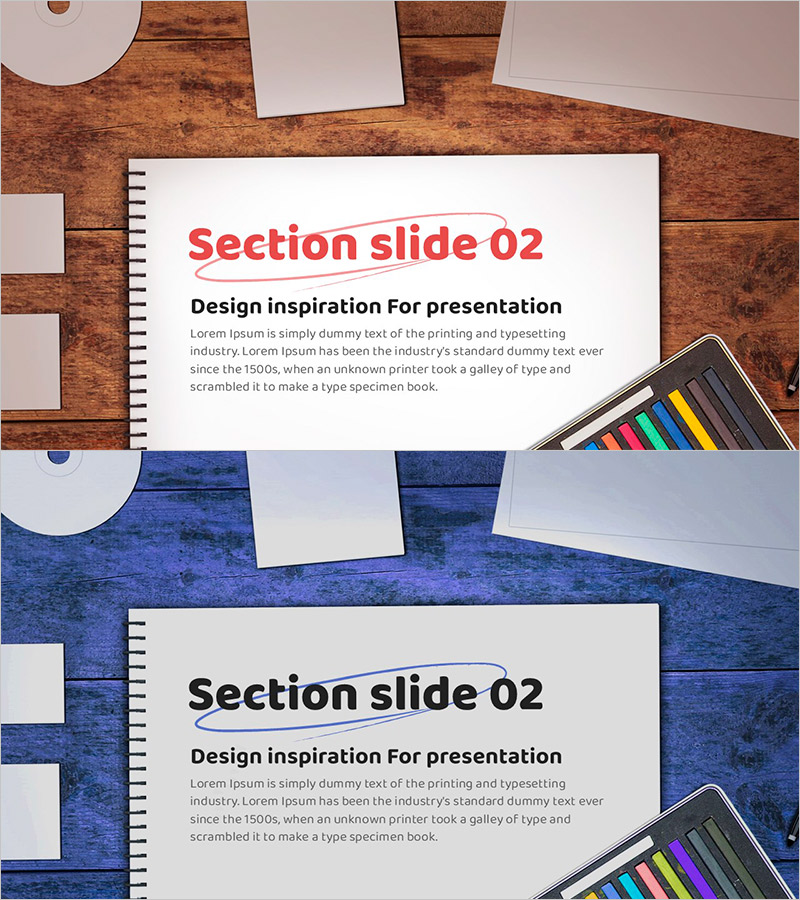
Design Inspiration Section Slide for Presentation
RJ0500039_15
- Last Update 06/17/2025
- File Size 2.2MB
- # of Slides 2
- File Format PPTX
- Slide Ratio 16:9
Keywords
About the Product
A 2-slide PowerPoint presentation set designed for section dividers and transitions in professional presentations. The first slide features a white background with a bold red title and underline accent, while the second slide uses a dark blue background to create visual contrast and emphasis. Each slide includes a dedicated title input area, body text section, and an image placeholder in the lower right corner, allowing you to maintain design consistency while creating visual breaks between presentation sections. Available in 16:9 widescreen PPTX format, fully editable and ready to customize.
Usage Points
-
Main Usage
Serves as a visual break between major sections in multi-part presentations, signaling topic transitions to your audience. The contrasting background colors and clear title area help organize complex information and maintain viewer engagement throughout longer presentations.
-
How to Use
Insert at the beginning of each new section in your presentation to announce topic changes. Enter your section title (e.g., Market Analysis, Business Strategy, Financial Plan) in the title area and add a brief description in the body text section. Enhance visual impact by adding relevant icons or images to the lower right placeholder.
-
Recommended For
Ideal for business plans, proposals, investor pitch decks, marketing presentations, and any multi-section document. Particularly effective for presentations with 5 or more distinct sections where clear visual organization improves audience comprehension.
-
Slide Structure
Two-slide set with distinct designs: Slide 1 features white background with red title and underline accent; Slide 2 uses dark blue background with black title text. Each slide contains 3 editable areas: title input zone, body text section, and image placeholder for customization.
Related Products
-
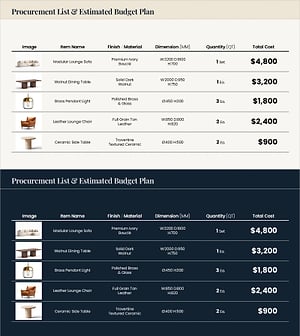
Procurement Table PowerPoint Slide – Item Photo Budget Dark
#Product/Service Introduction #Financial Plans and Performance #Features
-
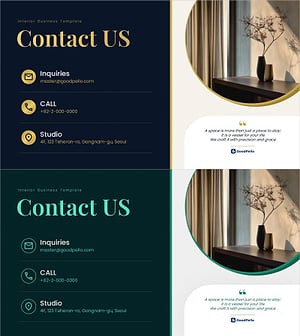
Contact Closing PowerPoint Slide – Interior Dark Two-Column
#Company Introduction #Contact Information
-
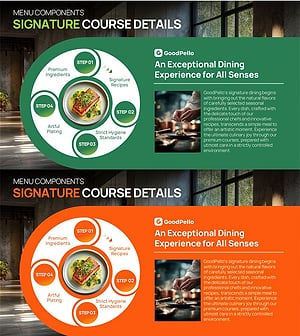
F&B Menu PowerPoint Slide – Circular 4-Step Process Layout
#Operational Plan #Diagram #Business Processes
-
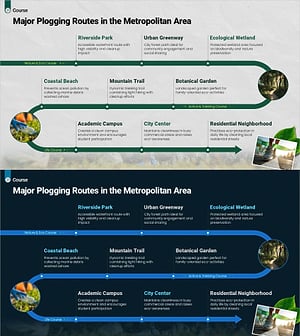
Plogging Route Presentation Slide – 9-Point S-Curve Timeline
#Company Introduction #Business Strategy #Corporate Social Responsibility
