



Study Students Column – Business Vision and Customer Success Cases
RJ0500038_6
- Last Update 06/17/2025
- File Size 1.3MB
- # of Slides 2
- File Format PPTX
- Slide Ratio 16:9
- Color
Keywords
- #Content-Based Slides
- #Business Vision and Strategy
- #Customer Success Stories
- #Business Background and Necessity
- #Customer Cases and Success Stories
- #16:9
- #customer success case PowerPoint
- #customer case presentation slide
- #business vision customer success PPT
- #image column layout slide
- #customer success story PowerPoint template
About the Product
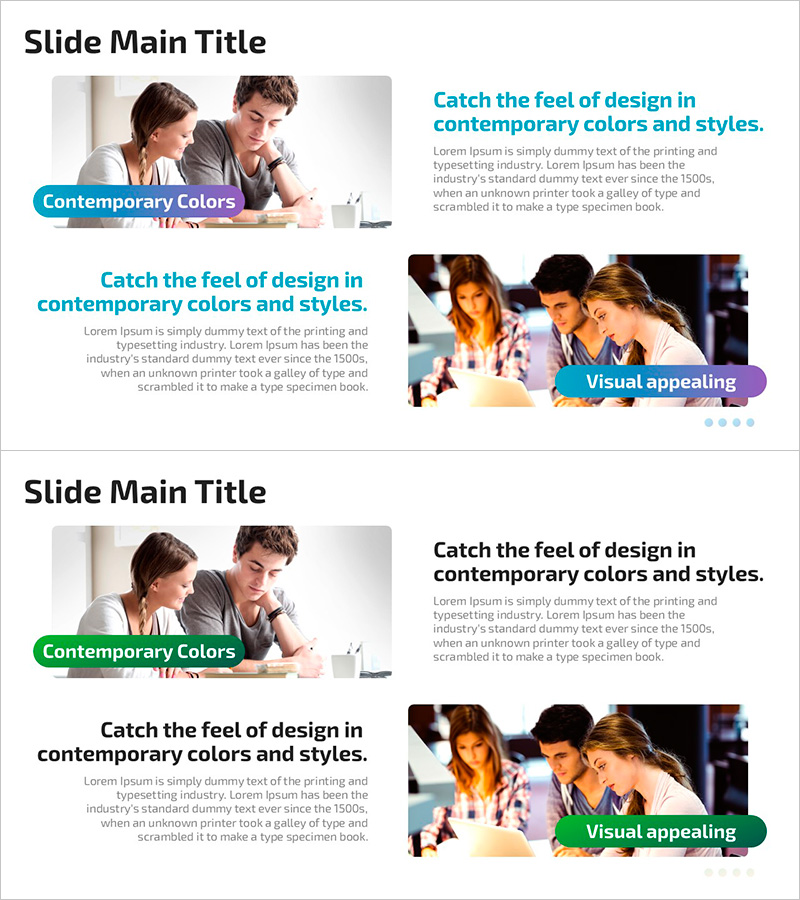
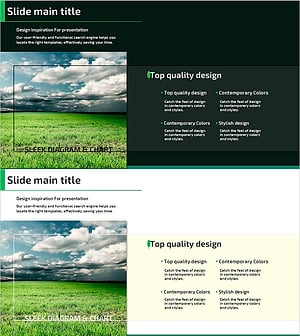
A 2-slide PowerPoint presentation designed to showcase customer success cases and business vision effectively. The layout features a left-side image area paired with a right-side text column, enabling simultaneous presentation of real customer examples and vision messaging. The teal accent banner combined with gray body text creates clear information hierarchy, optimized for 16:9 widescreen format. Ideal for company profile presentations, business plan decks, and investor pitch materials where customer trust and credibility are essential to your narrative.
Usage Points
-
Main Usage
Simultaneously visualize customer success cases and business vision to convey company achievements and strategic direction to investors, partners, and clients with credibility. The balanced image-text composition achieves both emotional resonance and logical persuasion in a single slide.
-
How to Use
Deploy in company profile customer success sections, business plan vision/goal pages, and investor pitch credibility-building segments. Insert customer photos, logos, or case images in the left image area; add performance metrics, customer testimonials, and vision statements in the right text column for immediate presentation use.
-
Recommended For
Ideal for executives, sales teams, and marketing professionals emphasizing corporate credibility and customer satisfaction. Particularly effective for B2B investor presentations, new client proposal decks, and annual business performance reports centered on customer success as proof of company value.
-
Slide Structure
2-slide deck with each slide divided into left image input area (approximately 40%) and right text column (approximately 60%) in a two-column comparison layout. Teal banner at top for topic title, image area in middle, and text column at bottom for heading, body copy, and supporting information, creating clear information hierarchy.
Related Products
-
Travel Destination Setting Presentation Template – Product and Service Introduction
#Product/Service Introduction #Business Vision and Strategy #Product/Service Introduction
-
Forest Protection Policy Diagram – Business Goals and Necessities
#Business Vision and Strategy #Diagram #Business Goals
-
Legal Litigation Diagram – Visualizing Legal Processes
#Business Vision and Strategy #Diagram #Core Competencies
-
Nature-Themed Product/Service Introduction Slide – Sustainability and Vision
#Product/Service Introduction #Business Vision and Strategy #Features
