



Direction Diagram by Sector – Visualizing Business Strategy
RJ0500032_15
- Last Update 06/15/2025
- File Size 0.2MB
- # of Slides 2
- File Format PPTX
- Slide Ratio 16:9
- Color
Keywords
About the Product
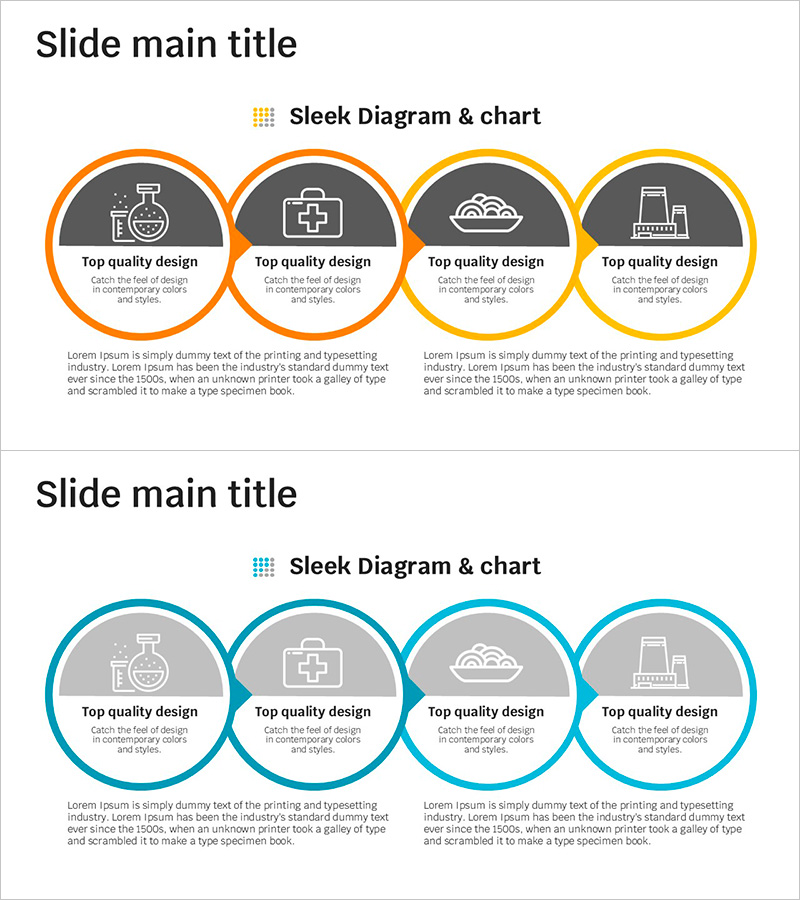
A 4-step connected diagram PowerPoint slide designed to visualize business strategy and process flow. Circular nodes are sequentially linked to represent progression stages, with dedicated spaces for icons and descriptive text in each node. Two layout versions are provided in orange and blue color schemes, making it ideal for expressing process workflows, business phases, and strategic execution sequences. Each node features an icon area and text input space for immediate customization. Perfect for business presentations, planning documents, strategy reports, and operational briefings.
Usage Points
-
Main Usage
Clearly express business execution phases, process workflows, and strategic implementation sequences across 4 distinct stages. The connected node structure demonstrates relationships between stages, enhancing audience comprehension and transforming complex business processes into intuitive visual narratives.
-
How to Use
Input stage titles, descriptions, and icons into each circular node. Present the flow from left to right during your presentation to guide the audience naturally through the process. Customize colors and adjust node sizes to emphasize key points and maintain visual hierarchy.
-
Recommended For
Ideal for business plans, strategy reports, project proposals, marketing plans, and operational documents where execution phases and process workflows need clear visualization. Suitable for executives, team leaders, planners, and marketing professionals presenting strategic initiatives and implementation roadmaps.
-
Slide Structure
2-slide set. Each slide features 4 circular nodes arranged sequentially from left to right with connecting lines. First slide uses orange accent color (node borders and connectors), second slide features blue tones. Each node contains an icon area (upper semicircle) and text input area (lower section) for flexible content placement.
Related Products
-
Effectively Organized Fountain Pen Business Promotion Slide
#Product/Service Introduction #Business Management #Diagram
-
Modern Presentation Template - Stylish Design for Effective Information Delivery
#Business Strategy #Diagram #Production Plan
-
Eco-friendly Business Direction Leaf Connection Diagram
#Business Strategy #Operational Plan #Diagram
-
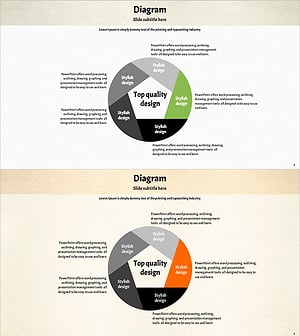
Green Orange Highlight Connection Diagram
#Business Strategy #Diagram #Production Plan
