



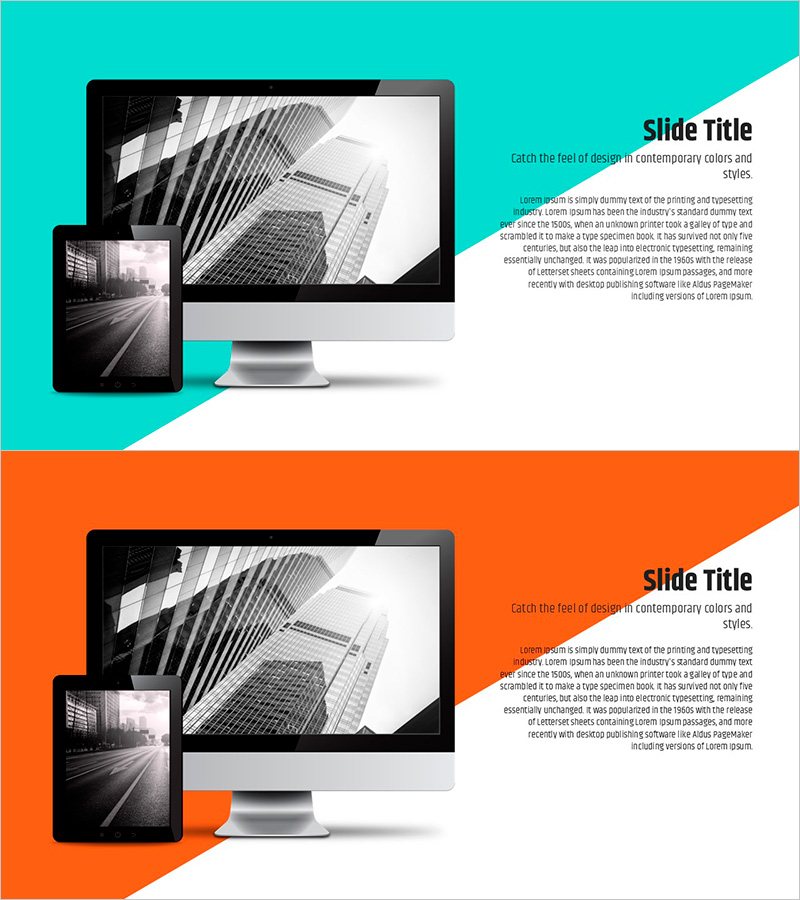
PC Mockup with Diagonal Background – Contemporary Design Feel
RJ0500030_19
- Last Update 06/15/2025
- File Size 3.2MB
- # of Slides 2
- File Format PPTX
- Slide Ratio 16:9
- Color
Keywords
- #Content-Based Slides
- #Design-Based Slides
- #Marketing Plan and Strategy
- #Risk Management and Regulatory Compliance
- #Other
- #Distribution Strategy
- #Data Protection and Security
- #16:9
- #PC mockup PowerPoint slide
- #mockup presentation design
- #diagonal background slide
- #how to create a product mockup in PowerPoint
- #technology presentation template
About the Product
A contemporary PC mockup PowerPoint slide featuring a striking diagonal background in turquoise and orange tones. This 2-slide set showcases desktop and mobile device mockups with a dynamic asymmetrical layout that draws attention to product features and technical solutions. Ideal for marketing presentations, technology introductions, and risk management reports. The 16:9 widescreen PPTX format allows seamless editing, with clearly defined text and image zones for quick content integration and professional visual communication.
Usage Points
-
Main Usage
Visualize products, services, and digital solutions using realistic device mockups that convey both technical credibility and user experience. The contemporary diagonal design captures audience attention in marketing pitches, technology introductions, and risk management presentations.
-
How to Use
Slide 1 features a turquoise background with a desktop PC mockup; Slide 2 uses an orange background with a mobile device mockup. Insert your product screenshots or UI designs into the mockup screens, then add headlines and descriptive text in the designated text zones to complete your presentation.
-
Recommended For
Software and IT companies presenting new products, digital marketing agencies pitching campaigns, cybersecurity firms presenting risk solutions, and startups seeking investment. Best suited for B2B presentations that require both technical authority and contemporary visual appeal.
-
Slide Structure
Two-slide layout with each slide containing one title and description text area plus one device mockup image. The diagonal background creates visual momentum, while the asymmetrical arrangement of left-aligned device images and right-aligned text zones establishes clear information hierarchy and guides viewer attention.
Related Products
-
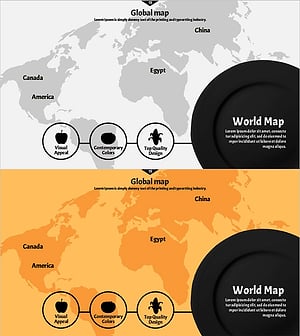
World Map Slide of Major Food Ingredient Exporters
#Company Introduction #Marketing Plan and Strategy #Diagram
-
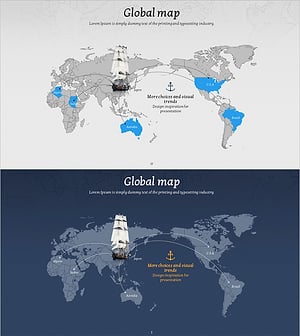
Adventure Business Global Map Indicator Analysis
#Marketing Plan and Strategy #Diagram #Other
-
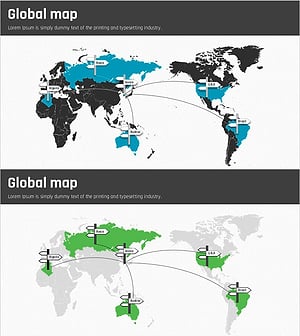
Analysis of Representative Travel Industries in Each Country – Global Network
#Company Introduction #Marketing Plan and Strategy #Diagram
-
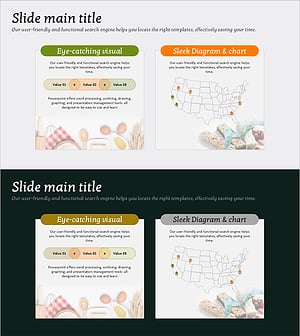
Export Regional Distribution Strategy Diagram – An Essential Tool for Effective Marketing
#Marketing Plan and Strategy #Text Box #Other
