



Introducing Check Pattern School Template Instructor
RJ0500029_5
- Last Update 06/15/2025
- File Size 0.8MB
- # of Slides 2
- File Format PPTX
- Slide Ratio 16:9
- Color
Keywords
- #Content-Based Slides
- #Company Introduction
- #Customer Success Stories
- #Introduction of Executives
- #Introduction of Key Customers
- #16:9
- #instructor introduction PowerPoint slide
- #speaker profile slide
- #how to introduce instructor in PowerPoint
- #professional profile presentation
- #personnel introduction slide
About the Product
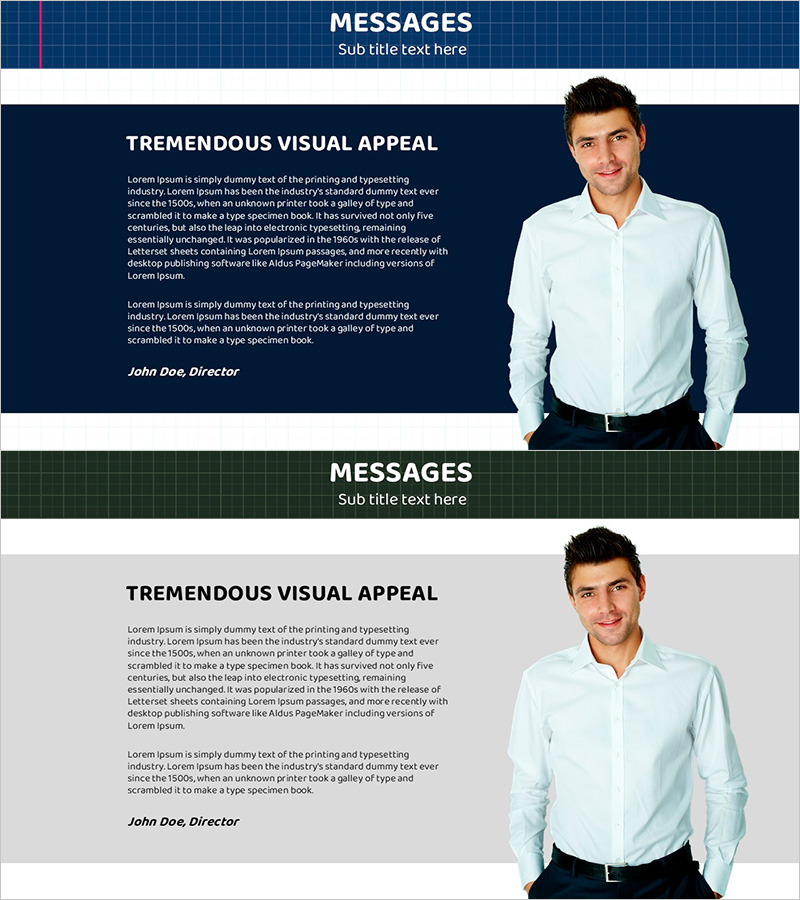
A professional PowerPoint slide set designed for introducing instructors, speakers, and key personnel in educational institutions and corporate training programs. Features a dark blue background with white typography and high-contrast layout that clearly communicates presenter information. The profile photo area and text description space are balanced to effectively convey instructor credibility and expertise. The 2-slide composition allows sequential introduction of multiple instructors, with a gray-tone background version included for versatile presentation scenarios. Ready to use for educational seminars, company introductions, customer success case presentations, and professional development sessions.
Usage Points
-
Main Usage
Used by educational institutions, corporate training departments, and consulting firms to effectively introduce instructors, speakers, and key personnel to audiences. The combined profile photo and biography text layout builds audience trust and establishes presenter credibility.
-
How to Use
Enter instructor name, title, career background, and areas of expertise into the text fields, then replace the profile photo with the actual instructor image. Use during seminar openings, company introductions, customer success case presentations, or personnel introduction segments.
-
Recommended For
Educational institution instructor introductions, corporate executive and team leader profiles, consulting project manager introductions, webinar and online course instructor presentations, customer success case study presenter introductions, and professional conference speaker bios.
-
Slide Structure
2-slide layout with each slide containing one profile photo area, one name and title input field, and one biography or expertise description text area. Includes both dark blue and gray background options to match different presentation themes and content.
Related Products
-
Key Customer Membership Attributes Diagram
#Product/Service Introduction #Customer Success Stories #Diagram
-
Key Customer Comparison Analysis Slide – Client Success Stories and Data Visualization
#Customer Success Stories #Diagram #Graph
-
Identity Presentation Wide - Introduce Team Members
#Company Introduction #Customer Success Stories #Manpower
-
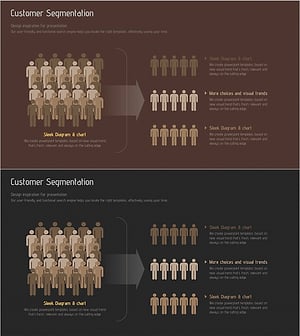
Target Consumer Analysis and Segmentation Diagram
#Market and Competitor Analysis #Customer Success Stories #Graph
