



Check Pattern School Template – Team Member Introduction Structure
RJ0500029_4
- Last Update 06/15/2025
- File Size 0.7MB
- # of Slides 2
- File Format PPTX
- Slide Ratio 16:9
- Color
Keywords
About the Product
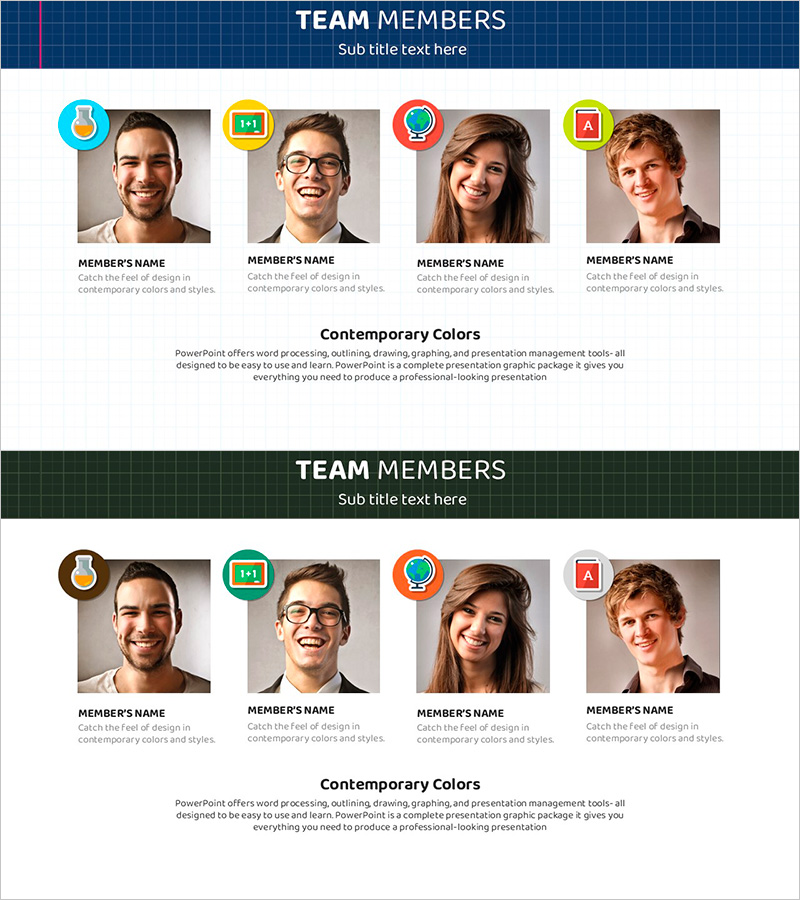
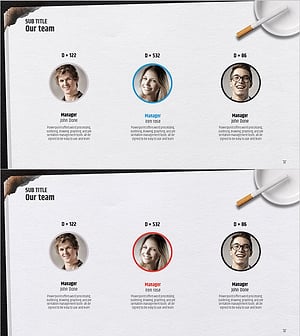
A 2-slide PowerPoint presentation designed to introduce team members with visual hierarchy and professional layout. Each team member is displayed with a profile photo, a colorful circular icon badge positioned above, name, and job description text. The header features a dark blue checkered pattern background with 'TEAM MEMBERS' title, and a color palette explanation section at the bottom. The first slide uses a blue color scheme while the second slide features a dark green tone, allowing flexible color variations for different presentation contexts. Ideal for company introductions, team overview pages, organizational structure presentations, and HR-related slides. Instantly editable and ready to use in business presentations.
Usage Points
-
Main Usage
Present team member information including names, job titles, and profiles in an organized visual format. Designed for company introduction sections, organizational structure presentations, new employee introductions, and team overview slides where each member's role needs clear visual emphasis.
-
How to Use
Replace profile photos with your team members' images and update the name and job title text fields. Two color scheme options (blue and dark green) are provided, allowing you to match your company brand colors or use different schemes for different presentation sections.
-
Recommended For
HR managers, human resources teams, executives, company presentation leads, team leaders, and employee onboarding coordinators introducing organizational structure and team composition. Suitable for startups, small to medium enterprises, and large corporations of any team size.
-
Slide Structure
Header section with dark blue or dark green checkered pattern background and 'TEAM MEMBERS' title. Main content area contains 4 profile boxes arranged horizontally, each with profile photo, colorful circular icon badge (blue, yellow, red, green), member name, and job description text. Bottom section includes 'Contemporary Colors' palette explanation with design notes.
Related Products
-
Key Customer Analysis Data Charts – Assessing Market and Competition
#Company Introduction #Market and Competitor Analysis #Diagram
-
Introducing Our Successful Developer Team Members
#Company Introduction #Market and Competitor Analysis #Diagram
-
Internet of Things Developer Team Introduction Illustration
#Company Introduction #Market and Competitor Analysis #Diagram
-
Successful Quit Smoking Profile – Customer Success Stories
#Company Introduction #Customer Success Stories #Diagram
