



Academic Icons and Highlight Color Boxes – Cluster for Operations and Marketing Plans
RJ0500025_15
- Last Update 06/13/2025
- File Size 0.4MB
- # of Slides 2
- File Format PPTX
- Slide Ratio 16:9
- Color
Keywords
- #Content-Based Slides
- #Design-Based Slides
- #Operational Plan
- #Marketing Plan and Strategy
- #Diagram
- #Mitigation Measures
- #Key Marketing Activities
- #Cluster
- #Combination Diagram
- #16:9
- #cluster diagram PowerPoint
- #5-node diagram template
- #operations planning slide
- #marketing strategy PPT
- #node diagram PowerPoint download
About the Product
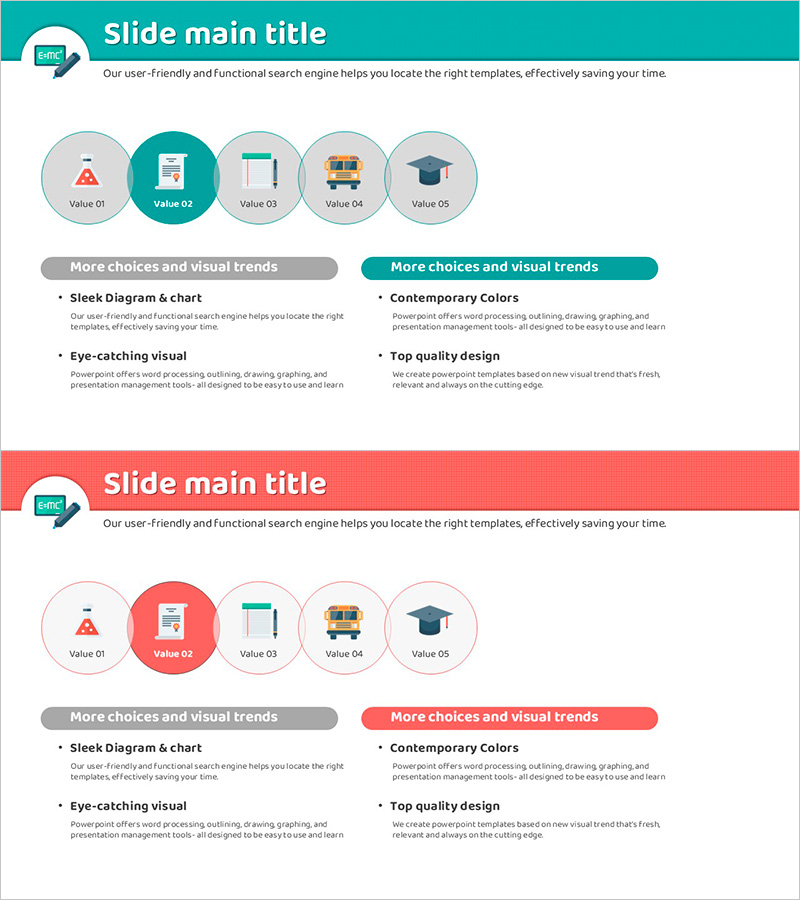
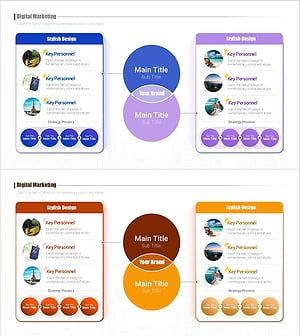
A five-node cluster diagram PowerPoint slide designed for operations and marketing planning presentations. The turquoise background features white circular nodes with color-coded accent boxes to highlight each element's importance. Academic icons and text input areas enable strategic planning, departmental role assignment, and project component organization. The 2-slide set includes a matching red-theme version for flexible presentation styling.
Usage Points
-
Main Usage
Visualize organizational operations and marketing strategies by categorizing five core elements. Each node accommodates department names, strategic factors, or project components, enabling stakeholders to grasp the complete structure at a glance. Accent boxes emphasize priority levels.
-
How to Use
Enter the central topic, then populate the five circular nodes with specific items. Add descriptive text in the accent boxes beside each node to provide supporting information. Select the turquoise theme for trust and stability messaging, or the red theme to emphasize urgency and importance.
-
Recommended For
Strategy planning teams, marketing departments, and operations managers presenting organizational goals and execution plans. Ideal for business plans, quarterly strategy reviews, and interdepartmental collaboration meetings.
-
Slide Structure
Two-slide set with identical layouts. Each slide contains a central title area, five circular nodes (Value 01–05), color-coded accent boxes adjacent to each node, and a supplementary information section at the bottom. Optimized for 16:9 widescreen format.
Related Products
-
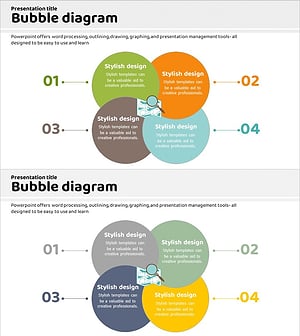
Solution Process Diagram - Business Support and Operational Planning
#Operational Plan #Diagram #Mitigation Measures
-
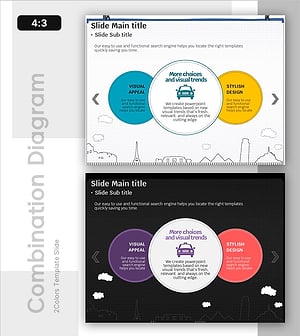
Taxi Guide for International Travelers - Visual Exploration and Efficiency
#Product/Service Introduction #Operational Plan #Diagram
-
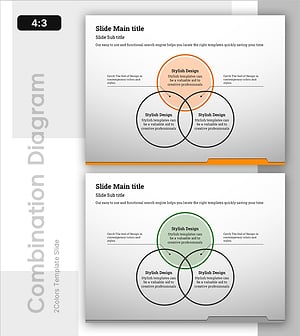
Presentation Template for Business Operations with Nesting Diagram
#Operational Plan #Diagram #Risk Management
-
Digital Marketing Strategy Slide – Effective Marketing Planning
#Marketing Plan and Strategy #Diagram #Marketing Strategy
