



How to use the camera and its functions – Learning in Modern Style
RJ0500021_32
- Last Update 06/12/2025
- File Size 1.1MB
- # of Slides 2
- File Format PPTX
- Slide Ratio 16:9
- Color
Keywords
- #Content-Based Slides
- #Design-Based Slides
- #Business Vision and Strategy
- #Operational Plan
- #Other
- #Business Strategy
- #Risk Management
- #16:9
- #product features PowerPoint slide
- #feature explanation presentation
- #flow chart PPT template
- #product introduction slides
- #how to present product features in PowerPoint
About the Product
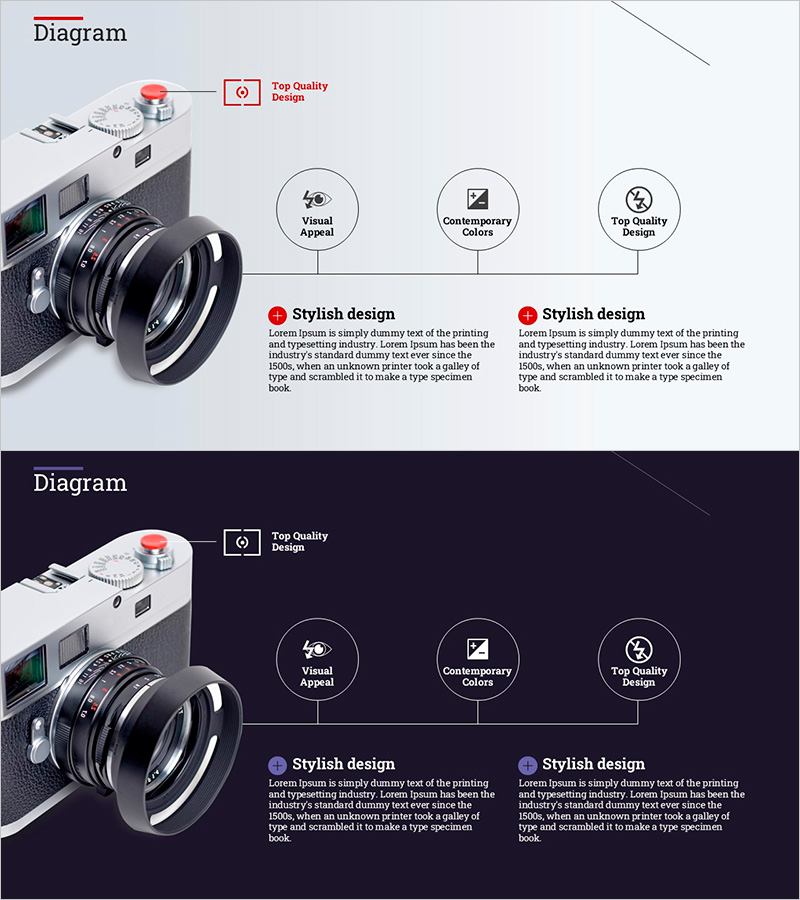
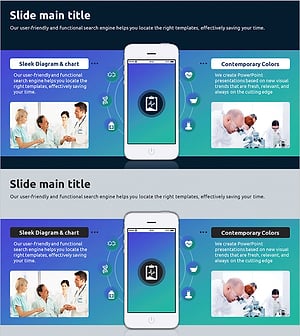
A professional PowerPoint slide designed to explain product or service features in a structured, step-by-step format. The 2-slide deck features a light gray background with red accent colors, combining a product image on the left with three circular icons connected by a flow chart on the right. Clear text input areas for each feature enable immediate use in product launches, technical presentations, and marketing pitches. The minimalist icon design and light tone ensure excellent readability, while a dark version is included for different presentation environments. Both versions support 16:9 aspect ratio and are fully editable for seamless integration into your presentation.
Usage Points
-
Main Usage
Ideal for product launches, technical briefings, and customer-facing product demonstrations where clear feature communication is essential. The flow chart structure visually connects features and their relationships, making it perfect for investor pitches, partner presentations, and customer onboarding sessions where product value must be conveyed effectively.
-
How to Use
Insert your product photo or illustration in the left image area, then add feature names and descriptions below each of the three circular icons on the right. Add a main title in the red accent box to clarify the slide topic. Use the dark version for outdoor presentations or large-screen environments where contrast is critical.
-
Recommended For
Product marketing teams, technical sales professionals, business development managers, and customer success specialists presenting product capabilities. Particularly valuable for IT, software, hardware, and SaaS companies conducting product demos, technical seminars, and customer onboarding presentations.
-
Slide Structure
Two-slide layout with each slide divided into left image area (product photo or illustration) and right information area (three circular icons with text). Light version uses bright background with red accents; dark version employs dark background with white-bordered icons for enhanced contrast, accommodating different presentation settings.
Related Products
-
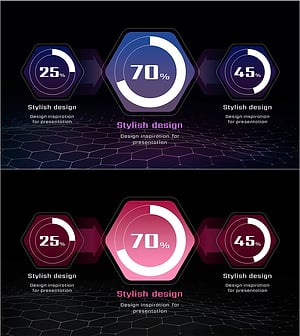
AI Service Market Share Graph – Visualized Data Insights
#Business Vision and Strategy #Market and Competitor Analysis #Diagram
-
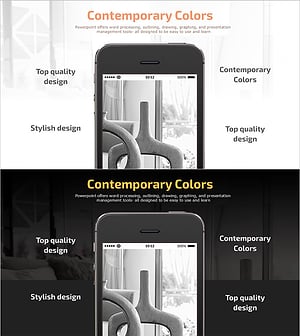
Mokup Photo and 4 Key Keywords Slide – Overview of Business Strategy
#Business Vision and Strategy #Other #Business Strategy
-
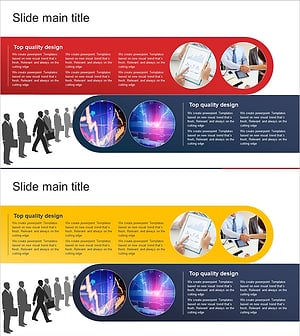
Business Solutions Marketing Strategy – Core Vision and Diagram
#Business Vision and Strategy #Marketing Plan and Strategy #Diagram
-
Overview of Mobile Smart Healthcare System – Innovative Vision and Strategy
#Product/Service Introduction #Business Vision and Strategy #Diagram
