




Visualizing Business Strategy with Photo and 3 Keywords
RJ0500011_11
- Last Update 06/10/2025
- File Size 5.1MB
- # of Slides 2
- File Format PPTX
- Slide Ratio 16:9
- Color
Keywords
- #Content-Based Slides
- #Design-Based Slides
- #Business Vision and Strategy
- #Operational Plan
- #Diagram
- #Business Strategy
- #Mitigation Measures
- #Cluster
- #Closed Cluster Diagram
- #16:9
- #3-circle cluster diagram PowerPoint
- #circular diagram presentation template
- #business strategy slide
- #keyword visualization PPT
- #cluster diagram slide design
About the Product
A PowerPoint slide featuring three circular cluster shapes that visualize business strategy, operational plans, and vision against a photo background. The blue-toned circular elements are centrally positioned to effectively organize and present key strategic concepts. The 2-slide set offers multiple color combinations (blue, pink, and green) allowing you to match your presentation theme and audience mood. Each circle includes space for icons and text input, making it ideal for communicating organizational strategy, core values, and business objectives. Available in 16:9 widescreen PPTX format for immediate editing and use.
Usage Points
-
Main Usage
Visualize three key strategic elements—business strategy, operational plans, and vision—using circular cluster shapes that clearly communicate to your audience. Each circle represents an independent concept while showing integration within the overall strategic framework. The photo background enhances visual impact and professional presentation quality.
-
How to Use
Replace the icon and text within each circular shape with your own key keywords and concepts. Substitute the photo background with an image matching your company identity or business sector. Choose between the two color combination versions to maintain consistent brand imagery throughout your presentation.
-
Recommended For
Ideal for executive briefings, business strategy presentations, organizational restructuring explanations, mid-term planning announcements, and investor relations meetings. Suitable for marketing managers, planning teams, business executives, and consultants explaining strategic concepts.
-
Slide Structure
2-slide set with identical layouts featuring different color combinations. Three circular shapes are centrally positioned, each containing an icon area (top) and text input field (bottom). Title area on the left and descriptive text area on the right provide space for comprehensive context and explanation.
Related Products
-
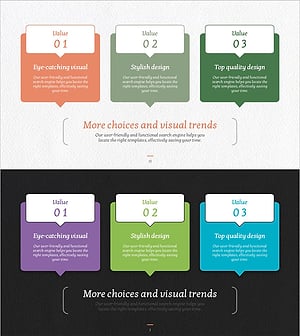
Speech Bubble Strategy Diagram – Business Vision and Solutions
#Business Vision and Strategy #Operational Plan #Diagram
-
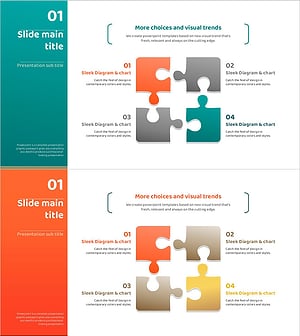
Camping Isometric Business Strategy 4 Puzzles
#Business Vision and Strategy #Operational Plan #Diagram
-
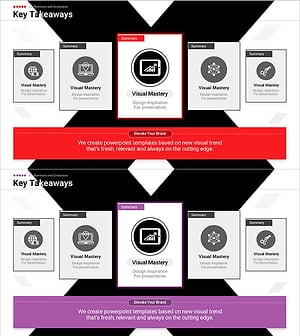
Insights Summarized in X-Pattern Slide
#Business Vision and Strategy #Operational Plan #Diagram
-
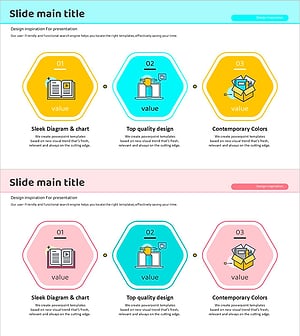
Introduction to Hexagonal Education Programs PowerPoint Template – Embracing Innovative Approaches
#Product/Service Introduction #Business Vision and Strategy #Diagram
