



Social Network Business Process Diagram - Strategic Planning
RJ0400068_12
- Last Update 06/05/2025
- File Size 0.2MB
- # of Slides 2
- File Format PPTX
- Slide Ratio 16:9
- Color
Keywords
- #Content-Based Slides
- #Design-Based Slides
- #Business Strategy
- #Operational Plan
- #Diagram
- #Step-by-Step Schedule Plan
- #Business Processes
- #Cluster
- #Chain Diagram
- #16:9
- #connection diagram PowerPoint
- #network diagram slide template
- #4-node connection slide
- #business process diagram
- #how to create network diagram in PowerPoint
About the Product
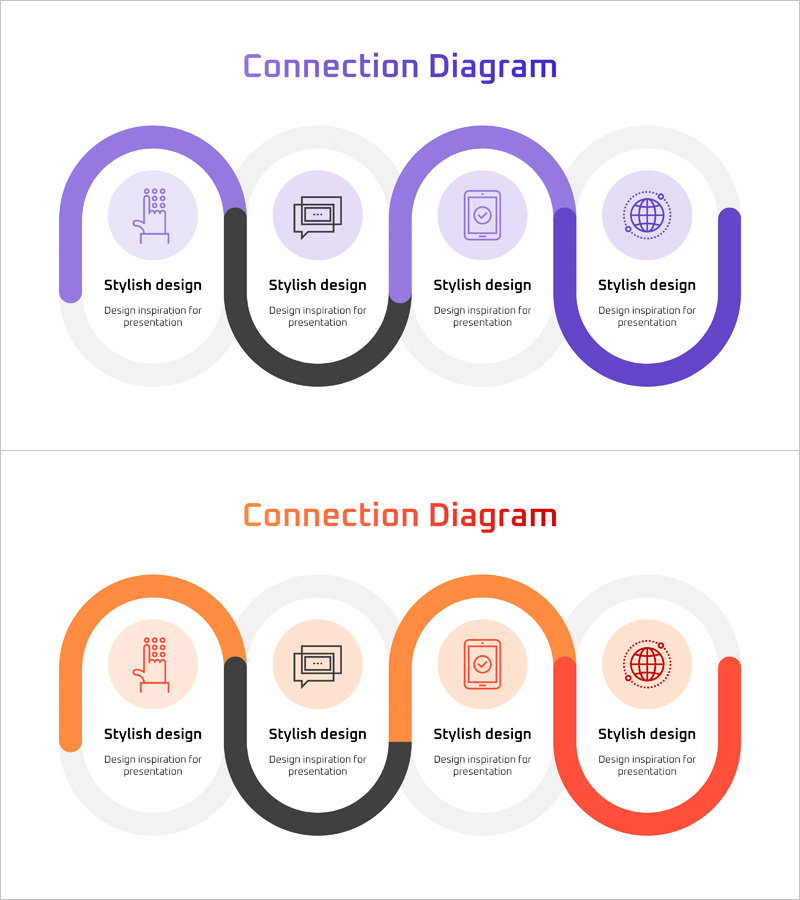
A connection diagram PowerPoint slide featuring four nodes linked by curved connector lines. Available in two color versions—purple and orange—with icons and text areas in each node. This slide is optimized for visualizing business processes, network structures, and step-by-step relationships in presentations. Provided in 16:9 PPTX format for immediate editing. Ideal for corporate strategy presentations, workflow explanations, partnership mapping, and organizational relationship diagrams.
Usage Points
-
Main Usage
Illustrates step-by-step connections in business processes, network structures, partnership relationships, and inter-organizational collaboration systems. Each node accommodates icons and descriptive text, enabling clear communication of complex connection structures to audiences.
-
How to Use
Double-click the icon and text areas in each node to insert your content. Curved connector lines represent relationships between nodes and can be adjusted for color or thickness as needed. Select either the purple or orange version to match your presentation theme.
-
Recommended For
Business strategy presentations, organizational structure explanations, supply chain management processes, digital marketing channel connections, technology architecture descriptions, partnership network introductions, and any presentation requiring emphasis on relational connections.
-
Slide Structure
Two-slide set with each slide displaying four circular nodes connected by curved lines. The first slide uses a purple color scheme while the second employs an orange palette. Each node includes dedicated icon and text input areas for customization.
Related Products
-
Business-Type Connection Strategy Analysis – Efficient Operational Plan
#Business Strategy #Operational Plan #Diagram
-
Airplane Business Process Steps Slide – Visualized Business Strategy
#Business Strategy #Operational Plan #Diagram
-
Business Connection 3D Diagram – Business Strategy
#Business Strategy #Operational Plan #Diagram
-
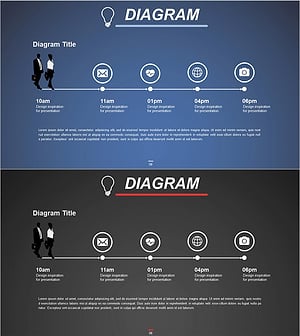
Business Processes by Business Hours Slide – Efficient Operations Planning
#Business Strategy #Operational Plan #Diagram
