



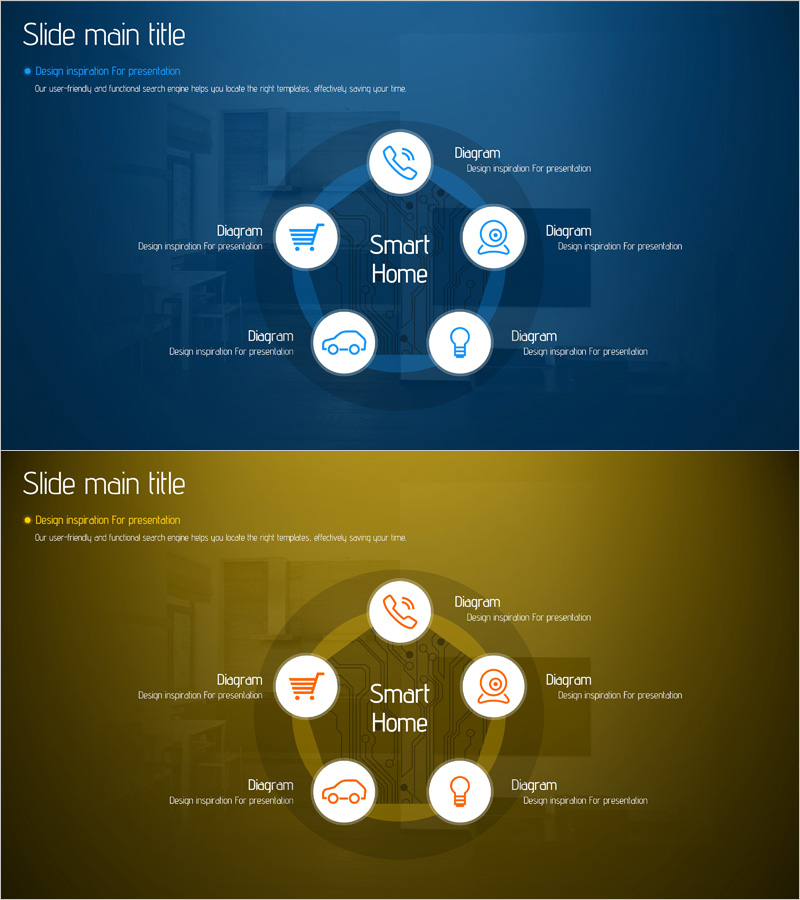
Smart Home Service Area Diagram – Business Introduction and Areas
RJ0400059_25
- Last Update 06/03/2025
- File Size 1.7MB
- # of Slides 2
- File Format PPTX
- Slide Ratio 16:9
- Color
Keywords
- #Content-Based Slides
- #Design-Based Slides
- #Company Introduction
- #Business Introduction
- #Diagram
- #Business Areas
- #Business Areas
- #Spread
- #Decentralized Diagram
- #16:9
- #radial diagram PowerPoint
- #hub and spoke diagram slide
- #6-node diagram template
- #service area visualization
- #how to create radial diagram in PowerPoint
About the Product
A radial diagram PowerPoint slide that expands from a central hub to six service areas, optimized for visualizing smart home service structures. This 2-slide template offers two color versions: dark blue and gold tones. Each node includes an icon and text input area, allowing you to represent diverse service items such as phone, shopping, security, automotive, lighting, and energy. This presentation template is ideal for business area introductions, service portfolio explanations, and business model structuring.
Usage Points
-
Main Usage
Visualizes hierarchical structures where a core concept or service expands to surrounding areas and items. The central hub and six satellite nodes clearly express relationships, making it effective for explaining business areas, service portfolios, organizational functions, and product lineups.
-
How to Use
Enter the core concept (smart home, platform, brand) in the center text, then add specific items (service names, features, areas) to each node. Icons can be customized to represent each item's characteristics. Choose between the dark blue or gold tone version based on your presentation context.
-
Recommended For
Ideal for startups and tech companies presenting business areas, IoT and smart home service introductions, platform companies showcasing portfolios, investor presentations explaining business models, product lineup introductions, and organizational function analysis.
-
Slide Structure
2-slide format. Each slide features a central circular hub (text input area) with six satellite nodes (icon + text input area) arranged clockwise. Connection lines between the hub and nodes express relationships. Two color style options provided: dark blue background with white nodes, and gold background with white nodes.
Related Products
-
Diagram Slide Visualizing Artificial Intelligence Business Field
#Company Introduction #Business Introduction #Diagram
-
Medical Business Area Diffusion Diagram – Visualization of Business Introduction
#Company Introduction #Business Introduction #Diagram
-
Soft Power Sector Diagram – Optimized for Business Introduction
#Company Introduction #Business Introduction #Diagram
-
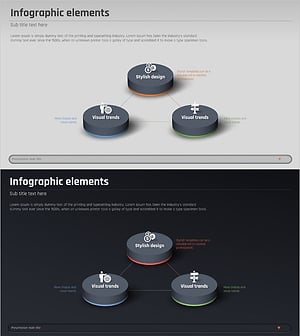
Financial Business Triangle Diagram – Visualization of Business Areas
#Company Introduction #Business Introduction #Diagram
