



PC Mockup Slide for Business Service Introduction
RJ0400056_4
- Last Update 06/02/2025
- File Size 3.3MB
- # of Slides 2
- File Format PPTX
- Slide Ratio 16:9
- Color
Keywords
About the Product
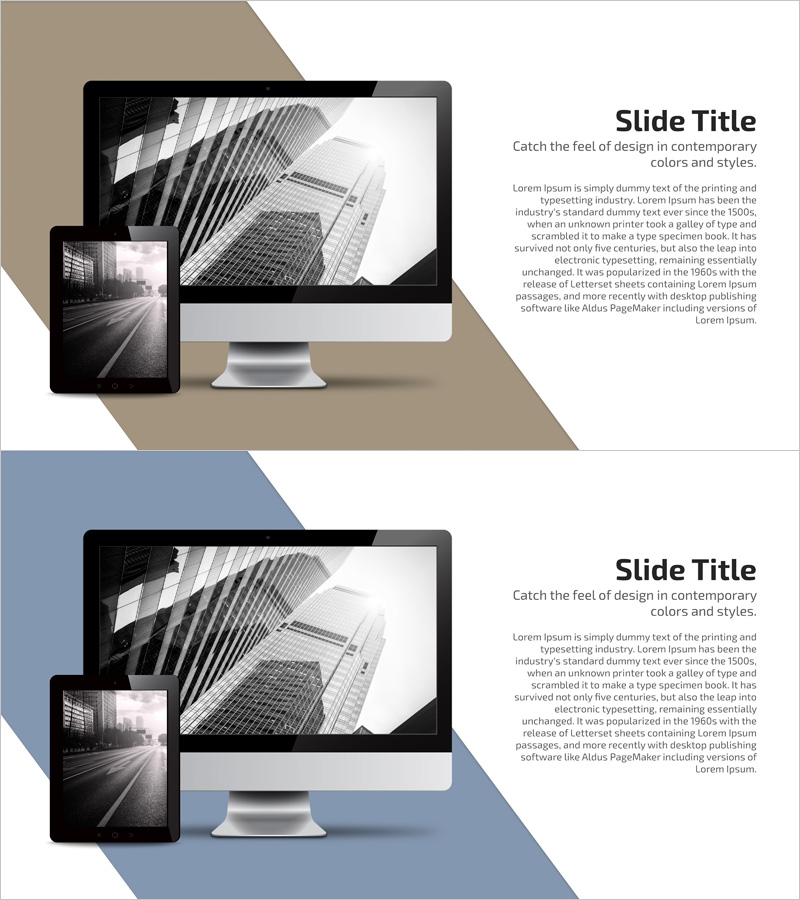
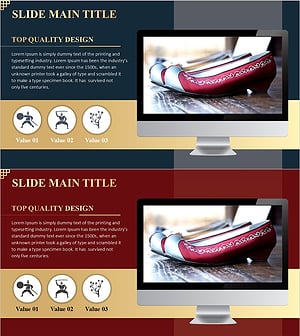
A PowerPoint mockup slide designed for business service presentations featuring desktop monitor imagery. This 2-slide PPTX template uses a beige and blue two-tone background with monitor mockups positioned on the left and title/body text areas on the right. The 16:9 widescreen format is ready for immediate editing and perfectly suited for introducing web services, software, and IT solutions. Each slide can be used independently to visually communicate service features, functionality, and user interface screens to your audience.
Usage Points
-
Main Usage
This slide is designed to visually showcase digital product features and user interface screens for web services, software, and IT solutions. The PC monitor mockup enables realistic representation of service interfaces, while the right-side text area clearly communicates service descriptions, key features, and benefits to your audience.
-
How to Use
Insert service screenshots or UI images into the monitor mockup area on each slide, then add service names, descriptions, and key features in the right-side text boxes. The beige and blue background colors can be customized to match your corporate brand identity. Arrange the 2 slides sequentially to introduce multiple service features in a step-by-step manner.
-
Recommended For
Ideal for IT, software, and web service companies presenting product introductions, investor pitch decks, customer service demonstrations, and internal training materials. Particularly effective for B2B business solutions, SaaS platform presentations, and mobile app introductions.
-
Slide Structure
The 2-slide template features a left-side monitor mockup area for image insertion and a right-side text section with one title and one body paragraph per slide. One slide uses a beige tone while the other uses blue, providing visual variety and helping to distinguish between different service features or sections.
Related Products
-
Overview of Mobile App Service Features
#Product/Service Introduction #Diagram #Other
-
Sofa and Tablet Mockups for Product Visualization – Modern Sense and Style
#Product/Service Introduction #Other #Product/Service Introduction
-
Sports Icon Box and Mobile Mockup – Innovative Design and Information Delivery
#Product/Service Introduction #Diagram #Other
-
Korean Traditional Experience Presentation Template
#Product/Service Introduction #Other #Product/Service Introduction
