



Mobile App Business Area Diagram – Innovative Visualization
RJ0400055_6
- Last Update 06/01/2025
- File Size 14.7MB
- # of Slides 2
- File Format PPTX
- Slide Ratio 16:9
- Color
Keywords
- #Content-Based Slides
- #Design-Based Slides
- #Company Introduction
- #Business Introduction
- #Diagram
- #Business Areas
- #Business Areas
- #Spread
- #Centralized Diagram
- #16:9
- #radial diagram PowerPoint
- #4-node business diagram
- #PowerPoint slide diagram template
- #business area visualization
- #central diagram presentation slide
About the Product
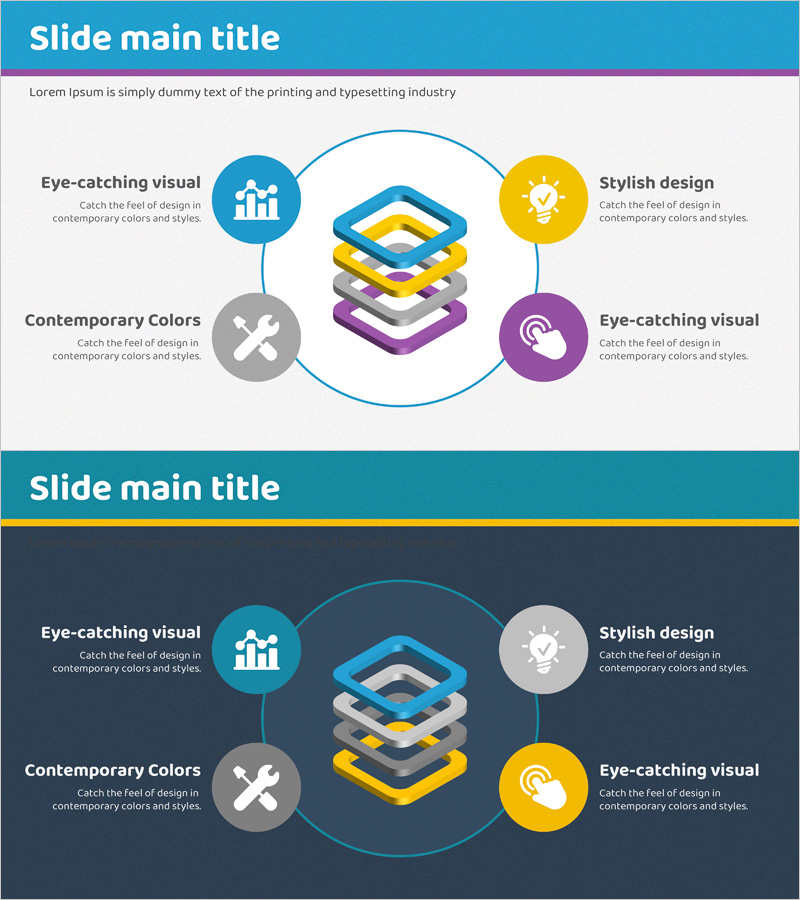
A radial diagram PowerPoint slide with four nodes extending from a central isometric element. Blue, yellow, gray, and purple circular nodes connect to the center to represent business areas, functions, or strategic components. Two-slide set includes light and dark background versions, each with icon placeholders and text description areas for each node. Ready-to-use for mobile app presentations, digital service overviews, organizational structure explanations, and business strategy pitches.
Usage Points
-
Main Usage
Visualizes the relationship between a central concept and four key areas, functions, or characteristics radiating outward. Ideal for business area analysis, organizational structure, strategic planning, product feature classification, marketing channel mapping, and other business contexts requiring clear hierarchical relationships.
-
How to Use
Enter your core concept in the central isometric element and add main areas or functions to each of the four circular nodes. Customize the icons to match your content and add descriptive text. Use the light background version for standard presentations and the dark version for sophisticated, high-impact slides.
-
Recommended For
Business strategists, marketing managers, product planners, and organizational development professionals. Suitable for startup pitch decks, corporate strategy presentations, new business planning reports, organizational structure explanations, and digital service introductions to executives, employees, investors, and clients.
-
Slide Structure
Two-slide set: Slide 1 features a light gray background with four colored circular nodes (blue, yellow, gray, purple) arranged around a central isometric element, each with icon, text area, and label. Slide 2 applies the same structure on a dark navy background for enhanced contrast. 16:9 widescreen format, fully editable PPTX with all elements customizable.
Related Products
-
Sketch Icon Business Area Diagram – Visualizing Business Introduction
#Company Introduction #Business Introduction #Diagram
-
Business Area Circular Diagram – Enhancing Corporate Presence
#Company Introduction #Business Introduction #Diagram
-
Equipment and Marketing Strategy Diagram – Visualizing Business Structure
#Company Introduction #Business Introduction #Diagram
-
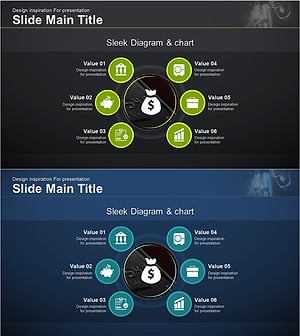
Financial Management Services Area Diagram – Visualizing Business Areas
#Company Introduction #Business Introduction #Diagram
