



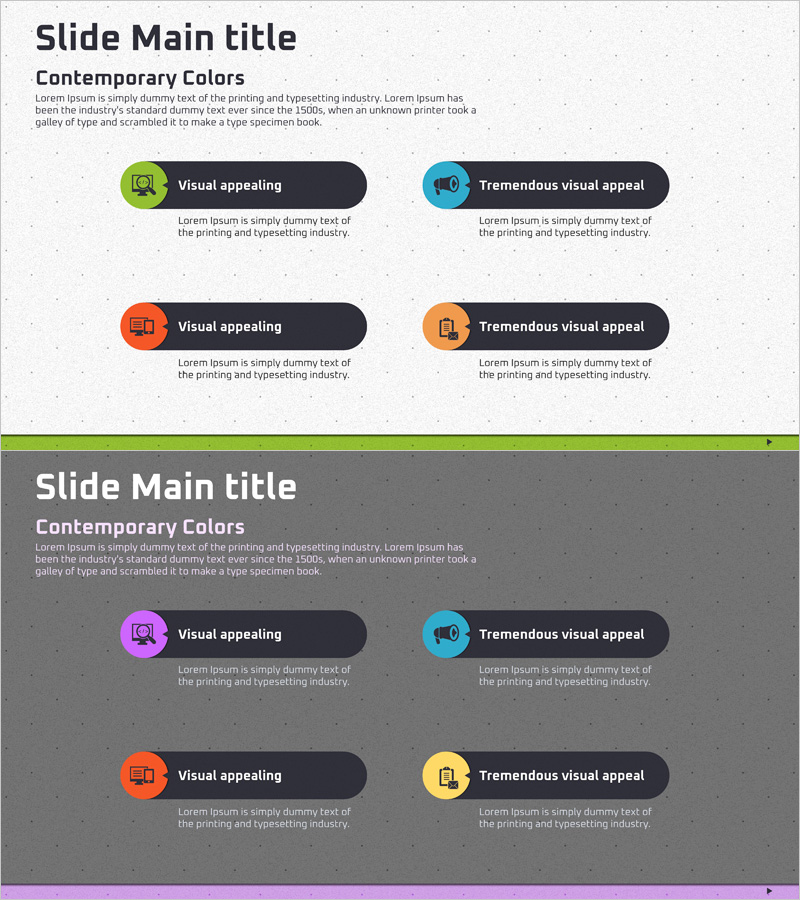
Cluster Diagram Visualizing Business Sector
RJ0400051_6
- Last Update 05/31/2025
- File Size 4.7MB
- # of Slides 2
- File Format PPTX
- Slide Ratio 16:9
- Color
Keywords
About the Product
A cluster diagram PowerPoint slide that visualizes business sectors across four distinct areas using color-coded circular icons and labeled callouts. The design features lime green, cyan blue, orange, and yellow icon circles paired with dark navy speech bubbles to clearly represent each business domain. Provided in two slide variations—one with a light gray background and one with a dark gray background—allowing seamless integration into any presentation theme. The icon-based layout makes complex business structures immediately comprehensible, while editable text fields enable detailed descriptions for each sector.
Usage Points
-
Main Usage
Designed to present company business divisions, service portfolios, or product categories across four distinct sectors in a single, cohesive visual. The cluster layout maintains visual balance while clearly delineating each business area, making it ideal for strategic overviews and portfolio presentations.
-
How to Use
Integrate into company overview presentations, business model explanations in investor pitch decks, or strategic planning documents. Edit the text labels beneath each icon to reflect actual business divisions, and customize callout descriptions to provide detailed information about each sector. Works effectively in both light and dark presentation themes.
-
Recommended For
Ideal for executives, business development teams, and marketing professionals presenting diversified business portfolios. Particularly suited for large corporations, consulting firms, financial institutions, and organizations with multiple service lines. Effective in investor relations presentations, business expansion announcements, and strategic planning sessions.
-
Slide Structure
Two-slide set with identical layouts in different color schemes. Each slide features four circular icons arranged in a 2×2 grid, with navy callout boxes positioned adjacent to each icon. Slide 1 uses a light gray background; Slide 2 uses a dark gray background. All text elements and icon positions are fully editable for customization.
Related Products
-
Snow Mountain Theme Business Slide – Cluster Composition
#Company Introduction #Diagram #Company Overview
-
Company's Main Business Areas – Cluster Diagram
#Company Introduction #Diagram #Company Overview
-
Business Areas Introduction Diagram – Business Information and Overview
#Company Introduction #Diagram #Company Overview
-
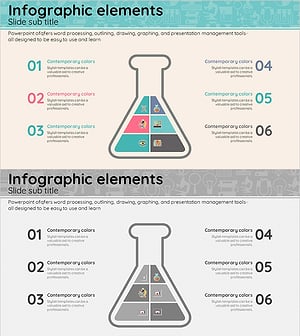
Triangular Beaker-Shaped Inclusion Diagram – Understanding Chemical Structures
#Company Introduction #Product/Service Introduction #Diagram
