



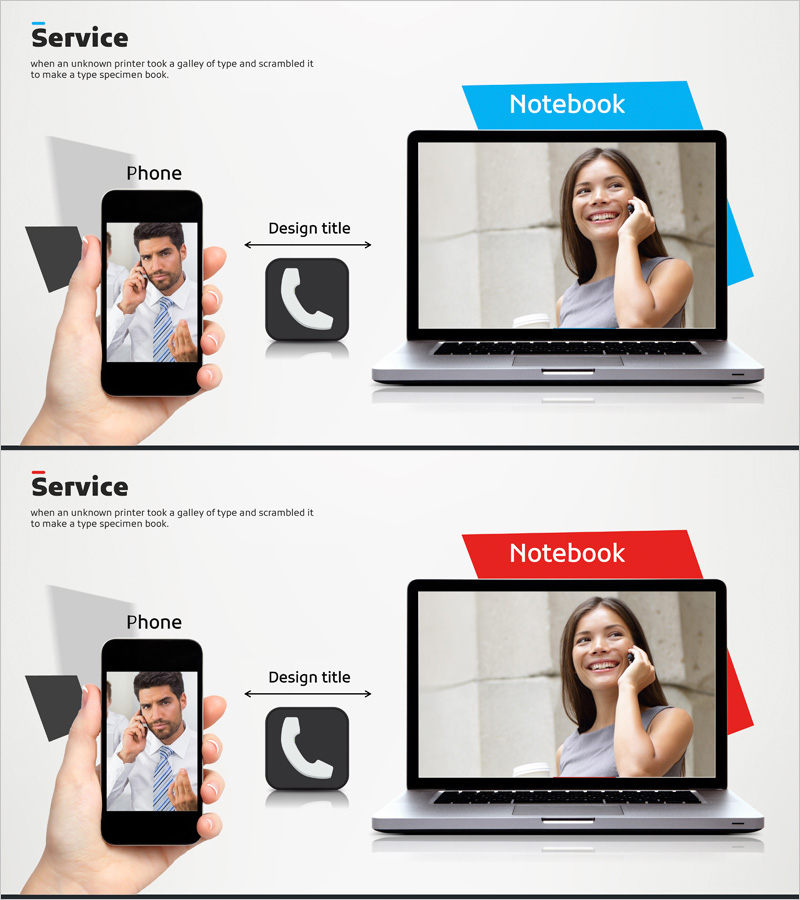
Visualizing Mobile App Service Configuration Slide
RJ0400048_15
- Last Update 05/30/2025
- File Size 2MB
- # of Slides 2
- File Format PPTX
- Slide Ratio 16:9
- Color
Keywords
- #Content-Based Slides
- #Design-Based Slides
- #Technical Approach
- #Other
- #Service Architecture Diagram
- #16:9
- #mobile app service architecture PPT
- #service configuration diagram PowerPoint slide
- #multi-device architecture diagram
- #how to visualize app service structure in PowerPoint
- #technical system diagram presentation
About the Product
A PowerPoint slide that visualizes mobile app service architecture through a dual-device layout. The left side displays a smartphone screen while the right side shows a notebook display, connected by a central icon and directional arrows that clearly illustrate multi-device service relationships. The bright background with blue accent elements conveys technical credibility and system reliability. This 2-slide set includes color variations in blue and red, allowing you to match your corporate brand identity. Ideal for technology presentations, IT product introductions, mobile service planning, and development team briefings. Ready to use immediately in your PowerPoint deck.
Usage Points
-
Main Usage
This technical diagram clearly visualizes how a mobile app service operates across multiple devices. The smartphone and notebook screens are connected via arrows and icons, making it easy to explain service architecture and data flow. Perfect for technology companies, startups, and development teams presenting service planning, system design, or product capabilities.
-
How to Use
Insert this slide in the 'Service Architecture' or 'Technical Overview' section of your presentation. Add service features or functions to the left smartphone screen and right notebook display, then use the central icon and arrows to explain how they connect. Choose between the blue or red color variant to match your company branding and presentation theme.
-
Recommended For
Technology leaders, product managers, development directors, and IT executives explaining mobile service architecture. Suitable for investor pitch decks, technology partnership presentations, internal planning meetings, and customer-facing product demonstrations. Recommended for any technical presentation emphasizing multi-platform or cross-device service capabilities.
-
Slide Structure
The 2-slide set provides identical layouts with blue and red background variations. Each slide is divided into three main sections: left smartphone image area, center icon and arrow connectors, and right notebook image area. Each section includes text input space for adding service functions, data flows, and connection descriptions.
Related Products
-
Global Service Strategy Centered Diagram
#Technical Approach #Marketing Plan and Strategy #Diagram
-
Introduction to Social Media Services – Cluster Connection Diagram
#Technical Approach #Marketing Plan and Strategy #Diagram
-
IT Intra Business Process Diagram – Intuitive Representation of Technical Efficiency
#Operational Plan #Technical Approach #Diagram
-
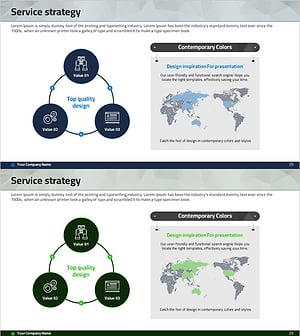
Service Strategy Slide – Diagram for Global Marketing
#Technical Approach #Marketing Plan and Strategy #Diagram
