



Dangerous Drug Material Description Diagram
RJ0400047_11
- Last Update 05/29/2025
- File Size 1.6MB
- # of Slides 2
- File Format PPTX
- Slide Ratio 16:9
- Color
Keywords
- #Content-Based Slides
- #Design-Based Slides
- #Product/Service Introduction
- #Diagram
- #Product/Service Introduction
- #Features
- #Cluster
- #Chain Diagram
- #16:9
- #connection diagram PowerPoint
- #3-node diagram slide
- #central image bilateral layout
- #product features comparison PPT
- #diagram slide template download
About the Product
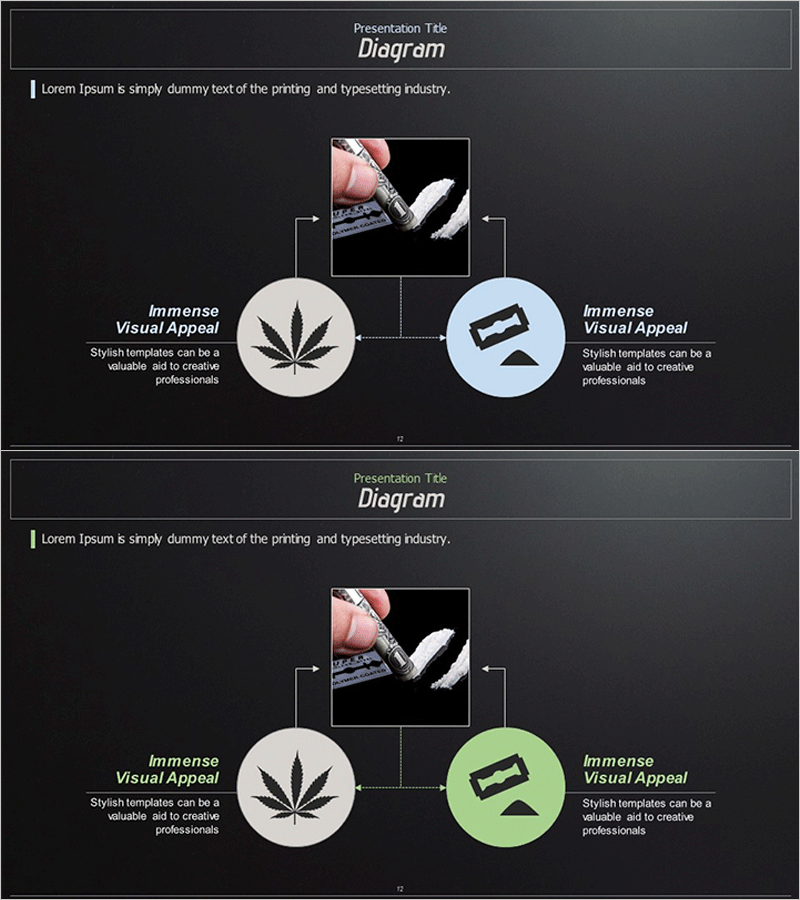
A PowerPoint diagram slide featuring a central image flanked by two circular nodes on the left and right, connected via directional arrows. Set against a dark gray background with cream and light blue circular nodes for clear visual contrast and information hierarchy. Ideal for comparing and explaining three key elements such as product features, functions, and benefits, or visualizing cause-and-effect relationships. Each node supports editable icons and text, making this slide template immediately applicable to presentations, product introductions, and educational materials.
Usage Points
-
Main Usage
Visualize three key characteristics of a product or service alongside a central image, or represent cause-and-effect relationships, input-process-output workflows, and three-stage connected structures. Highly effective for comparative analysis and multi-perspective explanations in presentations.
-
How to Use
Insert a product photo or key visual asset in the central image area. Add text and icons representing each characteristic, function, or benefit to the left and right circular nodes. Adjust arrow directions and node colors as needed to match your presentation context and customize the layout.
-
Recommended For
Product launch presentations, technical documentation, marketing strategy decks, educational seminar materials, and business proposals. Recommended for presenters, planners, and educators seeking to structure complex information and enhance audience comprehension.
-
Slide Structure
Two-slide set with identical 3-node connection diagram layouts. Each slide features a cream-colored circular node on the left, central image box, and light blue circular node on the right, connected by dotted directional arrows. Title and description text areas below each node enable flexible customization. Slide 2 includes a lime-green node variant for diverse visual expression options.
Related Products
-
Introduction to Transportation Services – Visual Connection Diagram
#Product/Service Introduction #Diagram #Product/Service Introduction
-
Theme Park Hot Air Balloon Guide – Captivating Visuals
#Product/Service Introduction #Diagram #Product/Service Introduction
-
Diagram of Key Traits by Dream Field – Creativity and Passion
#Product/Service Introduction #Diagram #Product/Service Introduction
-
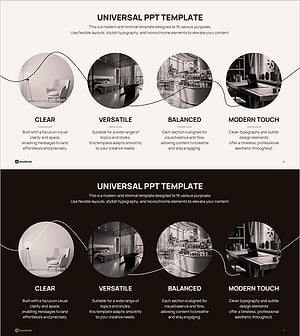
Monoflow: The Allure of Connection through 4 Characteristics
#Product/Service Introduction #Diagram #Product/Service Introduction
