



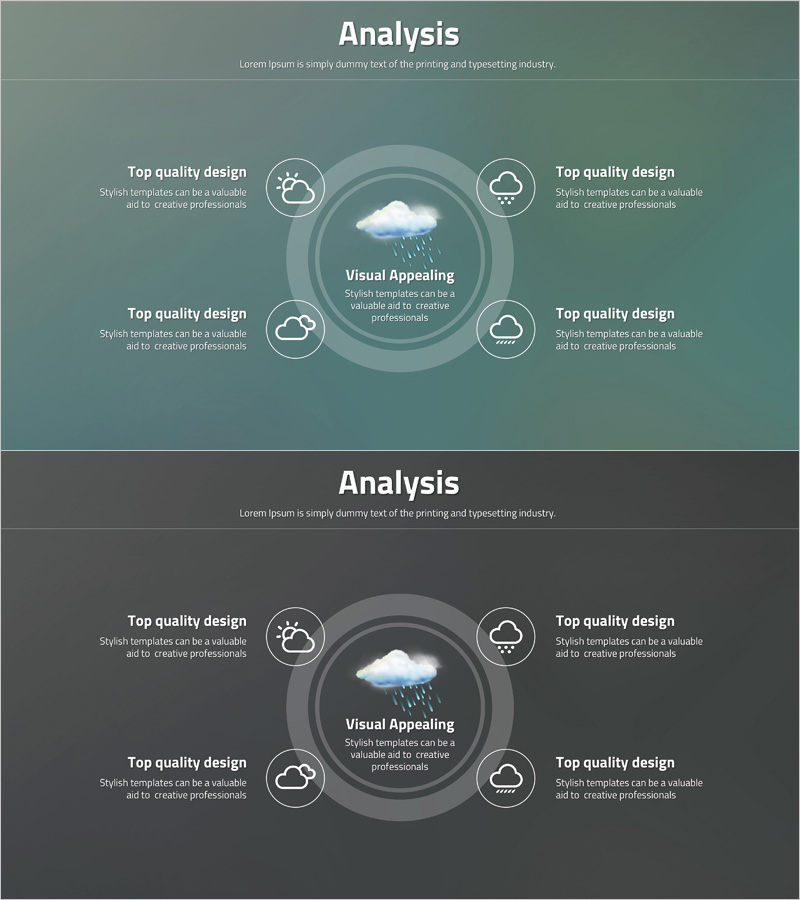
Infographic Slide Highlighting Visual Appeal - Driven by Creativity
RJ0400044_14
- Last Update 05/28/2025
- File Size 0.5MB
- # of Slides 2
- File Format PPTX
- Slide Ratio 16:9
- Color
Keywords
- #Content-Based Slides
- #Design-Based Slides
- #Company Introduction
- #Business Introduction
- #Diagram
- #Business Areas
- #Business Areas
- #Spread
- #Centralized Diagram
- #16:9
- #radial infographic PowerPoint
- #central diagram slide
- #4-direction expansion slide
- #infographic PowerPoint template
- #information visualization slide
About the Product
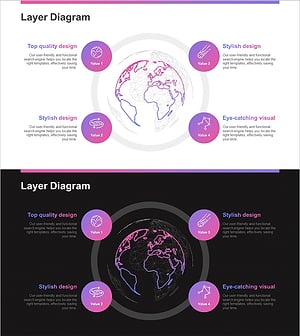
A radial infographic PowerPoint slide that expands information from a central concept in four directions. The design features concentric circles in teal and gray tones with weather icons and text areas that create a clear visual hierarchy. Each directional text box is ideal for explaining independent concepts or elements, while the central image area emphasizes the core message or visual. The 2-slide set allows consistent application across different background colors (teal and gray), enabling cohesive presentation material creation. Perfect for analysis, strategy, and overview sections where complex information needs to be organized effectively.
Usage Points
-
Main Usage
An analysis and overview slide that explains four related elements, perspectives, or stages equally from a central concept or theme. The central visual focal point and surrounding text areas create a clear information hierarchy that enhances audience comprehension.
-
How to Use
Place a core keyword or logo in the central image area, then input different perspectives, functions, stages, or characteristics in each of the four directional text boxes. The concentric circles and icons provide visual unity, while background color changes enable section differentiation.
-
Recommended For
Executive reports, strategy presentations, product analysis, organizational structure explanations, and marketing strategy development. Suitable for presentations in consulting, finance, technology, and education sectors where complex information must be conveyed systematically.
-
Slide Structure
2-slide set. Each slide features a central circular area (for images, icons, or text input) and four directional text boxes (top-left, top-right, bottom-left, bottom-right). Concentric circles and icons emphasize visual flow from center to periphery. Two background color options provided: teal and gray.
Related Products
-
Breakthrough Idea Diagram – Business Introduction
#Company Introduction #Business Introduction #Diagram
-
Financial Management Services Area Diagram – Visualizing Business Areas
#Company Introduction #Business Introduction #Diagram
-
Sketch Icon Business Area Diagram – Visualizing Business Introduction
#Company Introduction #Business Introduction #Diagram
-
Astronomy Earth Diagram PowerPoint – Visual Exploration
#Company Introduction #Business Introduction #Diagram
