



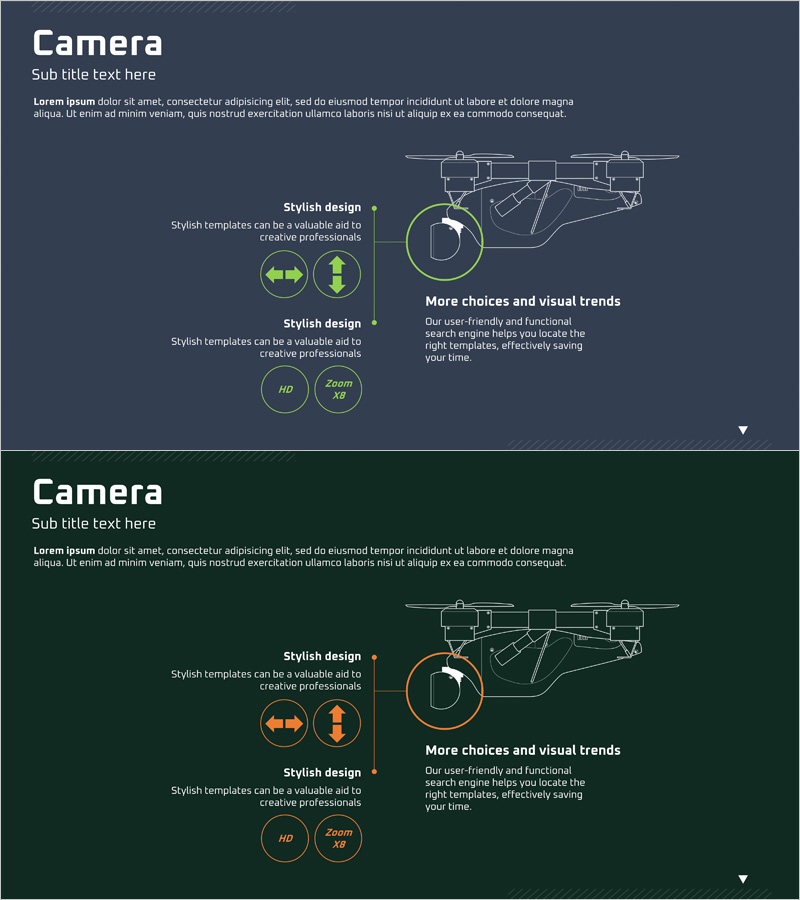
Drone Component Presentation – Stylish and Intuitive Template
RJ0400040_11
- Last Update 05/28/2025
- File Size 0.2MB
- # of Slides 2
- File Format PPTX
- Slide Ratio 16:9
- Color
Keywords
- #Content-Based Slides
- #Product/Service Introduction
- #Technical Approach
- #Composition
- #System Architecture Diagram
- #16:9
- #drone system architecture PowerPoint
- #drone component diagram slide
- #technical system diagram PPT
- #how to create drone structure presentation
- #system architecture visualization slide
About the Product
A PowerPoint slide that visualizes drone components and system structure through a hierarchical diagram. The dark background with lime green accent lines and icons enhances technical credibility, while the left text area and right drone architecture visualization clearly communicate information. This 2-slide set is ready to use immediately for drone technology presentations, product introductions, and investor briefings. The slides include component name input areas, functional description text boxes, and icon-based information display zones suitable for both technical documentation and marketing materials.
Usage Points
-
Main Usage
Clearly visualize system composition, component relationships, and architecture of drones and technical products. The dark-tone background with lime green accent lines emphasizes technical professionalism, enabling effective explanation of product structure to investors, partners, and customers.
-
How to Use
Enter component names and functional descriptions in the left text area, and mark corresponding components in the right diagram to clarify hierarchical relationships. Icon-based information display simplifies complex technical content, allowing step-by-step explanation of each component's role and interactions during presentations.
-
Recommended For
Optimized for product introduction presentations, technical briefings, and investor pitch decks from drone, robotics, IoT, and semiconductor companies. Ideal for engineering teams, marketing teams, and sales teams explaining technical structure to customers and investors.
-
Slide Structure
2-slide set with the first slide focusing on overall drone architecture and the second on detailed component hierarchy. Each slide features a left text input area (3-4 lines for component names and descriptions), right diagram area (hierarchical icons and connection lines), and bottom information box for additional details.
Related Products
-
Diagram of Evidence of a Case Visualization
#Product/Service Introduction #Operational Plan #Technical Approach
-
Cooperative Systems Diagram – Visualizing Technical Integration
#Product/Service Introduction #Technical Approach #Diagram
-
Ship System Configuration Diagram – Technology Introduction
#Product/Service Introduction #Technical Approach #Diagram
-
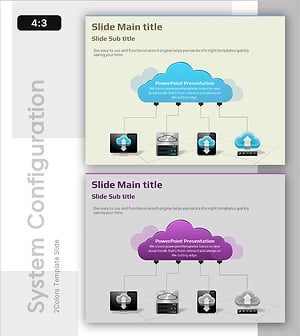
Cloud Network Architecture Overview – Technical Strength and Stability
#Product/Service Introduction #Technical Approach #Diagram
