



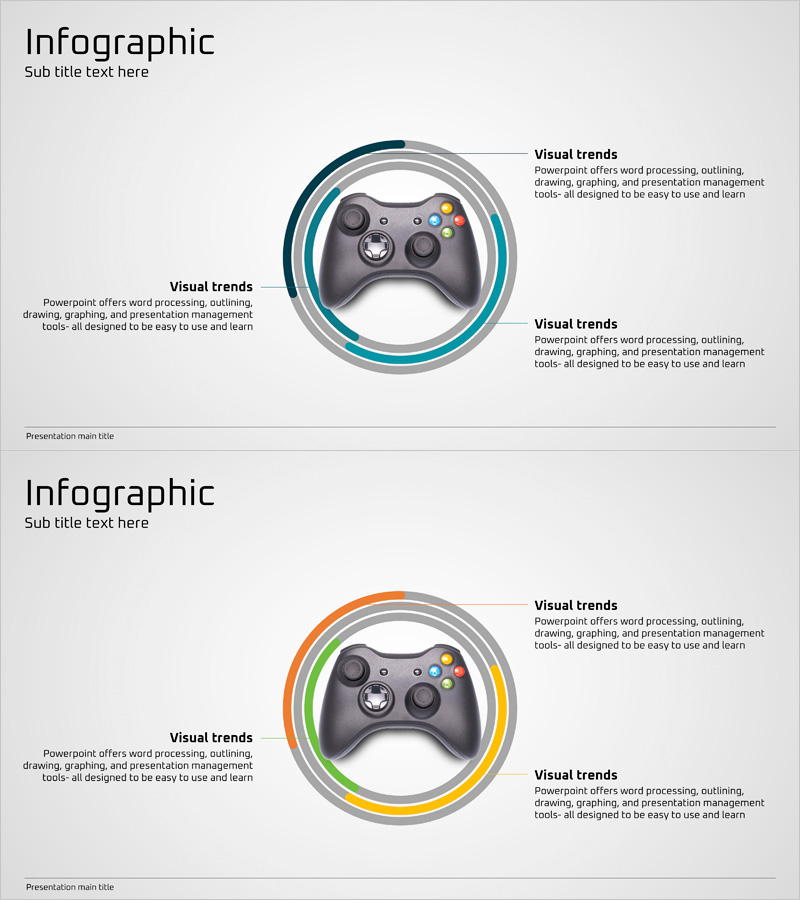
Game Service Features and Introduction – Captivating Infographic
RJ0400017_9
- Last Update 05/22/2025
- File Size 0.8MB
- # of Slides 2
- File Format PPTX
- Slide Ratio 16:9
- Color
Keywords
About the Product
A visually compelling infographic PowerPoint slide designed to showcase game service features and benefits. The layout features a central game controller image surrounded by three concentric circular layers in teal and gray tones, with dedicated text areas for feature descriptions. This circular hierarchy structure effectively communicates product value and differentiators to investors, partners, and users. The 2-slide set includes a color-variant layout with orange, green, and yellow accents, allowing you to adapt the design to different presentation contexts and audience engagement needs.
Usage Points
-
Main Usage
This slide is designed to visually highlight the core features and competitive advantages of a game service. The central controller image combined with the circular layer structure enables you to present key features (gameplay mechanics, graphics quality, community features, reward systems) in a hierarchical, easy-to-understand format for investors, partners, and end users.
-
How to Use
Enter game service features into each circular text section. The 2-slide set offers two color schemes: teal-gray for professional contexts and multi-color (orange, green, yellow) for dynamic presentations. Customize text and colors to match your brand identity and presentation goals. All text areas are fully editable in PowerPoint.
-
Recommended For
Ideal for game studio product launch presentations, game service marketing pitches, product feature sections in investment pitch decks, gaming platform partnership proposals, and community engagement presentations. Particularly effective for B2B and B2C contexts where game features need clear, visual emphasis.
-
Slide Structure
2-slide set with consistent structure: title area (1), central image (1), and three circular text sections per slide. Slide 1 uses teal-gray concentric circles; Slide 2 features multi-color rings (orange, green, yellow, gray). Each text area accommodates 100–150 characters, enabling clear information hierarchy and feature descriptions.
Related Products
-
Hamburger and Text Box – Tasty and Visual Product Introduction
#Product/Service Introduction #Product/Service Introduction #Features
-
Box Wide Template for Product and Service Introduction
#Product/Service Introduction #Product/Service Introduction #Features
-
Exploring Technology Through 3D Cubes – Creative Idea Visualization
#Product/Service Introduction #Diagram #Product/Service Introduction
-
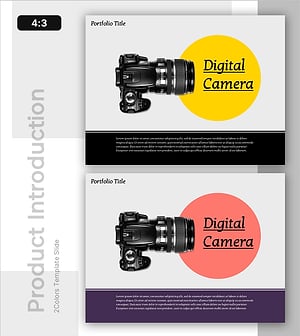
Portfolio PPT Template for Camera Product Introduction
#Product/Service Introduction #Product/Service Introduction #Features
