



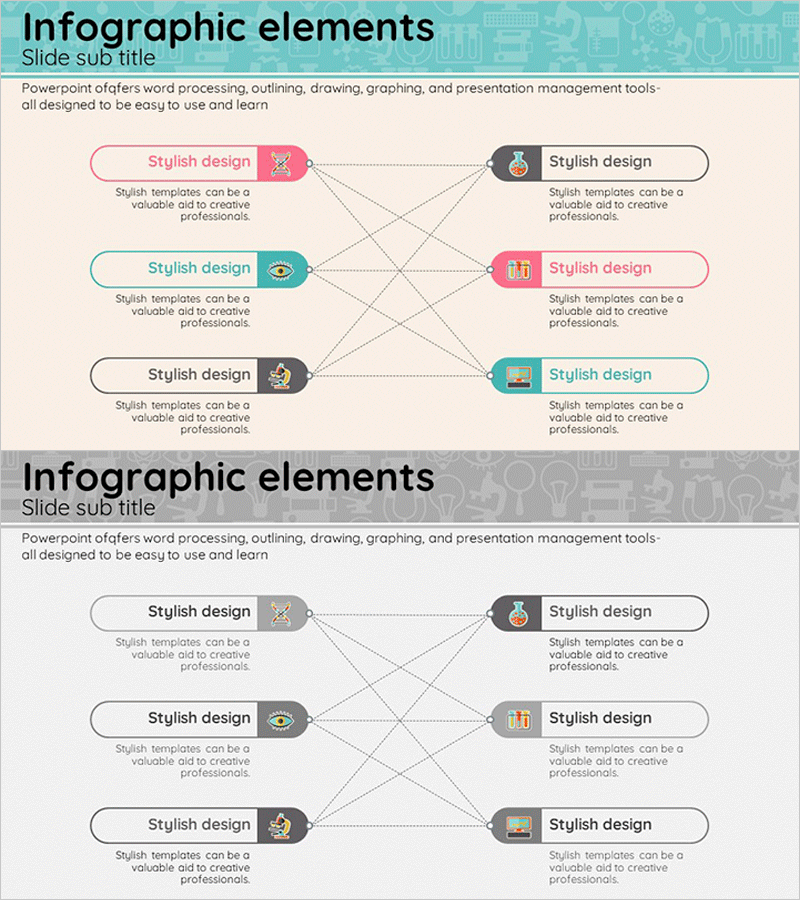
Medical Business Sector Connection Diagram – Effective Business Area Introduction
RJ0400015_9
- Last Update 05/21/2025
- File Size 0.8MB
- # of Slides 2
- File Format PPTX
- Slide Ratio 16:9
- Color
Keywords
About the Product
A bidirectional connection diagram PowerPoint slide featuring six nodes linked by dotted cross-arrows. The circular nodes are color-coded in pink, teal, and gray to represent different categories, sectors, or functions. Each node includes an icon and editable text area, enabling clear visualization of relationships, collaborations, and network structures between business areas, departments, or technologies. Two layout variations are provided on a 16:9 widescreen PPTX format. Ideal for healthcare, business, technology, and organizational relationship presentations.
Usage Points
-
Main Usage
Visualizes mutual interactions, collaborations, and network structures between organizations, departments, or business sectors using bidirectional connections. Effectively communicates healthcare business ecosystems, technology landscapes, inter-departmental collaboration frameworks, and supply chain networks in a clear, intuitive format.
-
How to Use
Enter department names, sector titles, or function labels in each node's text area. Customize icons to match your content and adjust colors to represent categories or priorities. Dotted arrows indicate relationship strength and directionality. Use in presentation slides, reports, and strategic documents to explain complex relationships and interdependencies.
-
Recommended For
Healthcare, pharmaceutical, and biotech companies presenting business divisions; IT and technology firms explaining ecosystems; consulting and financial institutions outlining partnership structures; government and public agencies demonstrating inter-organizational collaboration. Effective for executive presentations, investor pitches, and stakeholder communications.
-
Slide Structure
Two-slide layout. Top slide features three left-side nodes (pink, teal, gray) and three right-side nodes (gray, pink, teal) connected by crossing dotted lines. Bottom slide presents the same six-node structure on a gray background. Each node comprises a circular shape, icon, and editable text field. All elements are fully customizable.
Related Products
-
Diffusion Diagram Without Center – Effective Business Introduction
#Company Introduction #Business Introduction #Diagram
-
Financial Business Triangle Diagram – Visualization of Business Areas
#Company Introduction #Business Introduction #Diagram
-
Business Area Flower Diagram – Ideal for Company Introductions
#Company Introduction #Business Introduction #Diagram
-
Astronomy Research Core Areas Diagram – Vision and Strategy of the Business
#Company Introduction #Business Vision and Strategy #Diagram
