



Propeller Plan Slides with Silhouettes
RJ0400012_27
- Last Update 05/20/2025
- File Size 1.7MB
- # of Slides 2
- File Format PPTX
- Slide Ratio 16:9
- Color
Keywords
- #Content-Based Slides
- #Design-Based Slides
- #Business Management
- #Operational Plan
- #Other
- #Implementation Plan
- #Business Processes
- #Silhouette
- #16:9
- #5-stage implementation plan slide
- #silhouette PowerPoint design
- #business progress roadmap
- #operational plan presentation
- #phase progression PPT template
About the Product
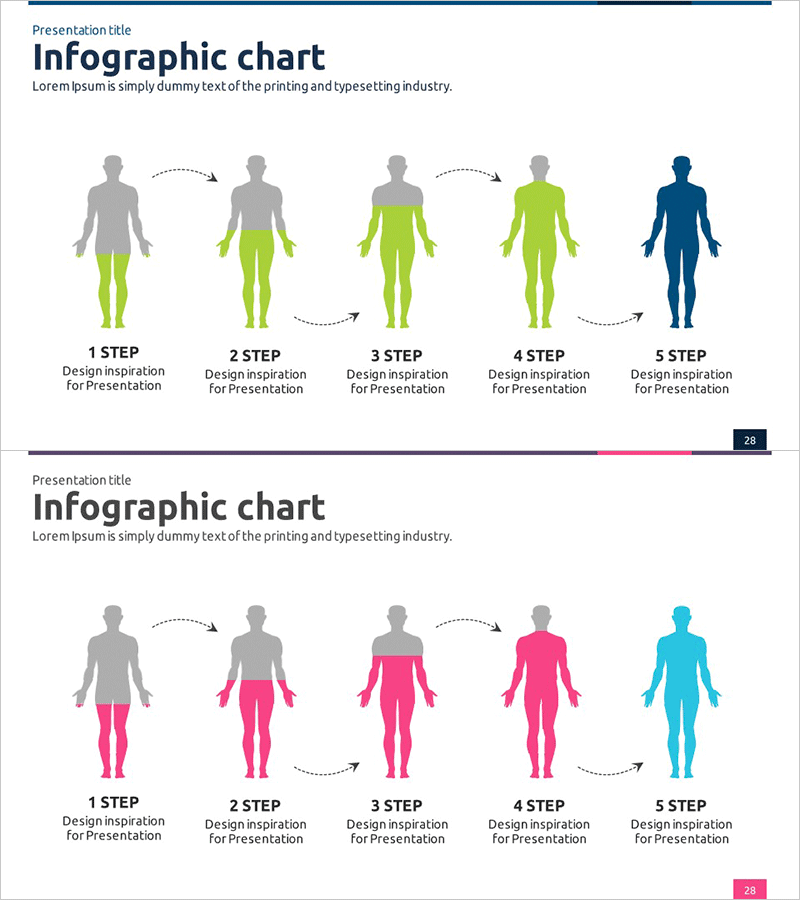
A PowerPoint slide that visualizes business implementation stages using human silhouettes with progressive color coding. The design transitions from gray through lime green to dark blue, clearly indicating advancement through five distinct phases. The 2-slide set includes a title area and five labeled sections for stage descriptions, making it immediately applicable to business plans, operational roadmaps, and project timelines. Formatted in 16:9 widescreen PPTX for seamless integration into modern presentation environments.
Usage Points
-
Main Usage
Effectively communicates multi-phase business initiatives, project timelines, and operational strategies through visual silhouette representation. The progressive color scheme (gray to green to blue) intuitively conveys advancement and completion status to audiences.
-
How to Use
Enter stage names, timelines, and key activities in the designated text areas below each silhouette. Leverage the color gradient to emphasize progression, and place the slide in strategy or implementation sections of business proposals, operational plans, or project presentations.
-
Recommended For
Business managers, project leads, and operations planners presenting phased initiatives to executives, investors, or clients. Particularly effective for quarterly reviews, strategic planning sessions, and proposal presentations requiring clear stage-by-stage breakdown.
-
Slide Structure
Two-slide set: Slide 1 features the primary green-to-blue silhouette progression with title area and five independent text input zones. Slide 2 provides an alternative color variant (pink-to-cyan) for design flexibility, maintaining identical layout structure with six total editable text areas.
Related Products
-
Step by Step Silhouette Graph – Visualization for Operational Planning
#Business Management #Operational Plan #Graph
-
Challenge and Winning Diagrams for Process Decision Making
#Business Management #Operational Plan #Diagram
-
Business Process Arrow Diagram – Systematic Business Management
#Business Management #Operational Plan #Diagram
-
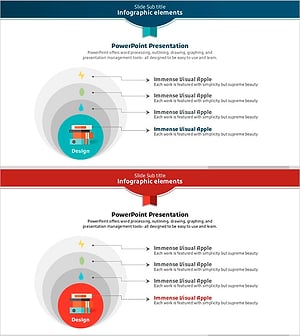
Nested Natural Elements Diagram – Efficient Operational Planning
#Business Management #Operational Plan #Diagram
