



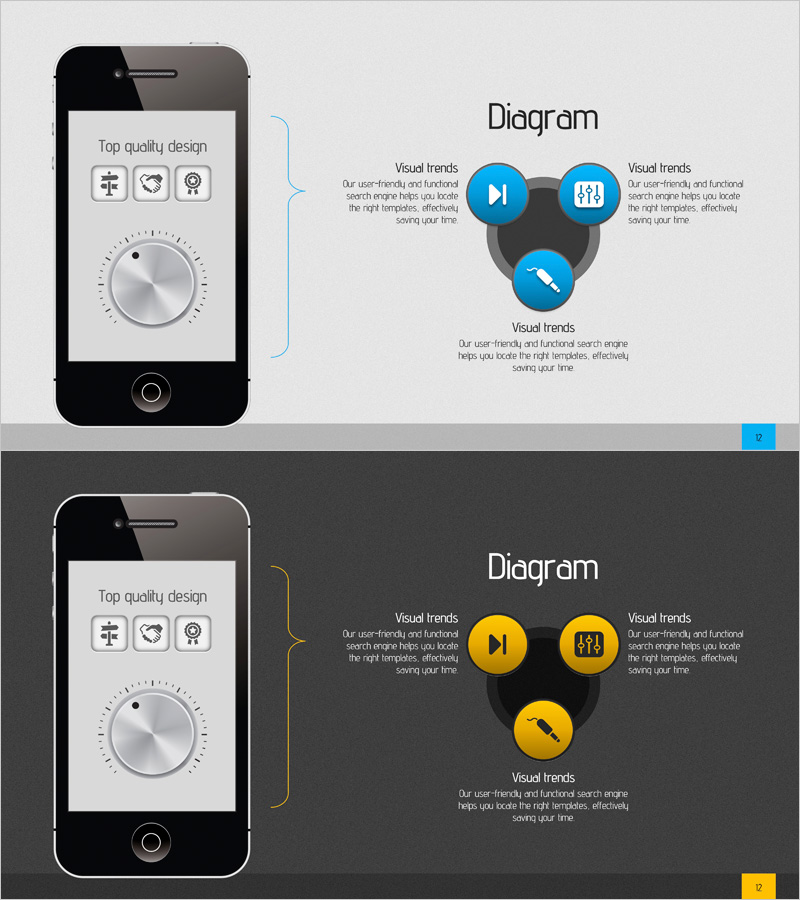
Diagram Slide Visualizing Acoustic Service Characteristics
RJ0400008_11
- Last Update 05/18/2025
- File Size 2.2MB
- # of Slides 2
- File Format PPTX
- Slide Ratio 16:9
- Color
Keywords
- #Content-Based Slides
- #Design-Based Slides
- #Product/Service Introduction
- #Diagram
- #Other
- #Product/Service Introduction
- #Composition
- #Spread
- #Decentralized Diagram
- #16:9
- #radial diagram PowerPoint
- #3-node radial diagram slide
- #service characteristics visualization
- #acoustic service presentation
- #diagram PowerPoint slide template
About the Product
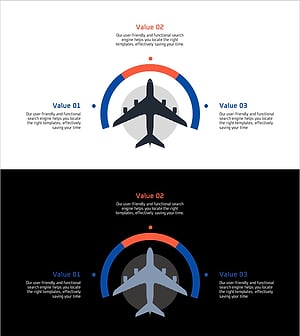
A radial diagram PowerPoint slide visualizing acoustic service characteristics through a 3-node structure. The design features a central hub with three directional nodes radiating outward, effectively representing service features, technical elements, and user experience simultaneously. The dual-tone color scheme of blue and yellow provides clear information hierarchy, with each node including icon placeholders and text areas for immediate use in presentations, product introductions, and service planning documents. The 16:9 widescreen format across 2 slides is ideal for comparative analysis and time-based change visualization.
Usage Points
-
Main Usage
Presents three core elements—acoustic service, technology platform, and product features—through a central hub radiating outward structure, emphasizing interconnection and integration. Ideal for service introductions, product planning, and technology architecture explanations where clear information hierarchy is essential.
-
How to Use
Enter the core concept (e.g., acoustic service) in the central circular node, then populate the three directional nodes with specific features (e.g., user-friendliness, technological innovation, visual trends). Edit node text and icons to match your presentation context, and customize the dual-tone color scheme to align with brand colors if needed.
-
Recommended For
Product marketing managers, technology planners, service strategy teams, investment presentation speakers, and consulting report authors who need to explain service characteristics, technical elements, and market positioning simultaneously.
-
Slide Structure
2-slide composition. Slide 1: Blue-toned background with 3 blue nodes (1 central + 3 surrounding) and text areas. Slide 2: Yellow-toned background with identical node structure and text areas. Each node includes icon placeholder and descriptive text input area, 16:9 widescreen format.
Related Products
-
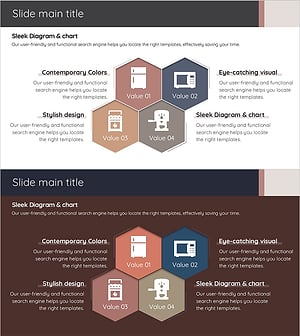
Introduction to Kitchen Appliances Infographic Slide – Emphasizing Practicality and Style
#Product/Service Introduction #Diagram #Product/Service Introduction
-
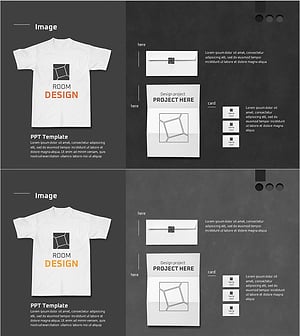
T-shirt Goods Mockup – Product Introduction and Design
#Product/Service Introduction #Other #Product/Service Introduction
-
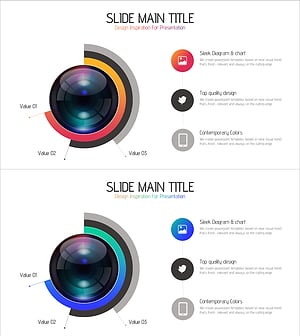
Camera Usage App Analysis – Innovation and Insight
#Product/Service Introduction #Diagram #Graph
-
Introduction of Aircraft Product Characteristics – Providing Differentiated Value
#Product/Service Introduction #Diagram #Other
