



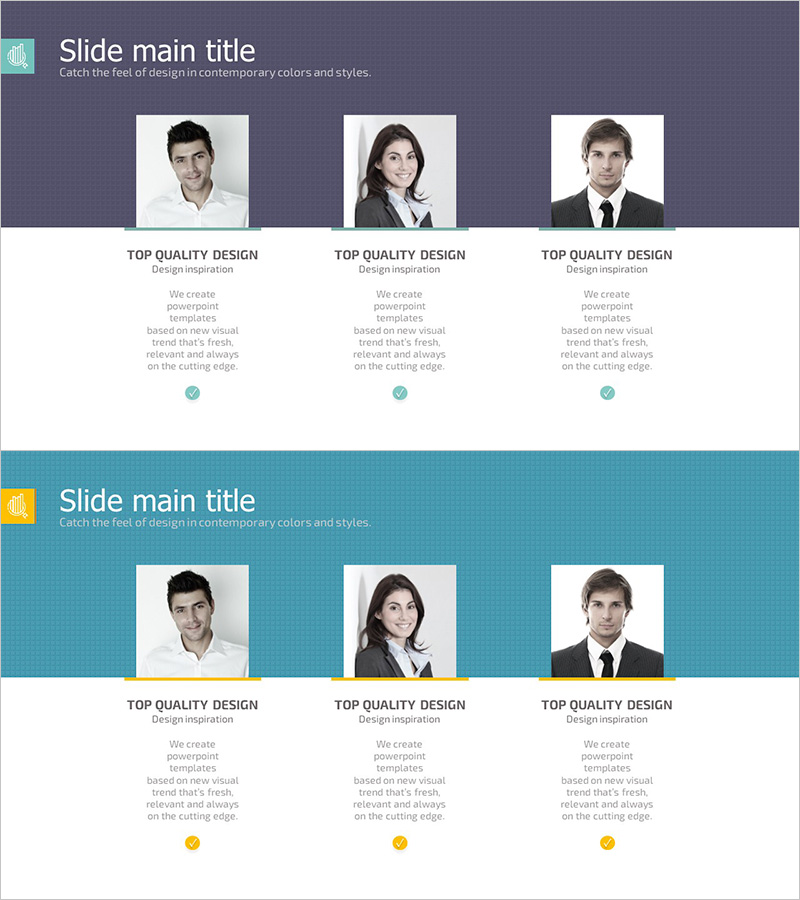
Perfect Team Personnel Profile – Slide for Major Client Introduction
RJ0300078_7
- Last Update 05/11/2025
- File Size 1.2MB
- # of Slides 2
- File Format PPTX
- Slide Ratio 16:9
- Color
Keywords
- #Content-Based Slides
- #Design-Based Slides
- #Company Introduction
- #Customer Success Stories
- #Diagram
- #Manpower
- #Introduction of Key Customers
- #Cluster
- #Closed Cluster Diagram
- #16:9
- #team personnel profile PowerPoint
- #personnel introduction slide
- #cluster diagram PowerPoint
- #company introduction slide
- #team member presentation template
About the Product
A three-node cluster diagram PowerPoint slide designed to visually introduce team members. The layout features a central title area with three evenly-spaced positions (left, center, right) for personnel photos, job titles, and descriptive text. Ideal for company introduction presentations and customer success case studies to effectively highlight key team members. Two color background versions (dark gray and teal) are provided, both in 16:9 aspect ratio PPTX format for immediate editing. Simply select the background color that matches your overall presentation theme.
Usage Points
-
Main Usage
Optimized for company introduction decks, customer success case studies, and team presentation slides where three key personnel need to be highlighted using a centralized cluster layout. Clearly communicates organizational structure and individual roles through integrated photo, title, and description areas.
-
How to Use
Insert team member photos into the designated image areas on each slide, then enter names, job titles, and role descriptions in the text boxes. Choose between the dark gray or teal background version based on your overall presentation color scheme and design theme.
-
Recommended For
Recommended for company introduction presentations, client meetings, team introduction sessions, investor pitch decks, and business proposal presentations. Particularly effective when introducing three leadership team members or key personnel who need prominent visibility.
-
Slide Structure
Central title area at the top with three cluster nodes (left, center, right) evenly distributed below. Each node contains a square photo area, job title text, and descriptive text field, with subtle connecting lines between nodes to emphasize the cluster relationship.
Related Products
-
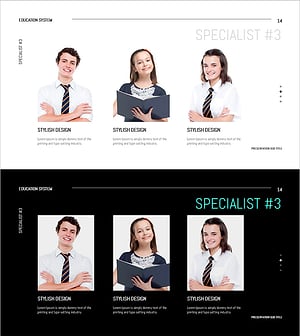
Introduction to Representative Students – Engaging Presentation
#Company Introduction #Customer Success Stories #Diagram
-
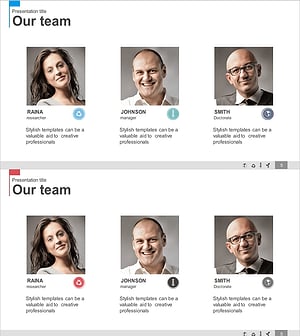
Manpower & Key Customer Introduction Slides – Team and Achievements
#Company Introduction #Customer Success Stories #Diagram
-
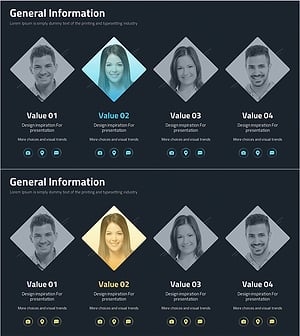
Company Key Personnel Introduction Slide – Customer Success Stories
#Company Introduction #Customer Success Stories #Diagram
-

Introduction of Student Representatives Slide – Eye-catching Design
#Company Introduction #Customer Success Stories #Diagram
