



Diagram for Visualizing Business Process – Management Strategy
RJ0300076_12
- Last Update 05/10/2025
- File Size 0.6MB
- # of Slides 2
- File Format PPTX
- Slide Ratio 16:9
- Color
Keywords
- #Content-Based Slides
- #Design-Based Slides
- #Business Strategy
- #Operational Plan
- #Diagram
- #Step-by-Step Schedule Plan
- #Business Processes
- #Cluster
- #Chain Diagram
- #16:9
- #connected diagram PowerPoint
- #business process flowchart slide
- #7-step process diagram
- #management strategy visualization
- #organizational workflow PPT
- #process flow slide template
About the Product
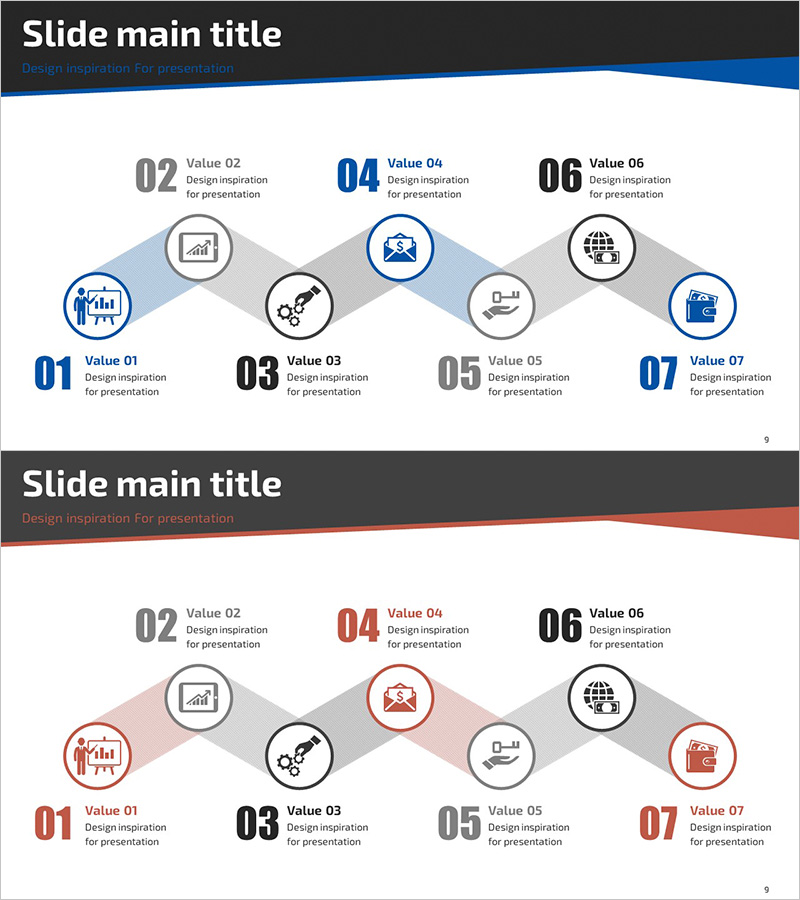
A 7-node connected diagram PowerPoint slide for visualizing business processes and organizational workflows. The design features a central hub with nodes radiating left and right, ideal for presenting management strategies, operational processes, and business flows in a structured manner. Icons and circular nodes in blue, gray, and black tones clearly distinguish each element, while arrows and connecting lines intuitively convey relationships between process steps. The 2-slide set includes color variations (blue and red versions) to match your presentation theme. Delivered in 16:9 widescreen PPTX format, fully editable and ready to customize.
Usage Points
-
Main Usage
This slide visualizes organizational workflows, management strategies, and business processes in a step-by-step format. The radial hub-and-spoke structure clearly shows relationships between core elements and supporting components, making it ideal for executive presentations, strategic planning sessions, organizational restructuring announcements, and process improvement proposals.
-
How to Use
Enter department names, task titles, or strategy items into each circular node, and replace icons to match your content. Adjust text size and colors to establish emphasis hierarchy. Customize the number of nodes by adding or removing elements as needed. Choose between the blue or red color version based on your presentation theme and audience.
-
Recommended For
Recommended for executives, managers, and project leaders presenting organizational structures, operational workflows, and strategic roadmaps. Ideal for management meetings, strategic planning presentations, organizational change announcements, business process improvement initiatives, and employee onboarding materials.
-
Slide Structure
2-slide set. Each slide features a central hub node (blue or red) with 6 supporting nodes radiating outward in a balanced left-right arrangement. Each node includes an icon, number, and text area. Connecting lines and directional arrows illustrate process flow and relationships. Optimized for 16:9 widescreen format for large-screen presentations.
Related Products
-
Energy Business Process – Visualization of Strategic Operating Plan
#Business Strategy #Operational Plan #Diagram
-
Service Business Process Diagram – Efficient Business Advancement
#Business Strategy #Operational Plan #Diagram
-
Weather Connection Diagram by Type – Business Strategy and Operations Plan
#Business Strategy #Operational Plan #Diagram
-
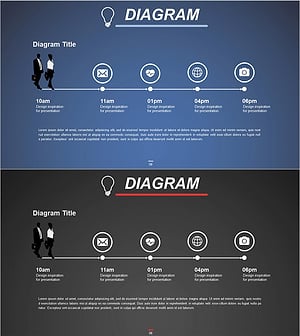
Business Processes by Business Hours Slide – Efficient Operations Planning
#Business Strategy #Operational Plan #Diagram
