



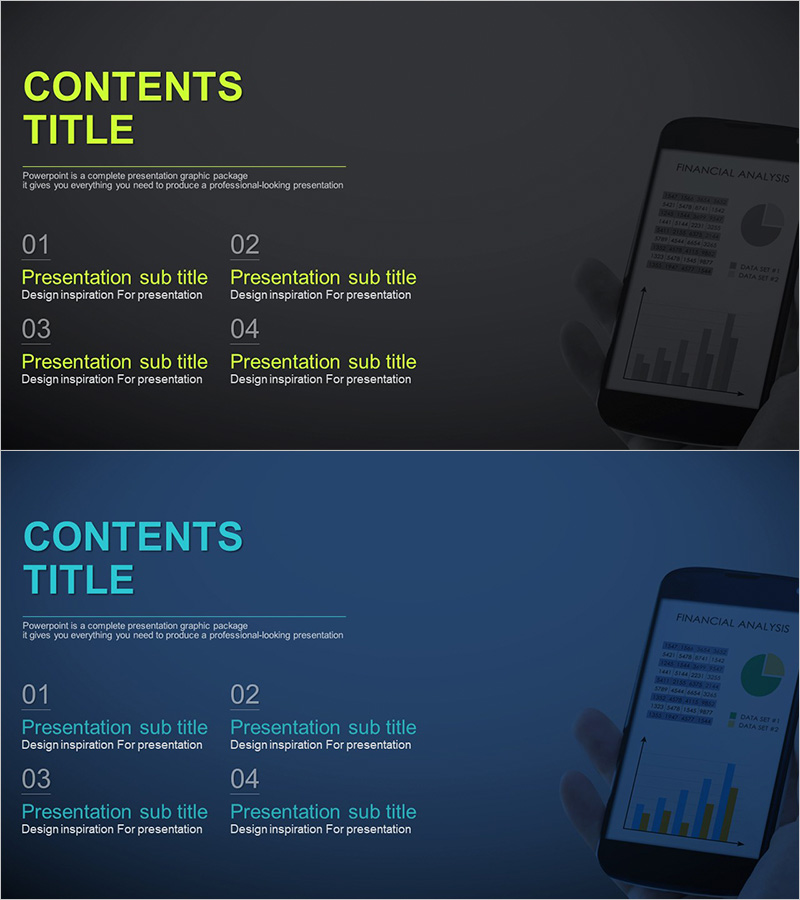
Financial Management Template Contents
RJ0300073_2
- Last Update 05/09/2025
- File Size 0.4MB
- # of Slides 2
- File Format PPTX
- Slide Ratio 16:9
- Color
Keywords
About the Product
A 2-slide PowerPoint contents page template designed for financial management and business presentations. Features two distinct color themes: dark gray background with lime green typography and navy blue background with cyan text. Each slide includes a numbered 4-item structure with dedicated text input areas for main titles and subtitles. The right side displays a tablet device mockup showing financial analytics, adding a contemporary business aesthetic. Fully editable PPTX format in 16:9 aspect ratio, ready for immediate use in corporate presentations, reports, and investor pitches.
Usage Points
-
Main Usage
Provides a clear visual roadmap of your presentation structure to guide audiences through key sections. The dual-theme design (dark gray and navy blue) allows flexible color matching with corporate branding or presentation topics. The numbered 4-item layout effectively communicates information hierarchy and presentation flow.
-
How to Use
Simply edit the text fields to add your presentation sections and descriptions. Select the dark theme for outdoor projections or formal corporate settings, and the navy theme for indoor conference rooms or educational seminars. Replace the tablet image area with your company logo or product visuals to strengthen brand consistency throughout the deck.
-
Recommended For
Ideal for business plans, investor pitch decks, company profiles, marketing proposals, product introductions, quarterly reports, and financial presentations. Recommended for professionals in finance, consulting, IT, manufacturing, and other industries requiring credibility and structured information presentation.
-
Slide Structure
Each slide contains a 'CONTENTS TITLE' header at the top, four numbered sections (01-04) in the center with dedicated text input areas for titles and descriptions, and a tablet device mockup on the right side. The layout supports flexible customization—adjust the number of items from 3 to 5 by editing the numbered structure while maintaining visual balance.
Related Products
-
Chess Themed Business Strategy Template Contents
#Slide Type #Table of Contents
-
Table of Contents Slide – Rounded Edge Business PowerPoint
#Slide Type #Table of Contents
-
Modern City Theme Proposal Contents
#Slide Type #Table of Contents
-
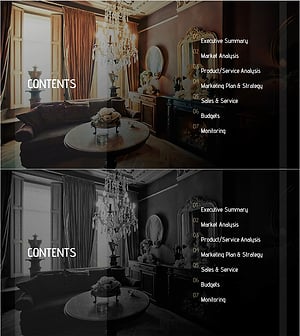
Luxury Hotel Marketing Plan Template Contents
#Slide Type #Table of Contents
