



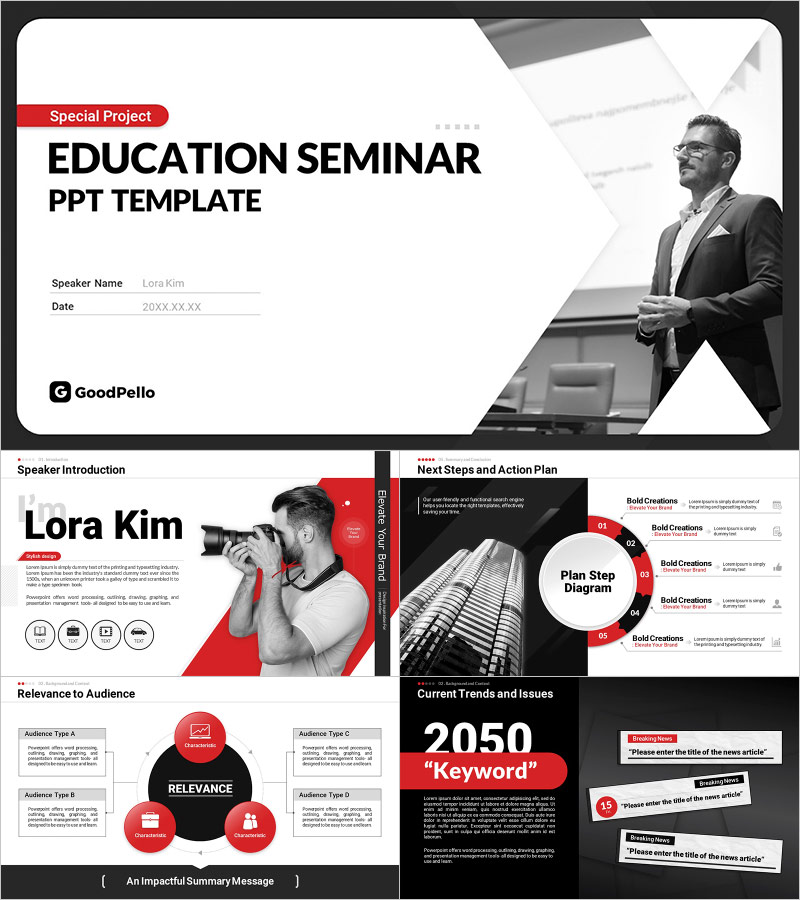
Modern Diagonal Business Seminar PowerPoint Template – Innovative Design and Practicality
M0900007
- Last Update 09/30/2025
- File Size 156.6MB
- # of Slides 19
- File Format PPTX
- Slide Ratio 16:9
- Color
Slide Preview







Keywords
About the Product
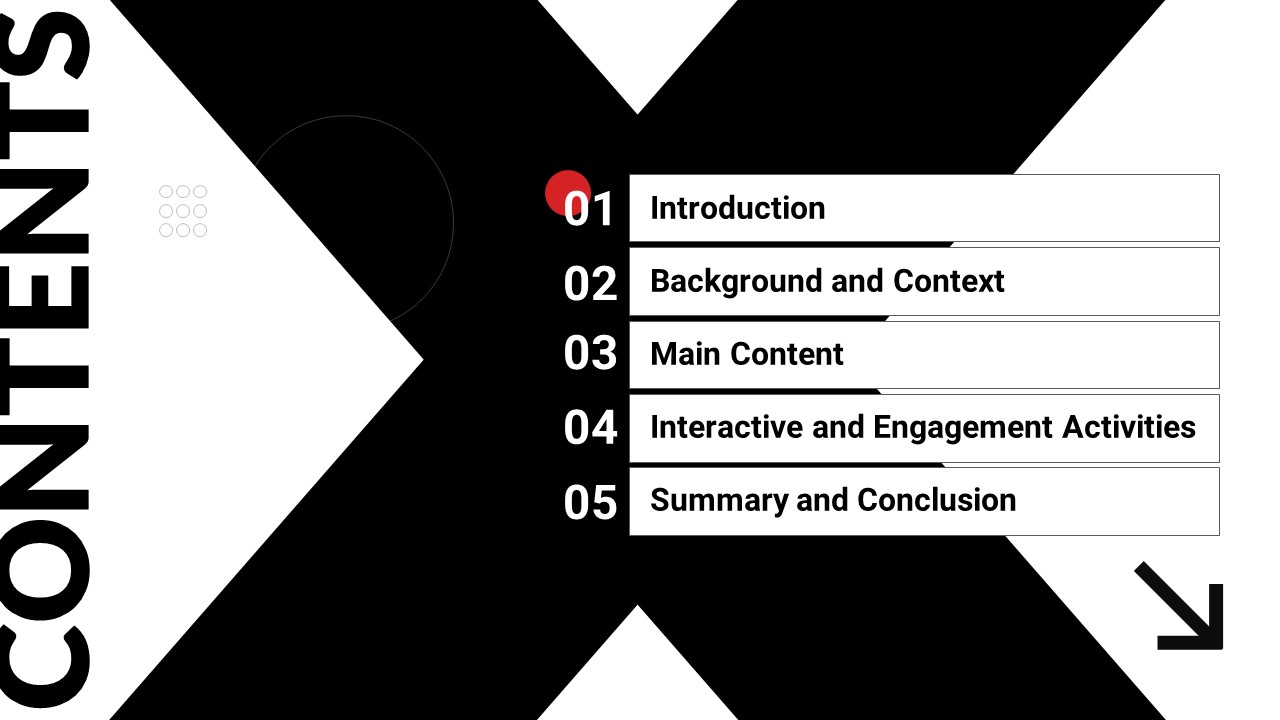
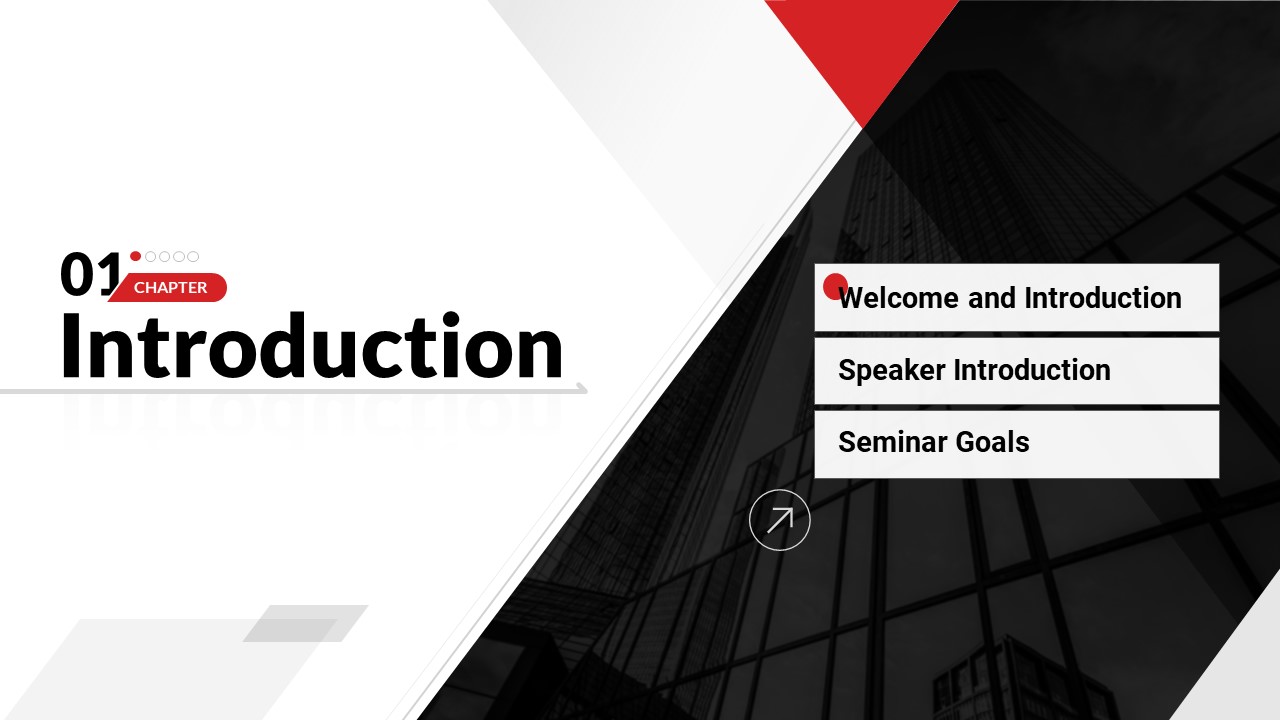
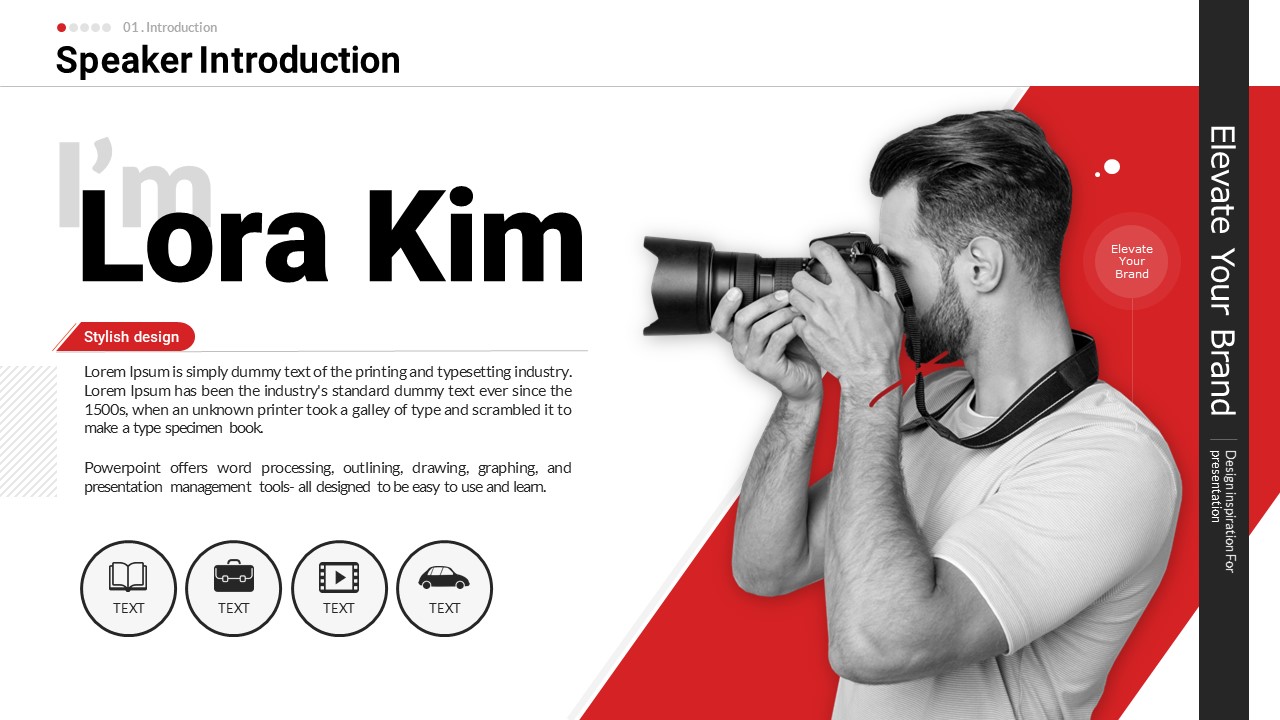
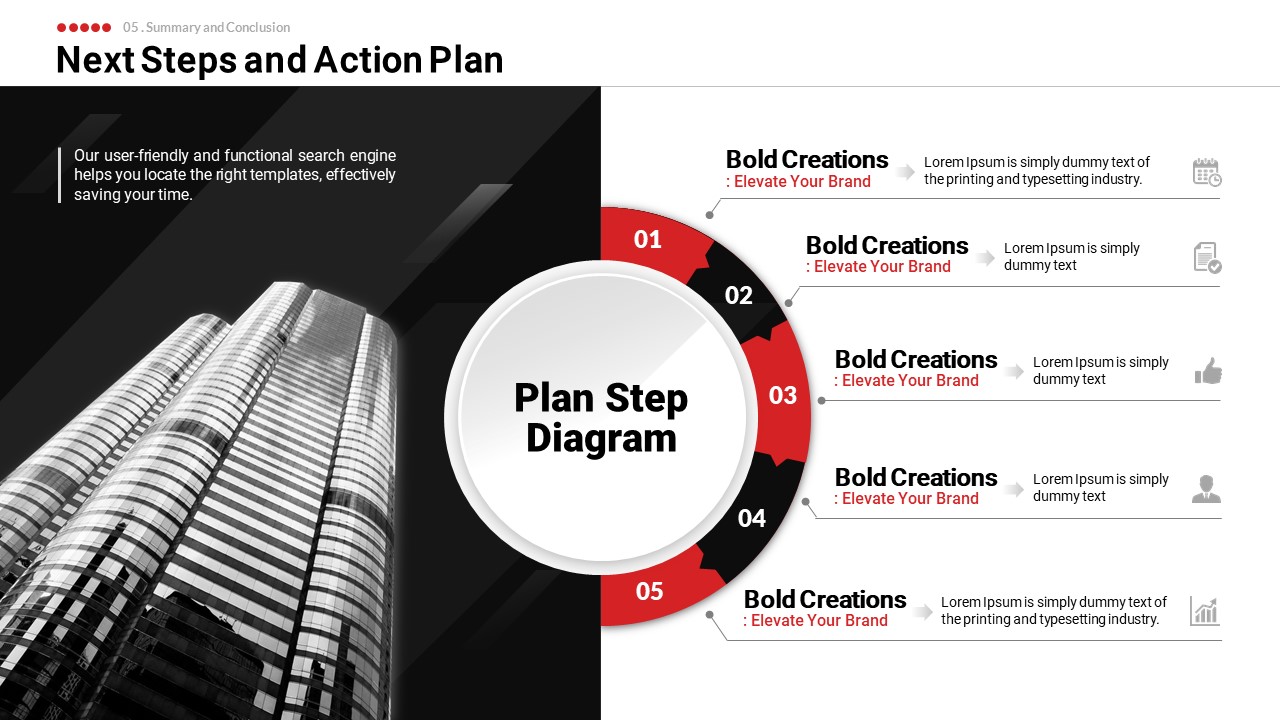
A professional PowerPoint template built for corporate training sessions, business seminars, and workshops. The design features a white base with bold red and black accent colors arranged through diagonal geometric shapes, delivering a modern and dynamic visual identity. The 19-slide deck covers every stage of a seminar: speaker introduction, audience relevance analysis, trend and issue slides, interactive polls and surveys, a 5-step action plan diagram, and a closing message. A clear chapter numbering system (01–05) structures the presentation flow, while the left-text and right-visual split layout maximizes information clarity. Delivered as an editable PPTX file, all text, colors, and images can be freely customized. Simply replace the placeholder content to create a polished seminar presentation or training slides ready for immediate use.
Usage Points
-
Main Usage
Designed for corporate trainers, guest speakers, and HR professionals who need a structured and visually engaging presentation to deliver seminar content and facilitate audience interaction during business training events.
-
How to Use
Follow the chapter sequence (01–05): start with the speaker introduction slide, move through the main content sections, incorporate the polls and Q&A slides for audience engagement, present the 5-step action plan, and close with the summary message slide. Replace placeholder text and images with your own content.
-
Recommended For
Best suited for corporate HR teams, in-house trainers, external speakers, and education program coordinators who regularly prepare seminar or workshop presentations. Particularly effective for sessions that include interactive audience participation segments.
-
Slide Structure
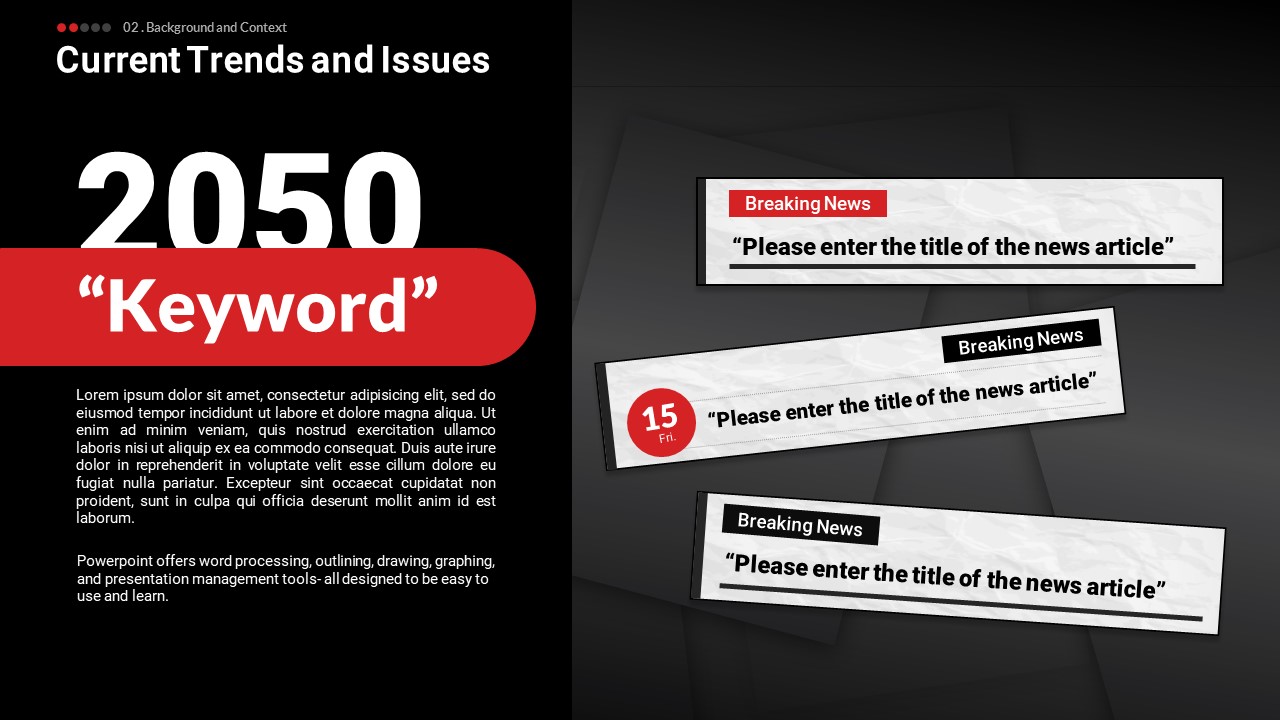
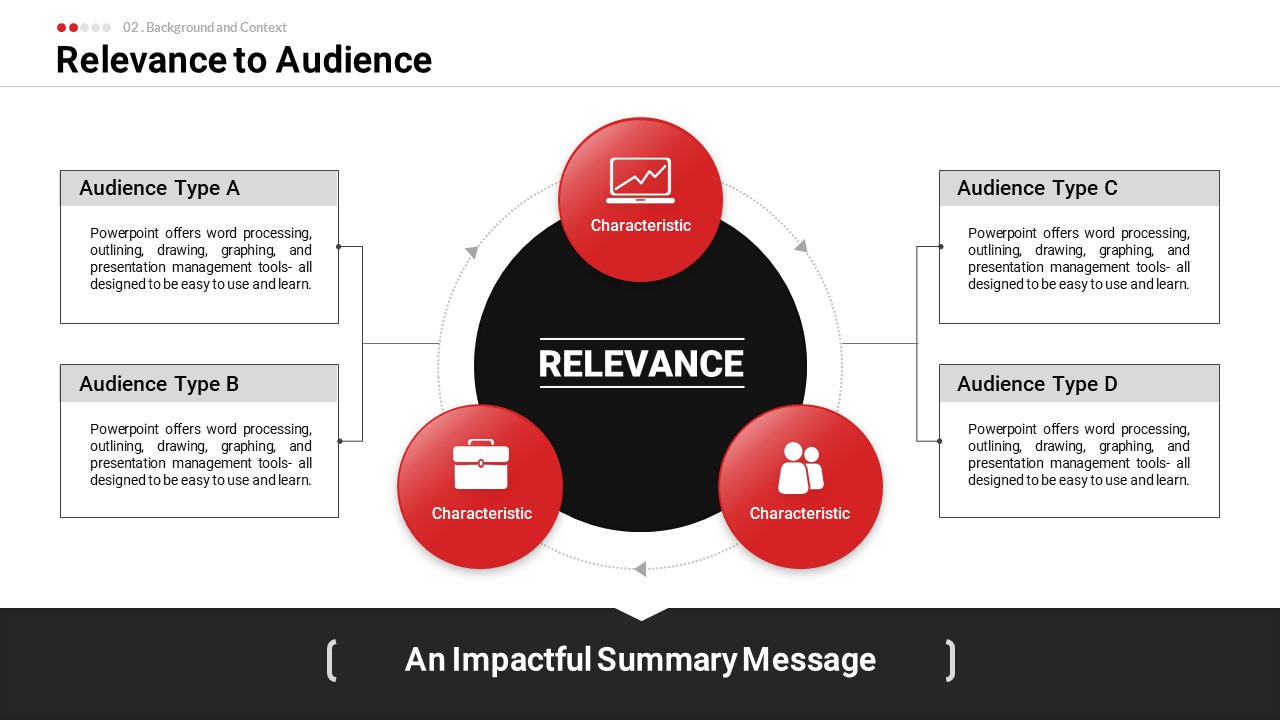
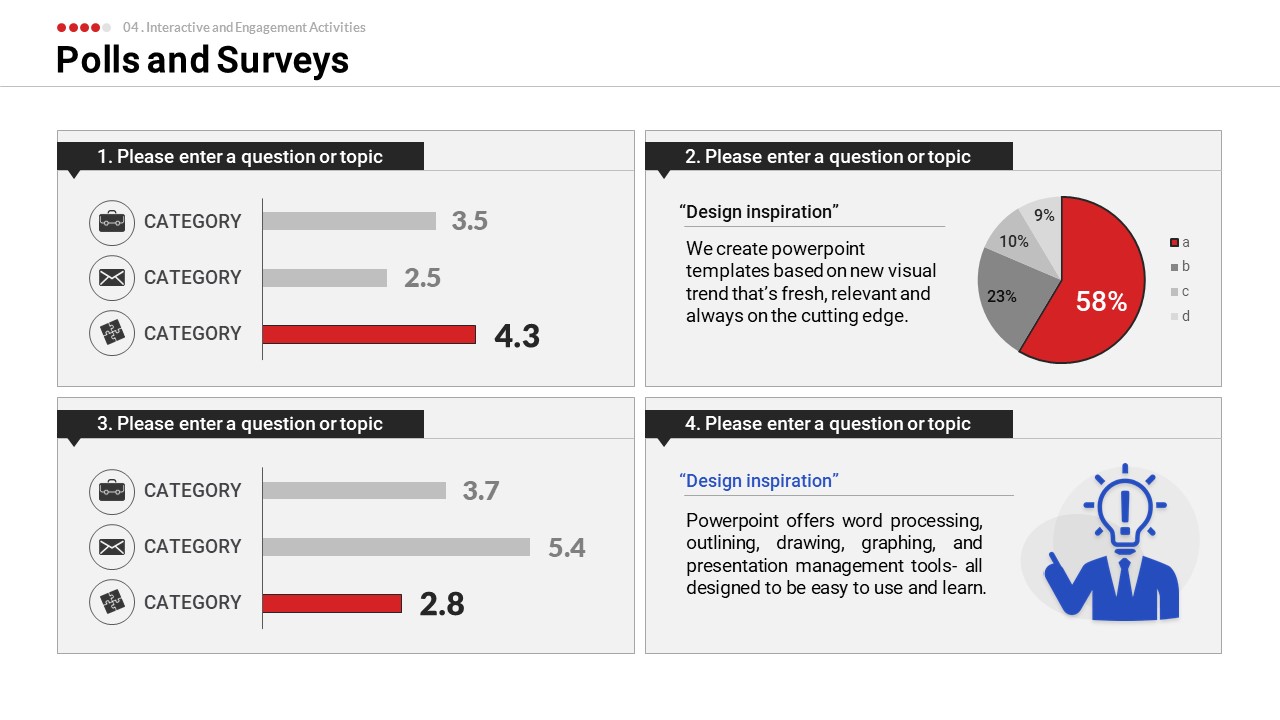
19 slides total: cover slide (speaker name and date fields) → speaker introduction → chapter dividers (01–05) → audience relevance (4-quadrant cluster diagram) → current trends and issues (news card layout) → polls and surveys (horizontal bar chart + pie chart) → next steps and action plan (5-step circular diagram) → closing message slide.
Related Products
-
Bright and Trendy Educational Seminar Presentation Illustration Template
#Education and Seminar
-
Medical Education Seminar Illustration PPT Template – Practical and Stylish Design
#Education and Seminar
-
Template for Presentation of Youth Employment Project – Professional Design for Educational Purposes
#Education and Seminar
-
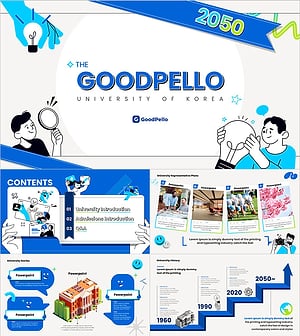
College Admissions Guide PowerPoint Template – Intuitive Illustration Design
#Education and Seminar
