



Brainstorming Template - Break Time
RJ0300068_21
- Last Update 05/07/2025
- File Size 2.6MB
- # of Slides 2
- File Format PPTX
- Slide Ratio 16:9
- Color
Keywords
About the Product
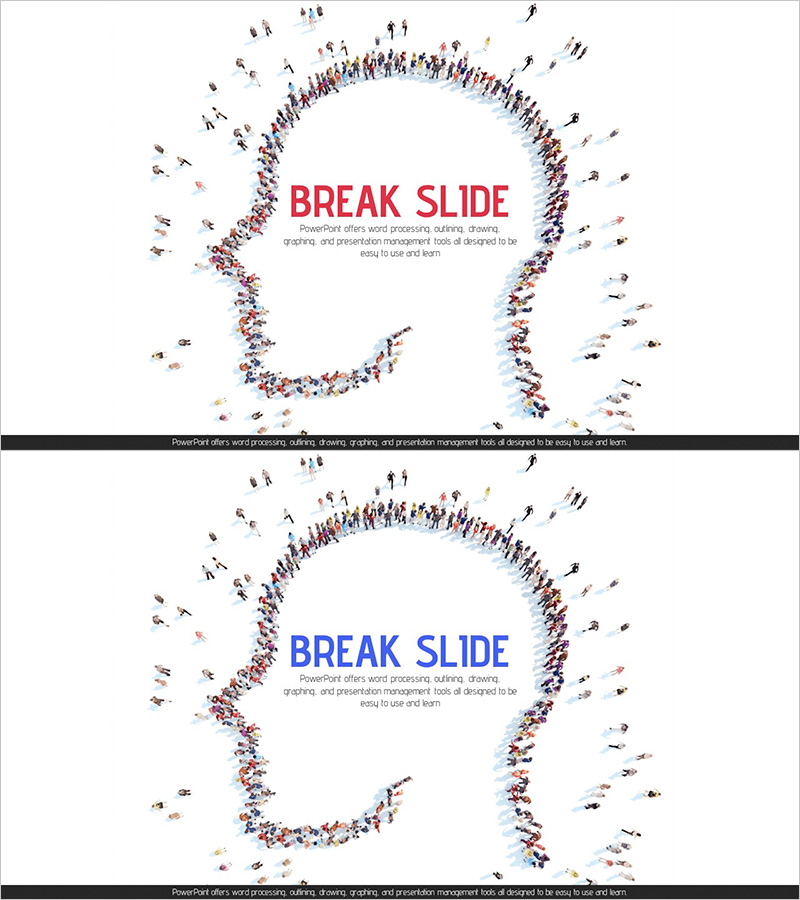
A 2-slide PowerPoint presentation template designed to mark break time during brainstorming sessions. The unique composition features diverse human figures arranged in a question mark shape, visually conveying a pause in the creative ideation process. Two color versions—red and blue—are included, allowing you to match your presentation tone. In 16:9 widescreen PPTX format, this slide deck is ready to edit and use immediately. Perfect for team meetings, workshops, and planning presentations where you need to transition the atmosphere and give participants a mental break.
Usage Points
-
Main Usage
This slide clearly marks break time during brainstorming sessions and team meetings, providing a visual pause in the creative thinking process. It effectively communicates the need for mental rest and helps maintain participant engagement in ideation workshops, planning presentations, and team-building sessions.
-
How to Use
Insert this slide during the break interval of your brainstorming session to signal a pause to your audience. Use the red version for energetic atmospheres or the blue version for calm, focused settings. Customize the text area at the top with your own break time instructions or messages to personalize the slide.
-
Recommended For
Marketing team ideation presentations, new business planning workshops, product development meetings, organizational creativity seminars, and consulting project kickoff meetings. Especially valuable in extended meetings or workshops where maintaining participant focus and creating a positive atmosphere is essential.
-
Slide Structure
Two-slide composition with each slide featuring a crowd of human figures arranged in a question mark shape at the center. The top area includes a 'Break Slide' text field, and the bottom contains space for descriptive text. Red and blue accent versions are provided separately, allowing flexible selection based on your presentation concept.
Related Products
-
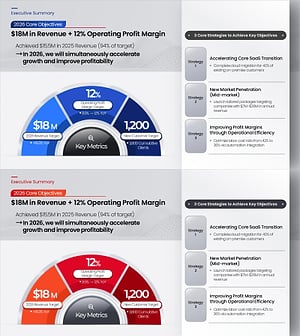
Key Objectives Summary PowerPoint Slide – Gauge KPIs
#Company Introduction #Business Vision and Strategy #Key Achievements
-
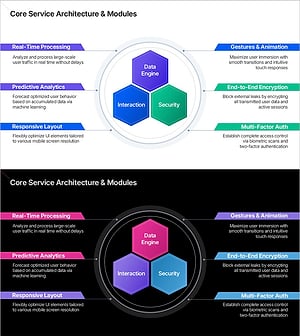
Service Architecture PowerPoint – Hexagon Hub 6 Modules
#Product/Service Introduction #Technical Approach #Product/Service Introduction
-
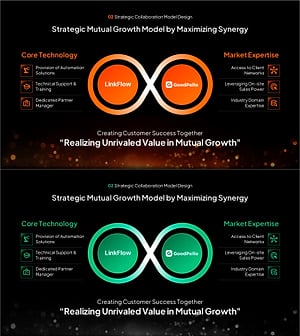
Strategic Mutual Growth PowerPoint Slide – Infinity Synergy
#Business Vision and Strategy #Diagram #Business Strategy
-
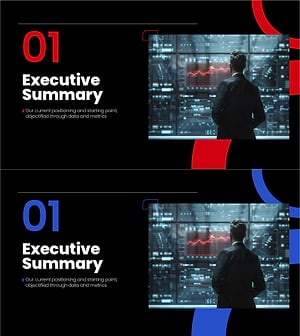
Section Divider PowerPoint Slide – Dark Numbered Intro
#Slide Type #Section Cover
