



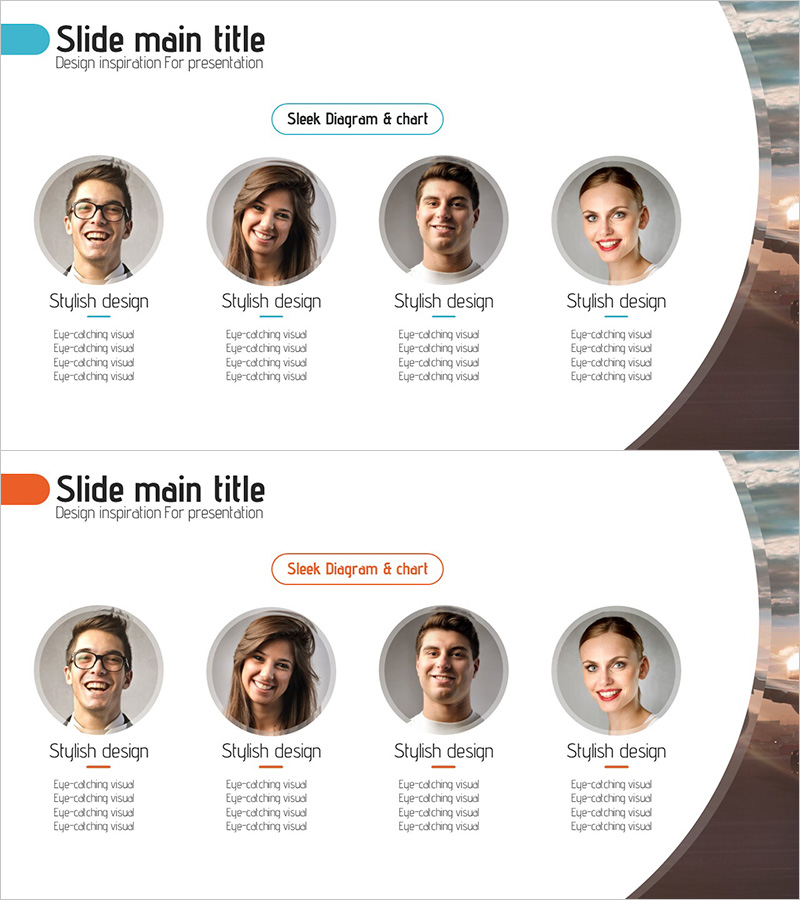
Introducing the Elite Crew Team – Cluster Diagram Design
RJ0300067_4
- Last Update 05/07/2025
- File Size 3MB
- # of Slides 2
- File Format PPTX
- Slide Ratio 16:9
- Color
Keywords
About the Product
A cluster diagram PowerPoint slide that arranges team members in a circular layout. This design places four team member profiles around a central core message, visualizing equal relationships and team cohesion. Each team member section includes dedicated areas for profile photos, names, and role descriptions that can be customized. Ideal for company introductions, team presentations, organizational structure explanations, and various business presentations where you need to effectively communicate team composition and responsibilities. Consists of 2 slides in 16:9 widescreen PPTX format.
Usage Points
-
Main Usage
Displays team member roles and relationships through a symmetrically arranged cluster structure with four nodes positioned around a central focal point. Each node accommodates profile photos, job titles, and responsibilities, clearly representing team composition and hierarchical relationships.
-
How to Use
Use in company introduction team pages, organizational structure explanation slides, team building presentations, and new employee training materials. Insert each team member's photo in the designated profile areas and fill in names, positions, and department responsibilities in the text boxes.
-
Recommended For
HR professionals, team leaders, project managers, and corporate training coordinators explaining team structures. Suitable for startup pitches, consulting firm proposals, organizational restructuring announcements, team performance reports, and any presentation requiring team-level business explanations.
-
Slide Structure
Comprises 2 slides, each featuring a central label area and 4 circular profile nodes. Layout includes a slide title at the top, team or department name input area in the center, and 4 equally-sized circular sections positioned at cardinal directions.
Related Products
-
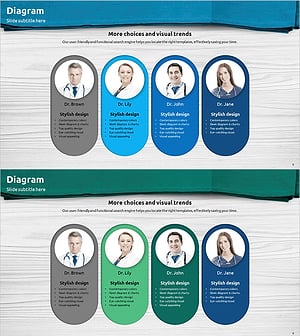
Representative Medical Staff Introduction Slide – Trustworthy Visuals
#Company Introduction #Diagram #Manpower
-

Introduction to the Mobile Network Team Slide
#Company Introduction #Diagram #Manpower
-
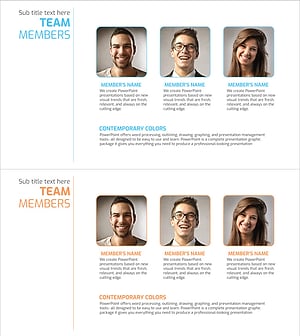
Introducing a Positive Team Member Profile – Cluster Diagram Application
#Company Introduction #Diagram #Manpower
-
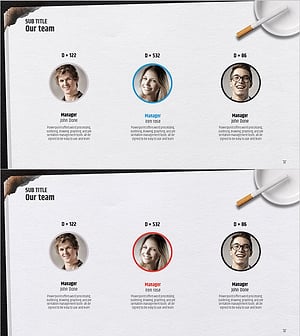
Successful Quit Smoking Profile – Customer Success Stories
#Company Introduction #Customer Success Stories #Diagram
