



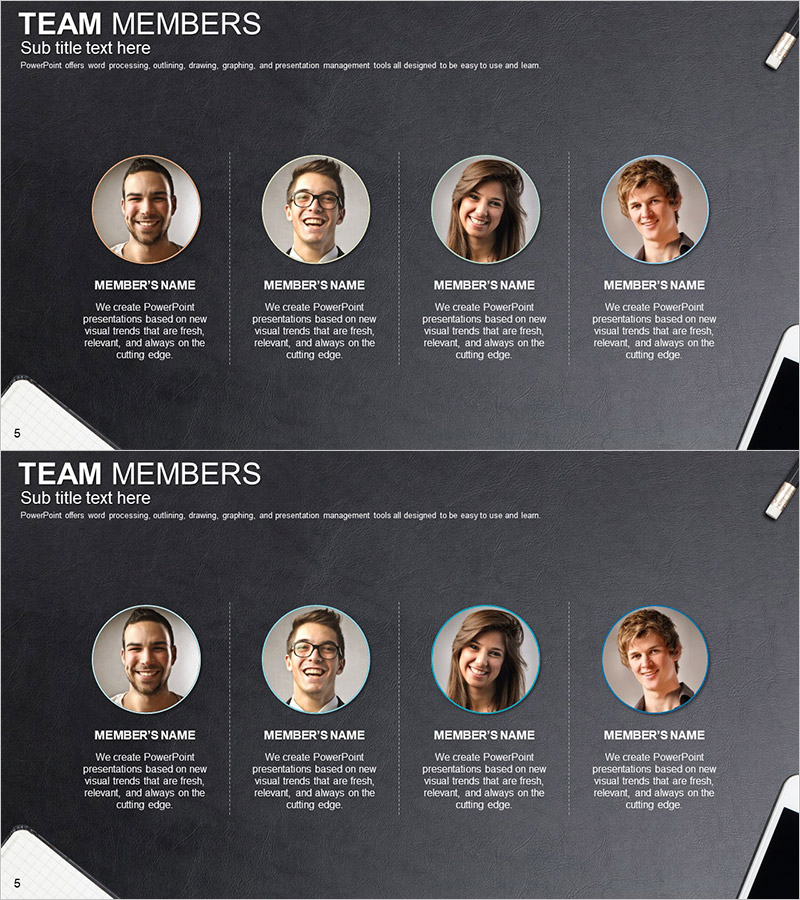
Office Supplies Theme Key Personnel Slide – Expert and Team Introduction
RJ0300063_4
- Last Update 05/05/2025
- File Size 4.7MB
- # of Slides 2
- File Format PPTX
- Slide Ratio 16:9
- Color
Keywords
- #Content-Based Slides
- #Design-Based Slides
- #Company Introduction
- #Diagram
- #Manpower
- #Cluster
- #Closed Cluster Diagram
- #16:9
- #team introduction PowerPoint slide
- #team member presentation template
- #organizational structure slide
- #4-person team layout
- #team profile slide deck
- #company introduction team page
About the Product
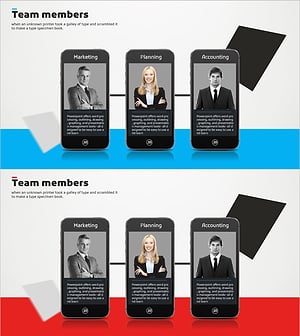
A PowerPoint slide featuring four team members arranged in circular profile frames on a dark gray background. Each member's name and description text are positioned below their photo in a clean, aligned layout suitable for company introductions and team presentations. This 16:9 widescreen set includes two slides: the first with standard gray borders and the second with a blue accent highlight on one profile for emphasis. All text fields are fully editable, allowing you to customize member names, titles, and descriptions to match your team size and presentation context. The minimalist office-themed design adds professionalism to business presentations while maintaining visual clarity and readability.
Usage Points
-
Main Usage
Visually introduce key personnel or team members within an organization. The slide displays each member's profile photo, name, title, and role description in a single, easy-to-scan layout. Ideal for company introductions, team overviews, and organizational structure presentations.
-
How to Use
Insert team member photos into each circular frame and edit the name, title, and description text fields. Choose between the two slide versions (standard or highlighted) based on your presentation flow to emphasize specific team members and enhance the visual impact of your team introduction section.
-
Recommended For
HR and recruitment professionals, executive introductions, startup and SME company profiles, team building and organizational restructuring presentations, client meetings requiring staff introductions, internal training and onboarding materials.
-
Slide Structure
Two-slide set with four circular profile frames arranged horizontally on each slide. Member names and descriptions are positioned directly below each profile. The first slide features standard gray borders; the second applies a blue accent border to the third profile, offering an emphasis option for highlighting specific team members.
Related Products
-
Successful Quit Smoking Profile – Customer Success Stories
#Company Introduction #Customer Success Stories #Diagram
-
Responsible Team Profile Slide
#Company Introduction #Market and Competitor Analysis #Diagram
-
Internet of Things Developer Team Introduction Illustration
#Company Introduction #Market and Competitor Analysis #Diagram
-
Introducing Our Successful Developer Team Members
#Company Introduction #Market and Competitor Analysis #Diagram
