



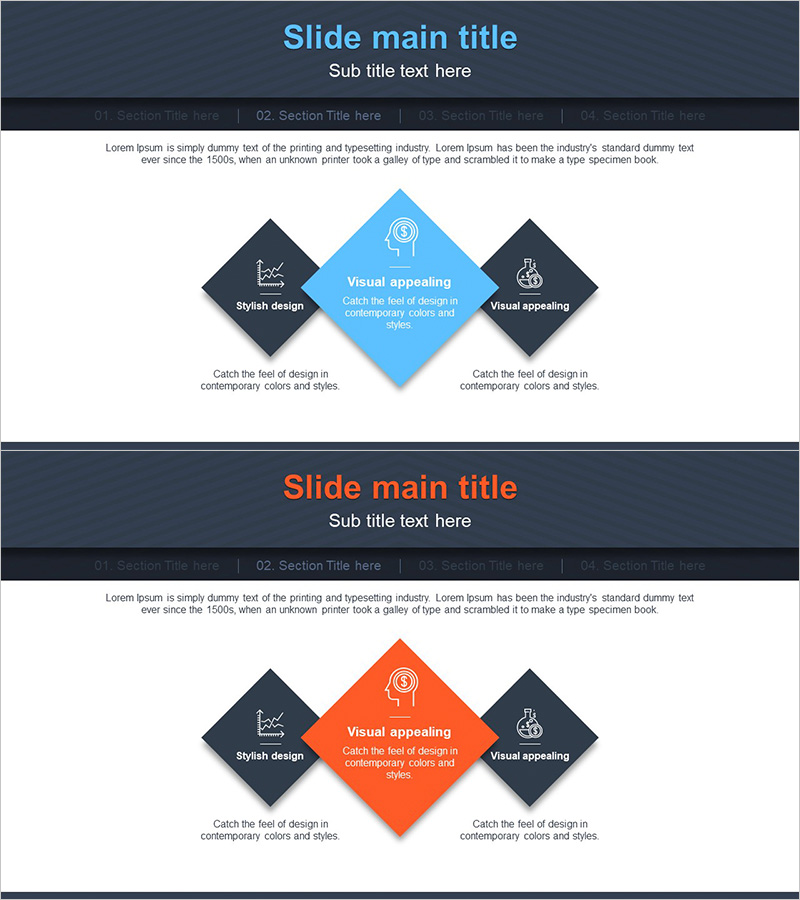
Core Competency Square Diagram – Foundation of Business Strategy
RJ0300061_15
- Last Update 05/04/2025
- File Size 0.2MB
- # of Slides 2
- File Format PPTX
- Slide Ratio 16:9
- Color
Keywords
- #Content-Based Slides
- #Design-Based Slides
- #Business Vision and Strategy
- #Marketing Plan and Strategy
- #Diagram
- #Core Competencies
- #Marketing Strategy
- #Cluster
- #Combination Diagram
- #16:9
- #nested diagram PowerPoint
- #square diagram slide
- #core competency presentation
- #business strategy diagram
- #3-node structure PowerPoint slide
About the Product
A nested square diagram PowerPoint slide that visualizes business strategy fundamentals through three square nodes representing core competencies. The design features a dark charcoal background with a center-emphasized node in sky blue or orange, creating clear visual hierarchy and balanced symmetrical layout. Each node includes icon placeholders and text areas to present three key elements such as core competencies, business vision, and marketing strategy simultaneously. The 2-slide set offers color variations (blue and orange) for flexible adaptation to presentation context and brand tone. Fully editable PPTX format allows you to customize text and icons to match your organizational needs.
Usage Points
-
Main Usage
Presents three key organizational elements—core competencies, business vision, and marketing strategy—in a hierarchical structure to communicate enterprise-wide direction during business strategy development. The center-emphasized node visually highlights the top priority item.
-
How to Use
Use in business plans, company profiles, and strategic presentation decks within vision and strategy sections to explain organizational core values and strategic direction. Edit node text and icons to customize for your organization, and select colors to align with presentation theme.
-
Recommended For
Ideal for executives, strategy managers, marketing planners, and business development professionals presenting organizational strategy to leadership, investors, and clients. Particularly effective when three core elements require balanced emphasis.
-
Slide Structure
2-slide set with dark charcoal header, content area, and three square nodes (left dark, center accent color, right dark) on each slide. Center node appears in sky blue (slide 1) or orange (slide 2), with icon placeholders and text input areas in each node.
Related Products
-
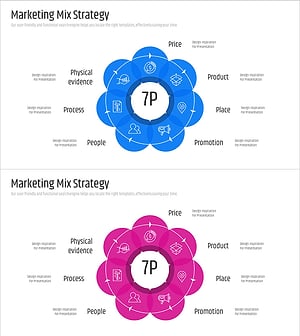
7P Marketing Overlay Diagram – Innovation in Business Strategy
#Business Vision and Strategy #Marketing Plan and Strategy #Diagram
-
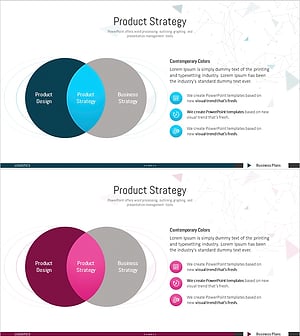
Business Strategy Overlay Diagram – Effective Strategy Visualization
#Business Vision and Strategy #Marketing Plan and Strategy #Diagram
-
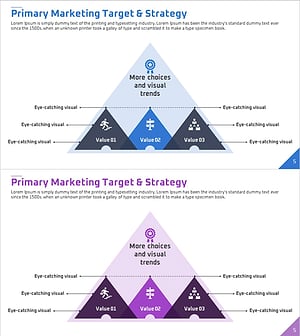
Marketing Strategy Triangle Overlay Diagram - Value and Target Setting
#Marketing Plan and Strategy #Diagram #Marketing Strategy
-
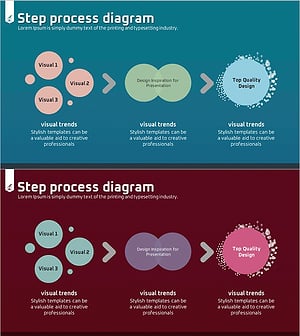
Chromosome Theme Business Strategy Diagram
#Business Vision and Strategy #Marketing Plan and Strategy #Diagram
