



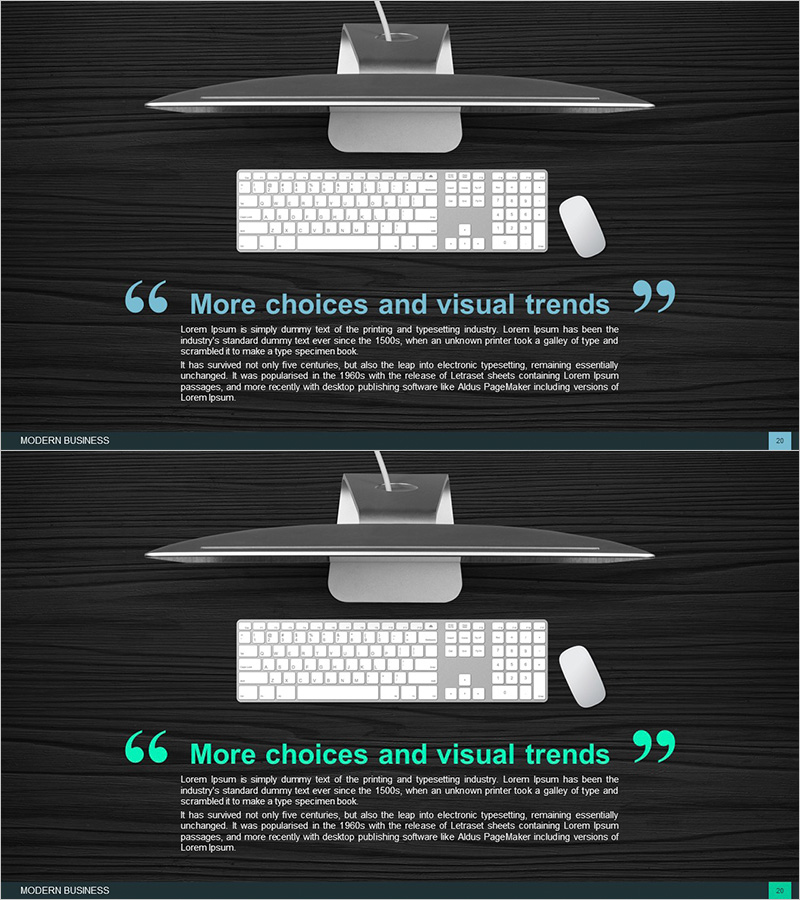
Computer Services Introduction Slides – Modern Business
RJ0300059_19
- Last Update 05/04/2025
- File Size 3.3MB
- # of Slides 2
- File Format PPTX
- Slide Ratio 16:9
- Color
Keywords
About the Product
A 2-slide PowerPoint presentation designed to introduce IT services and computer solutions. Features a dark wood-textured background with bright cyan quotation marks and typography in a minimalist composition that emphasizes your service's core value and business message. The upper section displays computer monitor, keyboard, and mouse imagery to visually convey technical expertise, while the body text area provides ample whitespace for excellent readability. Available in 16:9 widescreen PPTX format, ready for immediate editing and deployment in corporate presentations, client pitches, and proposal sections.
Usage Points
-
Main Usage
Clearly communicate the core value of IT services and computer solutions to clients and investors. The dark background and premium tone reinforce your technology company's credibility and expertise, while the quotation-based message structure delivers key content with visual impact.
-
How to Use
Deploy as a core messaging slide in your product/service introduction section, or position as an opening or transition slide in your corporate presentation. The upper image area can be replaced with service-related photography or your company logo, and body text is fully editable for specific service descriptions.
-
Recommended For
Ideal for IT, software, and cloud service companies presenting to clients, technology solution proposals, investor briefings, and product launch presentations. Perfect for sales teams, marketing departments, and executive external presentations.
-
Slide Structure
Two-slide layout with each slide divided into upper image area (computer equipment or service imagery) and lower text area. Asymmetrical design places large quotation marks on the left with title and body text on the right, balancing visual emphasis with information delivery.
Related Products
-
Overview of Mobile App Service Features
#Product/Service Introduction #Diagram #Other
-
Information Box for Each Item – Cluster Visualization for Product/Service Introduction
#Product/Service Introduction #Diagram #Product/Service Introduction
-
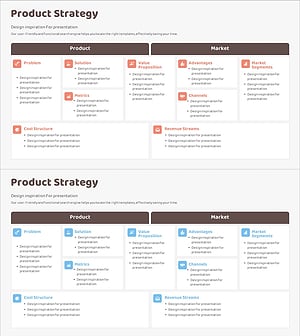
Diagram Slide for Service Composition Contents
#Product/Service Introduction #Diagram #Product/Service Introduction
-
Financial Services and Products Overview – Information Delivery with Cluster Diagram
#Product/Service Introduction #Diagram #Product/Service Introduction
