



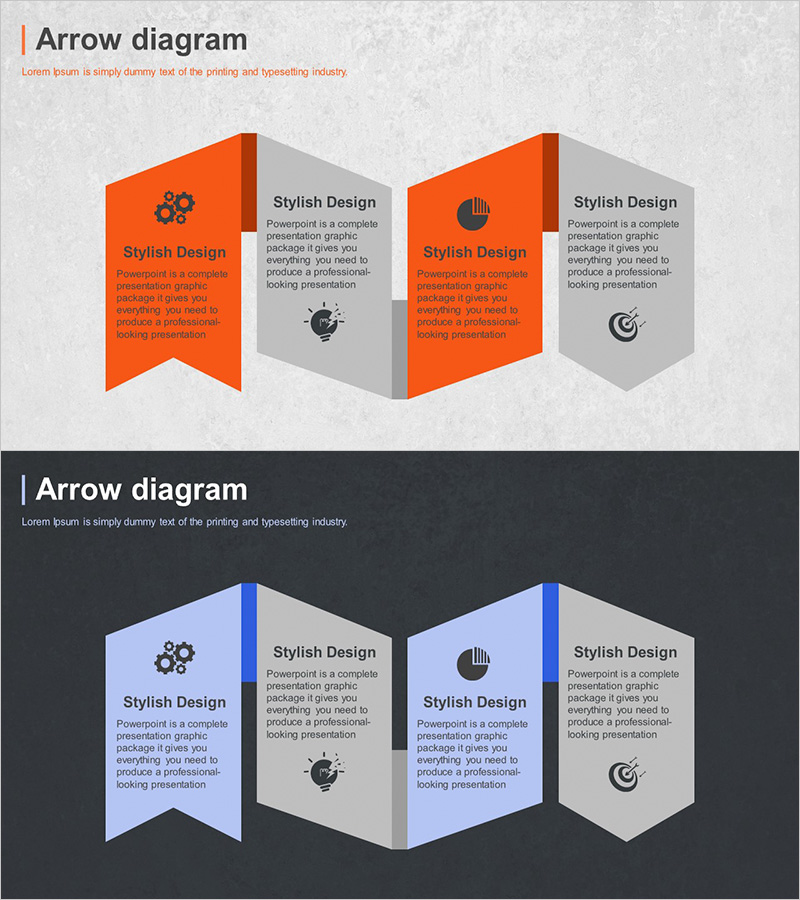
Program Introduction Connection Diagram – Effective Visualization of Marketing Strategies
RJ0300056_18
- Last Update 05/03/2025
- File Size 4MB
- # of Slides 2
- File Format PPTX
- Slide Ratio 16:9
- Color
Keywords
- #Content-Based Slides
- #Design-Based Slides
- #Product/Service Introduction
- #Marketing Plan and Strategy
- #Diagram
- #Program Introduction
- #Marketing Objectives
- #Cluster
- #Chain Diagram
- #16:9
- #connection diagram PowerPoint
- #4-step diagram slide
- #program introduction template
- #marketing strategy visualization
- #business diagram slide
About the Product
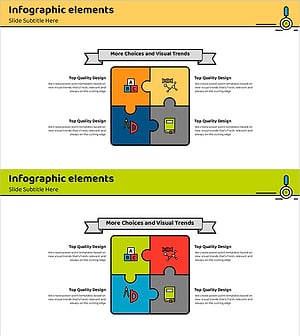
A 4-step connection diagram PowerPoint slide designed to visualize program introductions and marketing strategies. Features 3D banner-shaped nodes in orange and blue two-tone colors arranged symmetrically left and right, with icon and text areas in each stage. The 2-slide set includes a light background version and a dark background version, allowing you to match your presentation tone. Ideal for business presentations, service introductions, organizational structure explanations, and other professional contexts where you need to communicate sequential processes and strategic frameworks effectively.
Usage Points
-
Main Usage
Clearly communicate program stages, four key marketing strategy elements, or sequential service introduction processes. Each node accommodates icons and descriptive text to enhance audience comprehension and engagement.
-
How to Use
Enter stage names, descriptions, and key messages in the text areas of each banner node. Icons can be retained or replaced as needed. Use the light background slide for standard presentations and the dark background slide for evening events or sophisticated-tone presentations.
-
Recommended For
Marketing professionals, business planning teams, consultants, and educators presenting strategy development, program introductions, or process explanations. Suitable for startup pitches, corporate briefings, and internal training materials.
-
Slide Structure
2-slide set with 4 three-dimensional banner-shaped nodes per slide (2 on left, 2 on right). Each node includes an icon area and text input field. Provided in both light and dark background versions for flexible presentation contexts.
Related Products
-
EV Charging Facility Operation Plan – Introduction to Installation Components
#Product/Service Introduction #Diagram #Composition
-
Business Meeting Conclusion PowerPoint Slide – Achieving Strategic Goals
#Business Vision and Strategy #Marketing Plan and Strategy #Diagram
-
Ingredients Used in Traditional Tea Crafting – An Emotional Diagram
#Product/Service Introduction #Business Management #Diagram
-
Educational Puzzle Connected Diagram – Program Introduction and Service Overview
#Product/Service Introduction #Diagram #Program Introduction
