



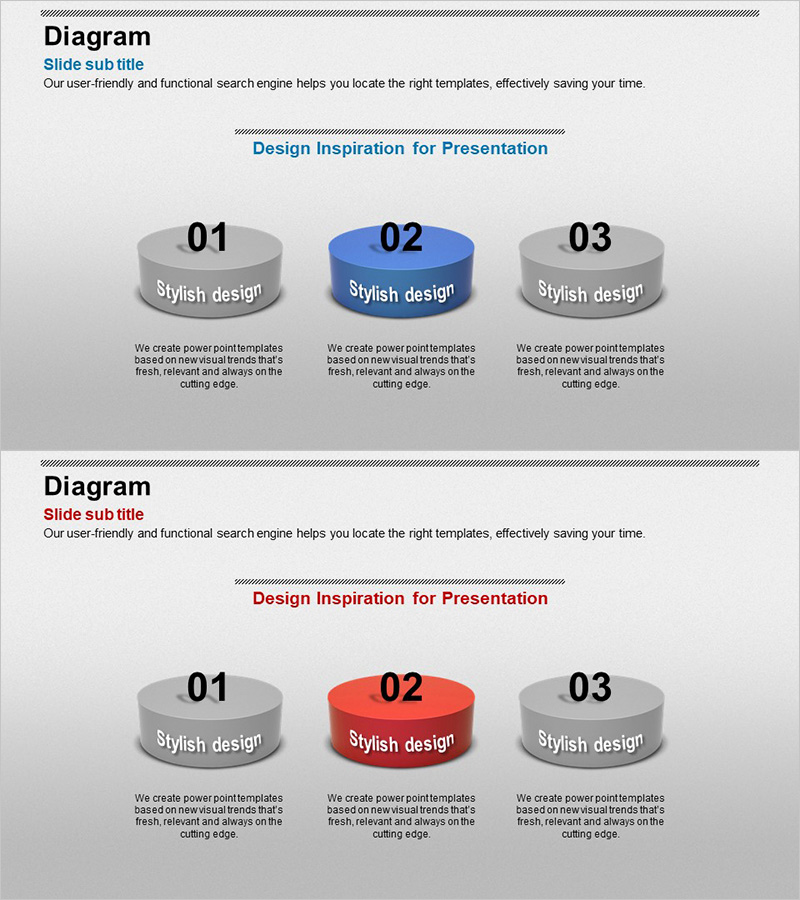
Cylinder Shape Diagram for Business Strategy Visualization
RJ0300053_14
- Last Update 05/02/2025
- File Size 1.6MB
- # of Slides 2
- File Format PPTX
- Slide Ratio 16:9
- Color
Keywords
- #Content-Based Slides
- #Design-Based Slides
- #Product/Service Introduction
- #Business Vision and Strategy
- #Diagram
- #Program Introduction
- #Business Strategy
- #Cluster
- #Closed Cluster Diagram
- #16:9
- #cylinder diagram PowerPoint
- #3-step business strategy slide
- #PowerPoint diagram template
- #process visualization PPT
- #business presentation slide design
About the Product
A business strategy visualization PowerPoint slide featuring three 3D cylinder shapes arranged horizontally. The cylinders use gray and blue gradient coloring with a highlighted center element, providing clear visual separation for three-stage processes or strategic components. Each cylinder includes a text area below for detailed descriptions. The 2-slide set offers color variations (blue accent and red accent) to match different presentation contexts. Ideal for business strategy presentations, organizational structure explanations, and phased planning documents. Fully editable PPTX format for immediate customization and deployment.
Usage Points
-
Main Usage
Visualize three-stage business processes, organizational hierarchies, or strategic elements using 3D cylinder shapes that enhance audience comprehension. Each cylinder represents an independent component with dedicated text areas below for detailed explanations, maximizing information delivery efficiency.
-
How to Use
Apply to business strategy presentations, organizational structure explanations, and phased execution planning. Edit cylinder text to represent company strategies, departmental roles, or project phases. Switch between color-variant slides to adjust emphasis and match presentation tone.
-
Recommended For
Executives, strategic planning teams, project managers, and organizational development professionals presenting to leadership, company-wide audiences, and investors. Recommended for any business presentation requiring clear three-stage structure visualization and professional data representation.
-
Slide Structure
Two-slide set with identical layout: three 3D cylinder shapes (equal height and width) arranged horizontally with text input areas beneath each. First slide features gray and blue accent; second slide features gray and red accent. Color variations allow flexible selection based on presentation context and emphasis needs.
Related Products
-
Food UI Representative Image - Highlighting Meal Information
#Product/Service Introduction #Business Vision and Strategy #Diagram
-
Projects that Realize the Company's Values Slide
#Product/Service Introduction #Business Vision and Strategy #Diagram
-
Introduction to Sea and Air Transport Services Slide
#Product/Service Introduction #Business Vision and Strategy #Diagram
-
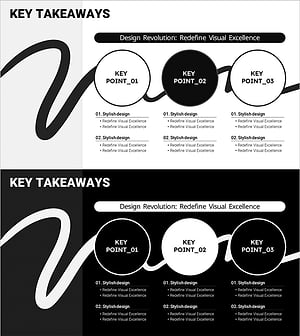
Seminar Key Content Diagram – Introducing Business Vision and Strategy
#Product/Service Introduction #Business Vision and Strategy #Diagram
