



Circular Diagram – Business Presentation and Cluster Design
RJ0300050_5
- Last Update 05/01/2025
- File Size 1.6MB
- # of Slides 2
- File Format PPTX
- Slide Ratio 16:9
- Color
Keywords
- #Content-Based Slides
- #Design-Based Slides
- #Company Introduction
- #Business Introduction
- #Diagram
- #Business Areas
- #Business Areas
- #Cluster
- #Closed Cluster Diagram
- #16:9
- #circular diagram PowerPoint
- #4-section cluster slide
- #business presentation template
- #infographic diagram slide
- #circular structure PowerPoint
About the Product
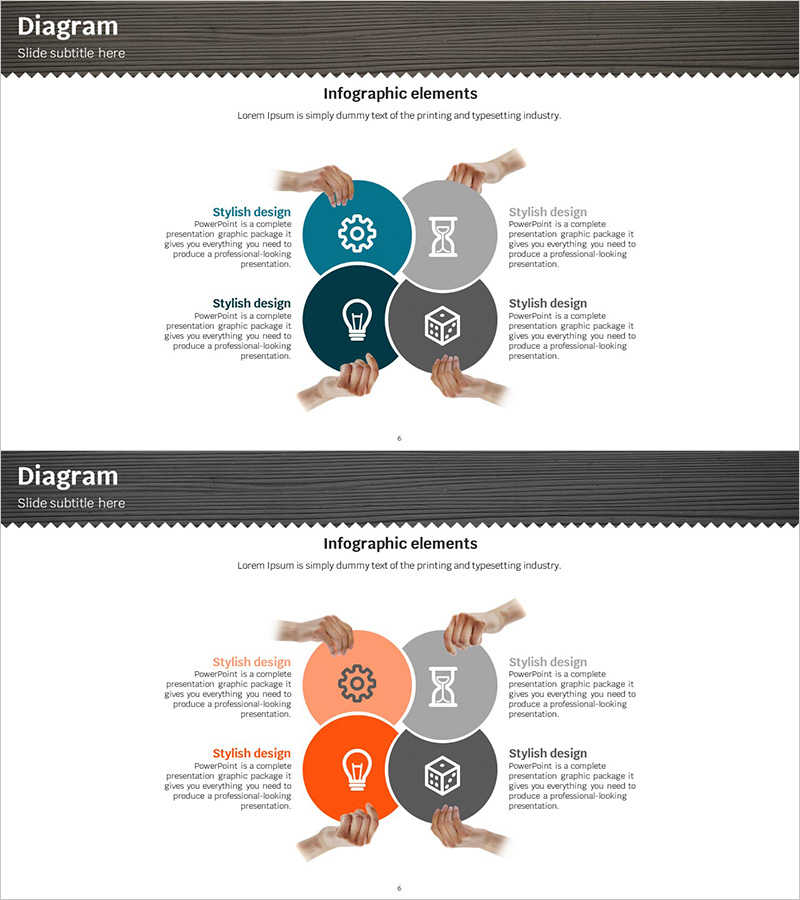
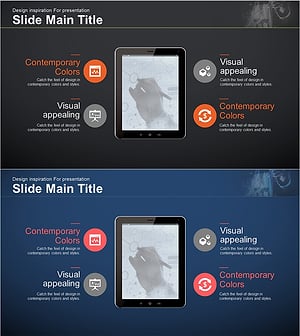
A 4-section circular diagram PowerPoint slide with a central hub radiating outward in four directions. Features hand gestures and icons (gear, hourglass, lightbulb, cube) to visualize business concepts and cluster relationships. The design uses teal, orange, and gray circular nodes with dedicated text areas, ideal for business introductions, strategy presentations, and process explanations. Includes 2 slides with color variations (teal and orange versions) in 16:9 widescreen PPTX format, fully editable and ready to customize.
Usage Points
-
Main Usage
Illustrates relationships and interactions between four key elements—business strategy, organizational roles, process stages, or core values—radiating from a central concept. Hand gestures emphasize teamwork and participation, while icons provide intuitive visual representation of each section's meaning.
-
How to Use
Place your core concept in the central circular node and distribute detailed content, descriptions, or metrics across the four outer sections. Each text area is independently editable. Switch between color variations (teal or orange) to match your presentation tone and audience.
-
Recommended For
Executive strategy presentations, new employee onboarding sessions explaining organizational structure, business proposal sections highlighting core values, and project kickoff meetings for role assignment and team collaboration.
-
Slide Structure
Four circular nodes (teal, orange, and gray tones) positioned around a central hub in cardinal directions. Each node contains an icon (gear, hourglass, lightbulb, cube) and dedicated text area. Hand gesture imagery frames the four nodes, creating a cohesive cluster composition.
Related Products
-
Automotive Maintenance Service Business Area – Cluster Diagram
#Company Introduction #Business Introduction #Diagram
-
Representative Ingredients Slide for Business Insights
#Company Introduction #Business Introduction #Diagram
-
Business Overview Square Diagram – Clear Business Introduction
#Company Introduction #Business Introduction #Diagram
-
Financial Management Area Diagram – Integrated Visualization for Business Introduction
#Company Introduction #Business Introduction #Diagram
