



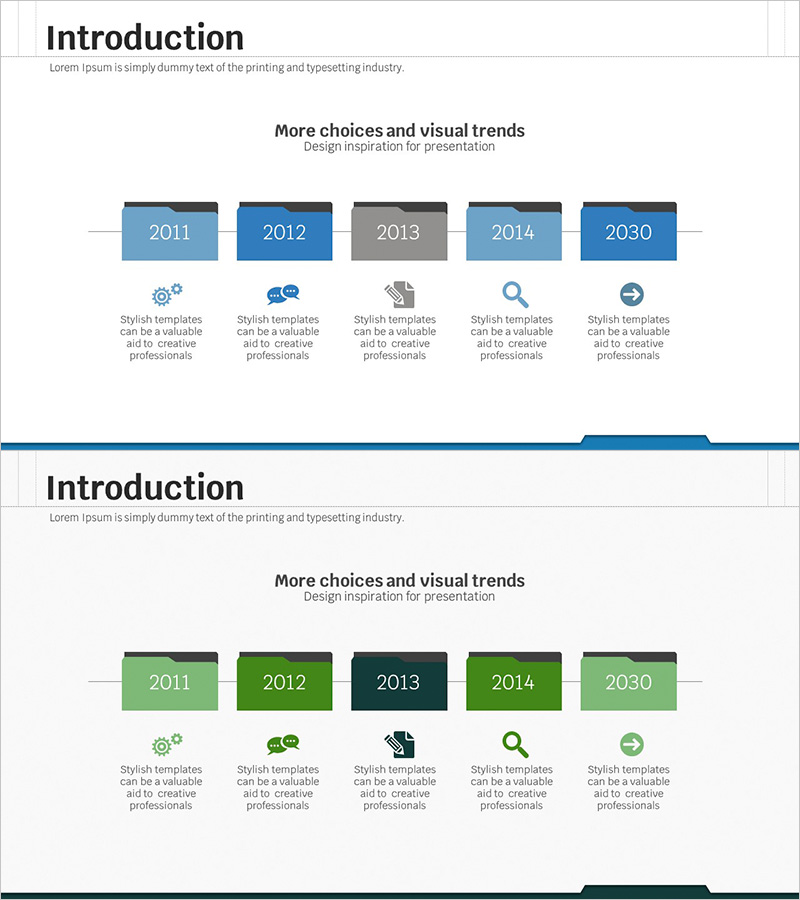
History Folder Shape Diagram - Optimized for Company Introduction
RJ0300046_5
- Last Update 04/30/2025
- File Size 3.4MB
- # of Slides 2
- File Format PPTX
- Slide Ratio 16:9
- Color
Keywords
- #Content-Based Slides
- #Design-Based Slides
- #Company Introduction
- #Product/Service Introduction
- #Diagram
- #History
- #Product/Service Introduction
- #Cluster
- #Chain Diagram
- #16:9
- #folder shape diagram PowerPoint
- #company history timeline slide
- #5-step connection diagram
- #organizational growth presentation
- #cluster diagram template download
About the Product
A folder-shaped connection diagram PowerPoint slide designed to visualize company history and development milestones. Five interconnected folder nodes in blue gradient represent sequential stages of organizational growth and product evolution. Each folder node accommodates text and icons to document key events, product launches, and organizational expansions. The 16:9 widescreen format with 2-slide composition integrates seamlessly into company introduction decks, product presentation slides, business reports, and investor pitch materials. The horizontal flow structure guides viewers through chronological progression with visual clarity.
Usage Points
-
Main Usage
Illustrates company history, product development phases, and organizational growth through time-sequenced folder nodes. Each stage captures major achievements, milestones, and organizational changes using text and icons, enabling audiences to understand the company's trajectory and strategic vision clearly.
-
How to Use
Customize each folder node by inserting year, event name, and achievement details; replace icons to match your narrative. Maintain the left-to-right progression to reinforce temporal flow. Deploy in company introduction sections, business report achievement segments, or investor relations background slides to establish credibility and growth narrative.
-
Recommended For
Ideal for executives, marketing teams, and communications professionals presenting company evolution. Suitable for new employee onboarding, client meetings, investor presentations, press briefings, and any scenario requiring emphasis on organizational growth story and historical context.
-
Slide Structure
2-slide set. Slide 1 features 5 folder nodes arranged horizontally with connecting lines and descriptive text areas below each node. Slide 2 provides an alternate color version in green gradient for multi-topic applications or comparative analysis, enabling flexible content mapping across different themes.
Related Products
-
Process Diagram of Beer Evolution – Business Strategy
#Company Introduction #Business Strategy #Diagram
-
Company History Eco-Friendly Blue Green Slide
#Company Introduction #Diagram #History
-
Smart Travel App Company History - Harmony of Mint and Purple
#Company Introduction #Business Management #Diagram
-
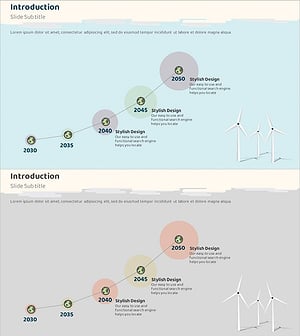
Graph Trend Line Blue Gray for Market Outlook Visualization – Clean and Stylish Design
#Company Introduction #Market and Competitor Analysis #Diagram
