



Diagram Slide for Business Strategies
RJ0300046_26
- Last Update 04/30/2025
- File Size 4.2MB
- # of Slides 2
- File Format PPTX
- Slide Ratio 16:9
- Color
Keywords
- #Content-Based Slides
- #Design-Based Slides
- #Product/Service Introduction
- #Marketing Plan and Strategy
- #Diagram
- #Differentiation Strategy for Products/Services
- #Marketing Strategy
- #Flow
- #Cluster
- #Multidirectional Flow
- #Closed Cluster Diagram
- #16:9
- #cluster diagram PowerPoint
- #business strategy slide template
- #4-item diagram
- #marketing plan presentation
- #strategy visualization slide
- #PowerPoint diagram design
About the Product
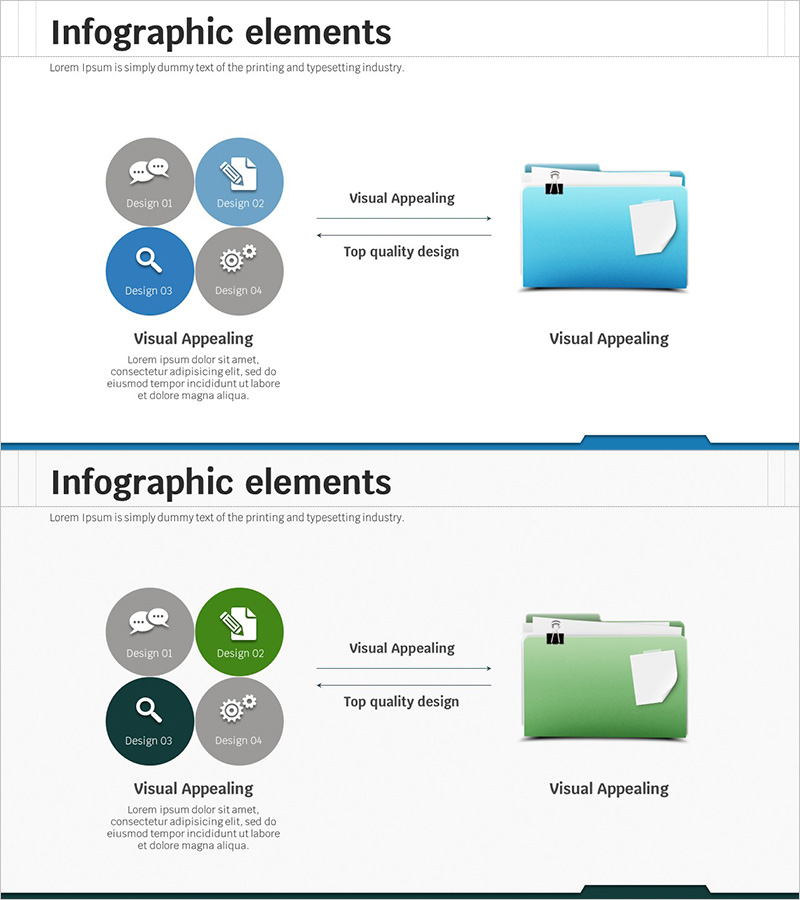
A professional cluster diagram PowerPoint slide designed for business strategy presentations and marketing planning. This slide features a central concept connected to four key elements (Design 01–04) through a radial structure, effectively illustrating the relationship between core strategy and detailed execution items. The design uses blue and gray circular nodes with directional arrows to create clear information flow, complemented by folder icons that reinforce file management and resource organization concepts. The 2-slide set is ready for immediate use in executive briefings, team meetings, and strategic planning presentations.
Usage Points
-
Main Usage
Visually communicate the relationship between an organization's core strategy and four key execution areas. Ideal for executive reports, team meetings, and marketing strategy presentations where complex business concepts need to be conveyed clearly and concisely.
-
How to Use
Enter the organization's main strategy in the central concept area, then populate the four circular nodes with specific execution items such as marketing, operations, technology, or finance. Emphasize information flow through arrow directions, and customize icons as needed to create industry-specific or department-specific presentation materials.
-
Recommended For
Executives, marketing managers, strategic planning teams, management consultants, and educators presenting organizational strategy, business plans, marketing initiatives, or project management. Particularly valuable for multi-stakeholder meetings and external presentations requiring credible visual communication.
-
Slide Structure
A 2-slide set featuring a central concept surrounded by four circular nodes in a cluster arrangement. Alternating blue (Design 02, 03) and gray (Design 01, 04) nodes create visual balance, while arrows and icons emphasize each element's role within the overall strategy framework.
Related Products
-
Fountain Pen Ink Marketing Strategy Slide
#Product/Service Introduction #Marketing Plan and Strategy #Diagram
-
Adventure Business Support Plan Diagram – Innovative Approach
#Product/Service Introduction #Business Management #Diagram
-
Audience Analysis Diagram – Understanding through Strategic Cases
#Product/Service Introduction #Operational Plan #Diagram
-
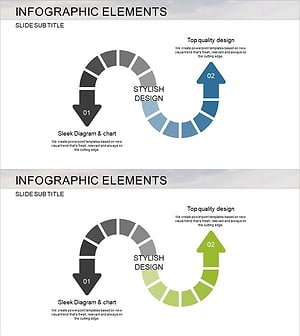
Marketing Strategy Arrow Diagram – Product/Service Differentiation
#Product/Service Introduction #Marketing Plan and Strategy #Diagram
