Box Container Template Ending Cover
RJ0300043_35
- Last Update 04/29/2025
- File Size 1.8MB
- # of Slides 2
- File Format PPTX
- Slide Ratio 16:9
- Color
Keywords
About the Product
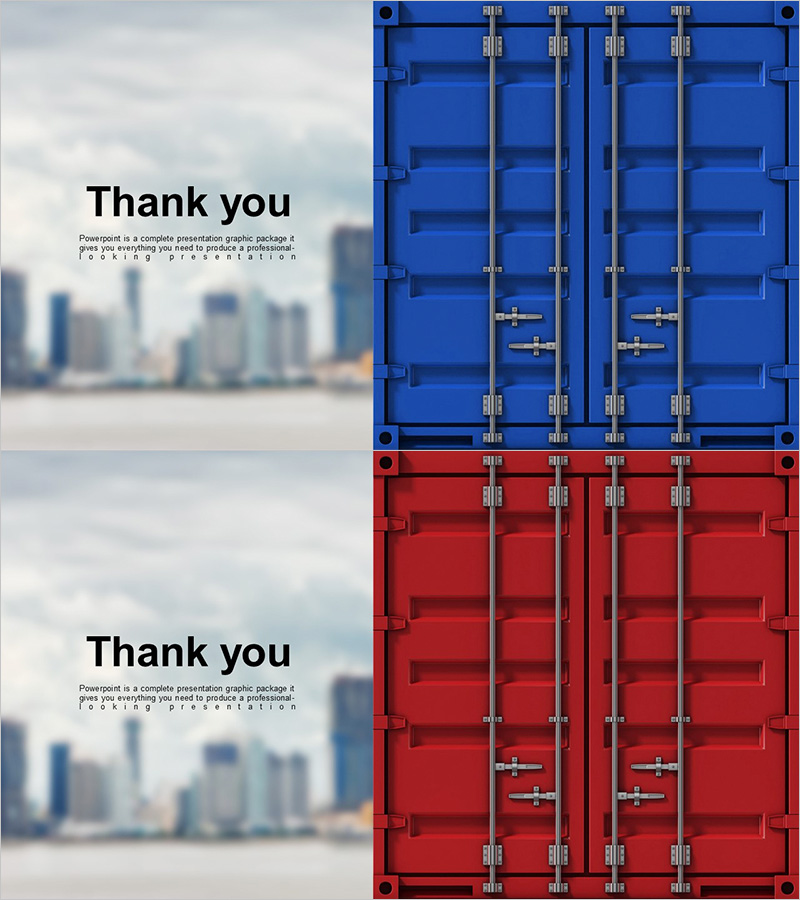
A professional closing slide for presentations featuring a thank you message with dual-color container box design. This PowerPoint slide set includes two variations with blue and red container boxes, complemented by a blurred city skyline background that conveys business credibility and corporate professionalism. The 2-slide set is ready to insert into the final section of any business presentation, including corporate reports, investor pitches, business briefings, and conference presentations. Clear text input areas allow you to customize the thank you message and add contact information or additional details effectively.
Usage Points
-
Main Usage
Designed to gracefully conclude presentations by expressing gratitude to the audience while maintaining professional credibility. The dual-color container options (blue and red) allow you to match corporate brand colors, and the city background reinforces a trustworthy business image suitable for formal presentations.
-
How to Use
Insert this slide at the end of your presentation and customize the thank you message in the text area. Add contact information, website, or call-to-action details as needed. Choose the blue version for tech and finance sectors, or the red version for marketing and sales presentations, depending on your brand identity.
-
Recommended For
Ideal for executive business reports, investor relations presentations, corporate training seminars, client briefings, conference closing remarks, and any formal business presentation requiring a professional conclusion. Particularly suited for presentations where a polished, branded closing is essential.
-
Slide Structure
Two-slide set with asymmetrical layout: left side features 'Thank You' text and description area, right side displays blue or red container box imagery. Text input areas are clearly defined for customizing the thank you message, subtitle, and additional information in a hierarchical structure.