



Mobile Phone Mockup and Company Map for Design Slide
RJ0300039_19
- Last Update 04/28/2025
- File Size 2.1MB
- # of Slides 2
- File Format PPTX
- Slide Ratio 16:9
- Color
Keywords
About the Product
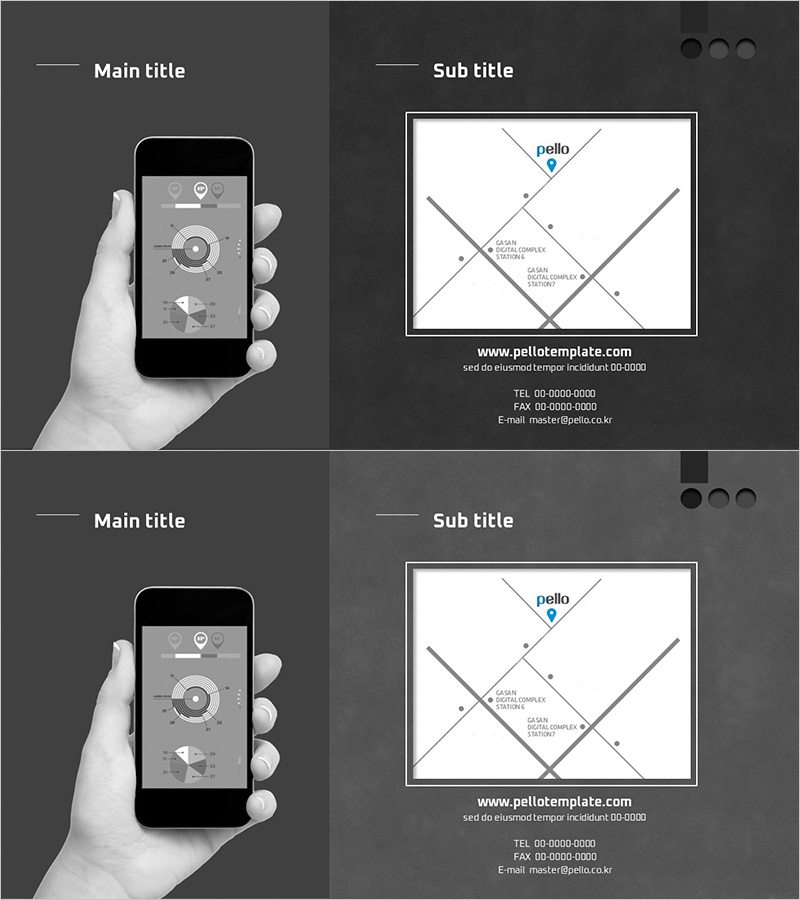
A 2-slide PowerPoint presentation combining a mobile phone mockup with a company location map diagram. The left panel features a smartphone held in hand, while the right panel displays a company map with intersecting gray lines and blue point markers. Set against a monochrome background, this minimalist design is ideal for mobile app presentations, branch location guides, and digital service pitches. The 16:9 widescreen PPTX format is fully editable in all PowerPoint versions, allowing you to insert app screenshots or customize the map with your location data.
Usage Points
-
Main Usage
Showcase mobile app features, present branch or office locations, visualize global networks, and enhance digital service presentations with realistic device mockups. Insert app screenshots or UI designs into the phone screen area to demonstrate actual user experience and functionality.
-
How to Use
Insert mobile app screenshots or UI images into the left phone mockup area, and add company locations, branch information, or network nodes to the right map diagram. Use the intersecting gray lines and blue markers to highlight key locations and connection relationships between points.
-
Recommended For
Ideal for software and IT companies presenting mobile apps, real estate and construction firms showcasing branch locations, logistics and distribution companies explaining networks, financial institutions presenting regional branches, and startups pitching mobile services. Recommended for marketing managers, sales representatives, and product managers.
-
Slide Structure
2-slide layout with left-right dual-panel design on each slide. The left panel (approximately 40%) contains a smartphone mockup image held in hand. The right panel (approximately 60%) features a company map diagram with 4–5 intersecting gray lines and 3–4 blue point markers. The monochrome background with clearly defined line and text areas makes it easy to add custom information.
Related Products
-
Asia Maps on PC Screen – Market Analysis and Strategies
#Market and Competitor Analysis #Marketing Plan and Strategy #Other
-
Mobile Phone Mockup & Company Map – Essential Business Guide
#Company Introduction #Business Introduction #Business Vision and Strategy
-
Investment Distribution for Green Growth Slide
#Market and Competitor Analysis #Other #Market Analysis
-
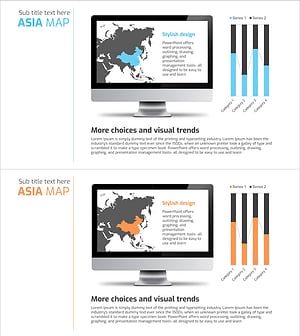
Asia Target Market Analysis Graph – Visualizing Market Strategy
#Market and Competitor Analysis #Marketing Plan and Strategy #Graph
