



Hexagonal Construction Work Diagram – Structure and Strategy or Collaboration
RJ0300028_6
- Last Update 04/25/2025
- File Size 2.1MB
- # of Slides 2
- File Format PPTX
- Slide Ratio 16:9
- Color
Keywords
- #Content-Based Slides
- #Design-Based Slides
- #Product/Service Introduction
- #Diagram
- #Product/Service Introduction
- #Composition
- #Cluster
- #Combination Diagram
- #16:9
- #hexagonal diagram PowerPoint
- #nested structure slide template
- #6-item organizational chart
- #collaboration framework diagram
- #how to create diagram in PowerPoint
About the Product
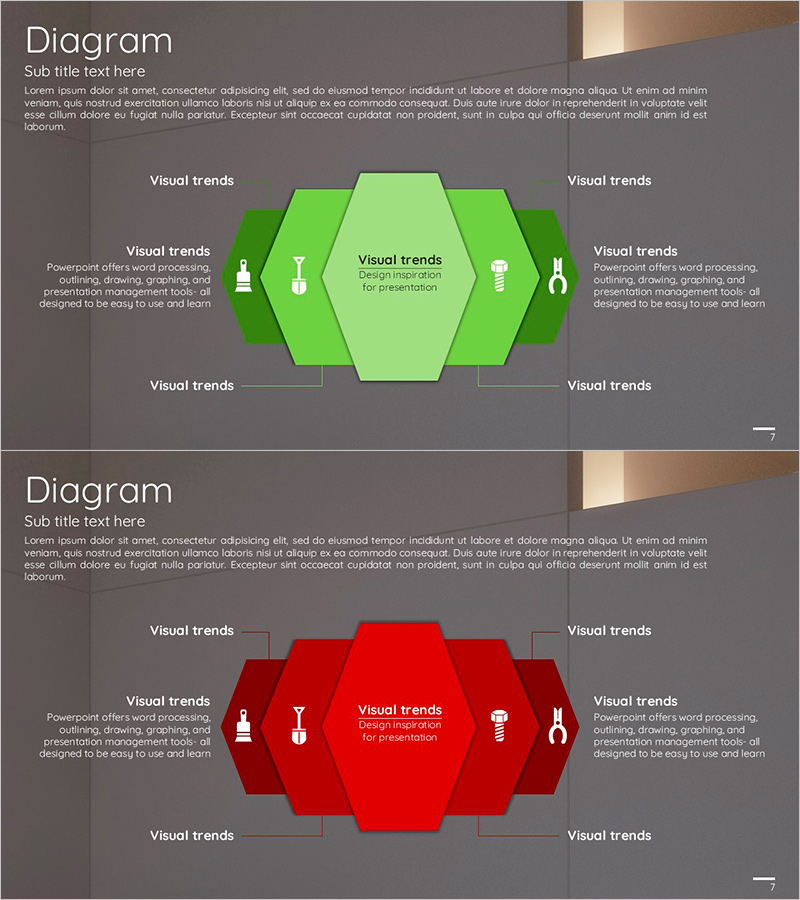
A PowerPoint slide featuring six hexagonal nodes arranged in a nested, overlapping structure to visualize organizational hierarchies, collaboration frameworks, and process stages. Available in two color versions—green and red—with icons and text fields within each hexagon to clearly represent roles and relationships. The radial arrangement from center to periphery enables hierarchical information delivery, making it ideal for immediate presentation use. The 2-slide set allows you to select colors based on your presentation context and customize content seamlessly.
Usage Points
-
Main Usage
Visualizes organizational structures, collaboration systems, process stages, and strategic components across six categorized items. The radial structure from center to periphery clearly communicates hierarchical relationships between core concepts and detailed elements.
-
How to Use
Enter department names, roles, process titles, or strategic items into each hexagon node and customize icons to match your presentation content. Use the green version to convey growth, collaboration, and positive messaging; use red to emphasize importance, urgency, or critical focus areas.
-
Recommended For
Ideal for organizational restructuring presentations, collaboration system explanations, construction and project phase breakdowns, strategic planning reports, and team structure introductions. Recommended for executives, project managers, organizational development professionals, and construction or manufacturing industry presentations.
-
Slide Structure
2-slide set. Each slide features six hexagonal nodes arranged radially around a central focal point. 'Visual trends' labels and descriptive text areas are positioned at top, left, right, and bottom. Each hexagon contains an icon and text input field. Dark gray background provides consistent visual foundation throughout.
Related Products
-
Highlighted Content Slides – A New Perspective on Product Introduction
#Product/Service Introduction #Diagram #Product/Service Introduction
-
Introduction to Drone Components – Core of Product Design
#Product/Service Introduction #Diagram #Product/Service Introduction
-
Introduction and Configuration of Application Services – Functional and Visual Template
#Product/Service Introduction #Product/Service Introduction #Composition
-
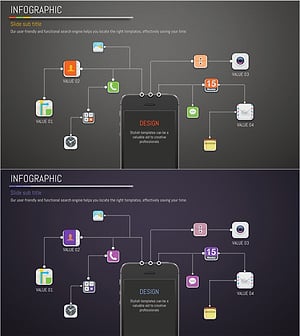
Application Composition and Service Introduction Slide – Clearly Delivering Service
#Product/Service Introduction #Diagram #Product/Service Introduction
