



Slide Template for Operations Plan and Marketing Strategy
RJ0300028_22
- Last Update 04/25/2025
- File Size 1MB
- # of Slides 2
- File Format PPTX
- Slide Ratio 16:9
- Color
Keywords
About the Product
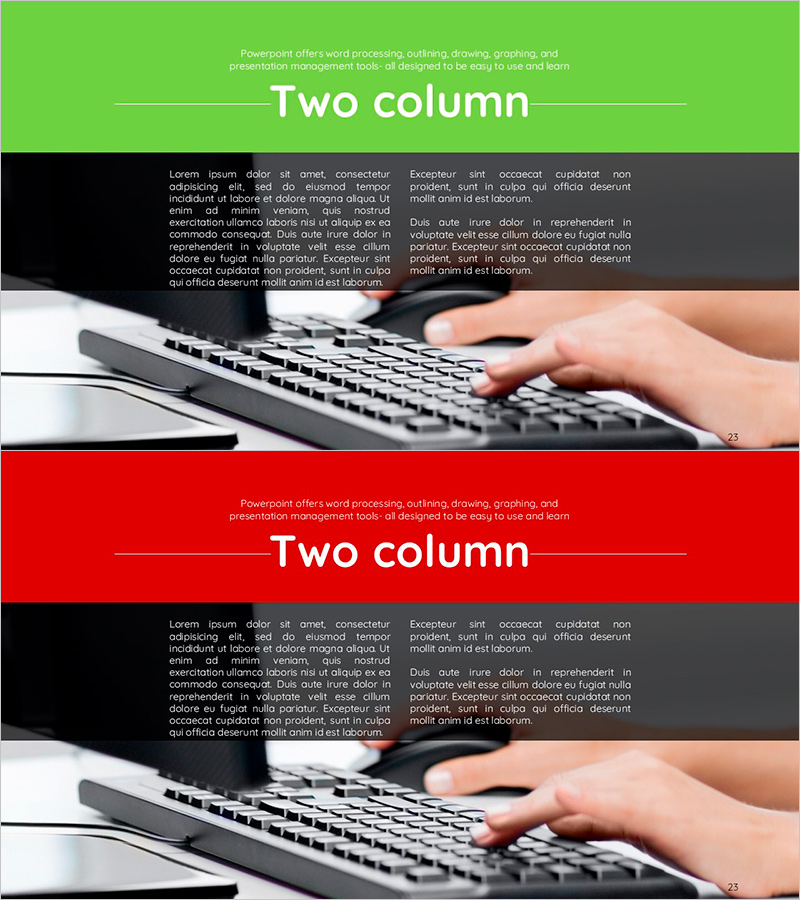
A 2-slide PowerPoint presentation template designed to effectively communicate marketing strategies and operational plans. The contrasting green and red backgrounds provide visual emphasis, while each slide features a two-column layout that balances information on both sides. The keyboard imagery background reinforces a professional business atmosphere, and the text-based information structure enables immediate use in marketing plans, business support proposals, and operational planning presentations. Compatible with all presentation environments in 16:9 widescreen PPTX format.
Usage Points
-
Main Usage
This slide effectively communicates comparative information when presenting marketing strategies and operational plans. The color contrast between green and red backgrounds visually emphasizes strategic direction, while the two-column layout clearly separates paired information such as alternative comparisons, current situation analysis, and implementation plans.
-
How to Use
Use in the strategy section of marketing plans, business plans, and operational planning presentations. Place current status, problems, and existing methods in the left column, and goals, solutions, and new approaches in the right column to maximize the comparative effect. Freely edit text areas to customize for your company's specific situation.
-
Recommended For
Recommended for marketing managers, planning teams, and executive briefings when explaining strategic direction. Particularly suitable for new marketing plan development, business support proposal presentations, and operational system improvement announcements where comparative structure is essential.
-
Slide Structure
The 2-slide set features a title area at the top and a two-column text area at the bottom on each slide. The first slide has a green background while the second has a red background, allowing color differentiation between different topics or phases. Each column functions as an independent text input area supporting flexible content placement including titles, body text, and bullet points.
Related Products
-
Business Support Plan Diagram – Overcoming and Innovation
#Operational Plan #Marketing Plan and Strategy #Diagram
-
Newspaper Wide PowerPoint Template – Diagram for Operational Planning
#Operational Plan #Marketing Plan and Strategy #Diagram
-
Layout Design Presentation Template with Infographic Elements
#Operational Plan #Marketing Plan and Strategy #Business Support Plan
-
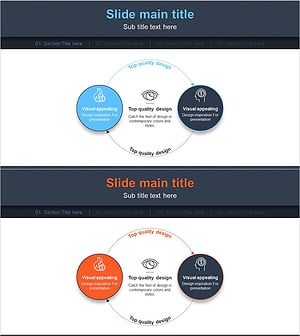
Service Differentiation Strategy Circular Diagram
#Product/Service Introduction #Marketing Plan and Strategy #Diagram
