



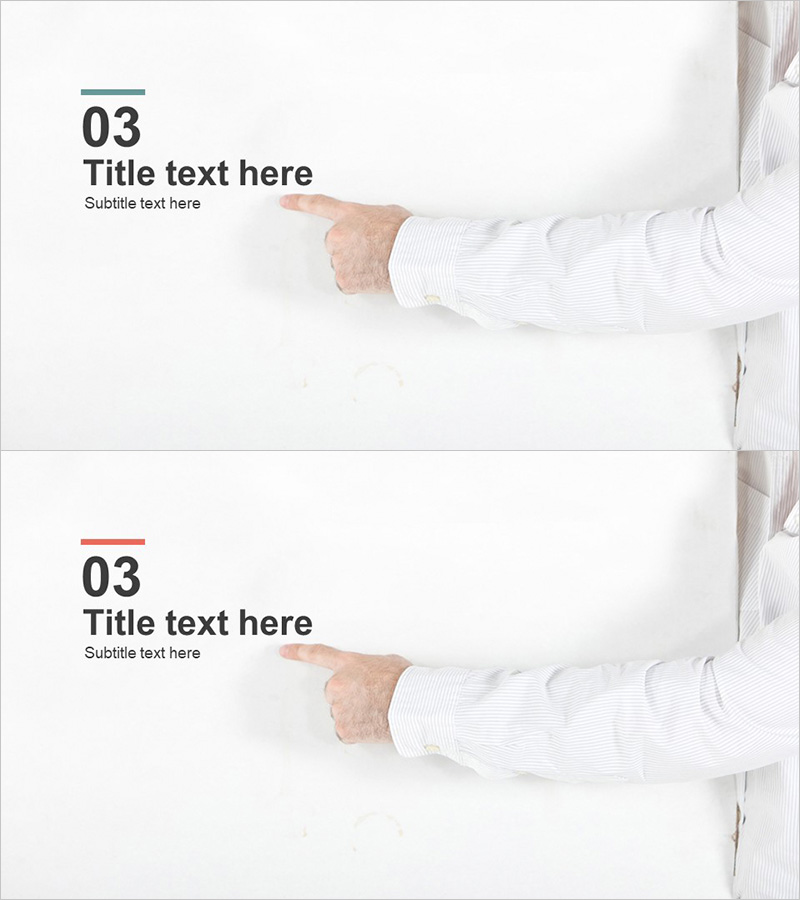
Company Profile Template Section Slide 03 – Professional Presentation Cover
RJ0300023_25
- Last Update 04/24/2025
- File Size 0.5MB
- # of Slides 2
- File Format PPTX
- Slide Ratio 16:9
- Color
Keywords
About the Product
A professional section divider slide for business presentations, reports, and proposals. This PowerPoint template features a minimalist layout with numbering (03), title, and subtitle positioned on the left side, while the right side provides ample space for company logos or representative images. The design combines a dark teal accent line with a clean white background, creating a professional and modern appearance. Delivered as a 2-slide set in 16:9 widescreen format (PPTX), both slides are fully editable, allowing you to quickly customize text and images to match your presentation needs and corporate branding.
Usage Points
-
Main Usage
This slide serves as a visual separator between sections in business presentations, clearly marking transitions and guiding the audience through your content structure. The numbering and title system helps organize complex information, while the image area reinforces brand identity by displaying logos or key visuals. Ideal for company profiles, business plans, proposals, investment pitches, and comprehensive reports.
-
How to Use
Replace the numbered text (03) and title with your section name, then add a brief subtitle describing that section's content. Insert your company logo, product image, or thematic visual in the right-side image area. Customize the teal accent color and fonts to align with your corporate branding guidelines. Both slides are ready to duplicate and modify for additional sections.
-
Recommended For
Perfect for company profiles, business plans, proposals, investor presentations, marketing plans, annual reports, and any multi-section business document. Particularly effective for lengthy presentations where clear section breaks help maintain audience engagement and improve information retention.
-
Slide Structure
The template includes 2 pre-designed layouts. The primary layout features 3 text input areas on the left (numbering, title, subtitle) and 1 image placeholder on the right, totaling 4 editable elements. The second slide offers a color variation (teal to red accent line) while maintaining the same structural layout for visual consistency throughout your presentation.
Related Products
-
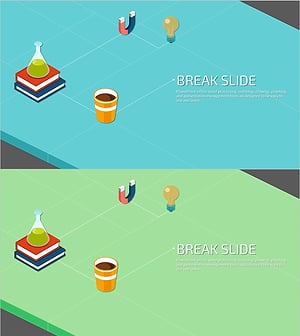
Creative Science Experiment Illustration Break Slide – Enjoyable Break Time Template
#Slide Type #Section Cover
-
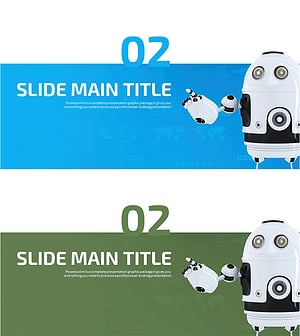
Advanced Robot Template Section Slide – Innovative Presentation
#Slide Type #Section Cover
-
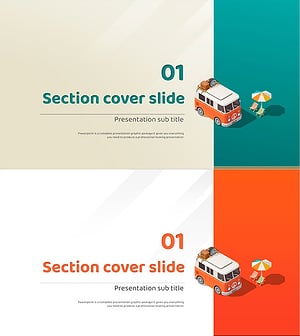
Camping Isometric Project Template – Stylish Section Slide Design
#Slide Type #Section Cover
-
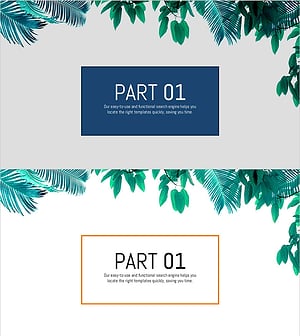
Stylish PowerPoint with a Botanical Garden Theme
#Slide Type #Section Cover
