



Company Profile Template Contents - Making a Powerful First Impression
RJ0300023_2
- Last Update 04/23/2025
- File Size 0.4MB
- # of Slides 2
- File Format PPTX
- Slide Ratio 16:9
- Color
Keywords
About the Product
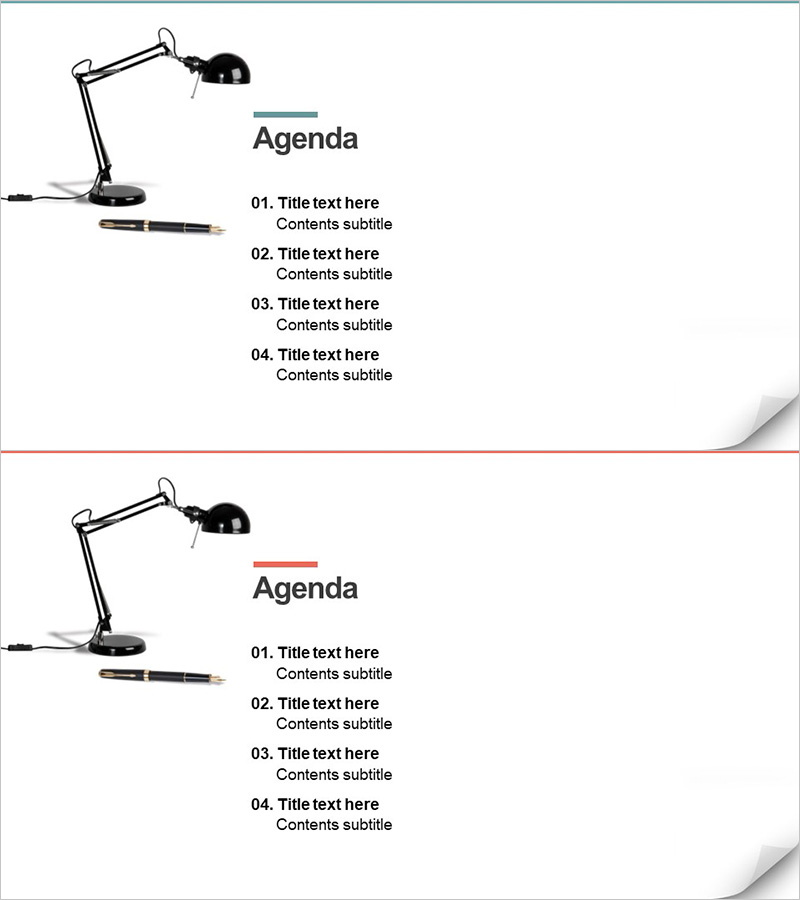
A minimalist contents slide designed to make a powerful first impression in company profile presentations. Features a black desk lamp illustration on the left with four numbered agenda items arranged on the right, separated by blue or red accent lines. The 2-slide set (16:9 aspect ratio) offers color variations to match your brand identity. Each item includes dedicated fields for title and subtitle text, perfect for organizing key sections such as company overview, products, business strategy, and financial highlights. Fully editable in PowerPoint PPTX format, this layout enhances the credibility and structure of your corporate presentation.
Usage Points
-
Main Usage
Serves as the contents or agenda page for multi-section documents such as company profiles, proposals, and business plans. Clearly communicates the overall presentation structure to your audience and facilitates smooth transitions between sections. The numbered format emphasizes sequence and logical flow.
-
How to Use
The 2-slide set provides two color options: blue accent line and red accent line. Replace the placeholder text in each item's title and subtitle fields with your actual section names. Adjust background colors or accent line colors as needed to align with your corporate branding guidelines.
-
Recommended For
Ideal for executive presentations, investor pitches, partner collaboration proposals, client pitching decks, and employee onboarding materials. Works seamlessly as the contents page for company profiles, IR presentations, proposals, and business plans.
-
Slide Structure
2-slide set with consistent layout. Each slide features a black desk lamp illustration on the left and a 'Contents' heading on the right, followed by four numbered items (01–04). Each item contains three text input areas: number, title, and subtitle. Blue or red accent lines above each title provide visual separation and emphasis.
Related Products
-
Baby Products Business Plan Template Contents
#Slide Type #Table of Contents
-
Global Investment Attraction Template Contents – Professionalism and Innovation
#Slide Type #Table of Contents
-
Interior Product Introduction Template Contents – Essential Structure Provided
#Slide Type #Table of Contents
-
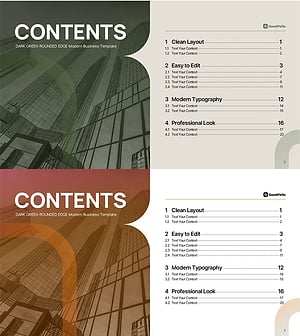
Table of Contents Slide – Rounded Edge Business PowerPoint
#Slide Type #Table of Contents
