



Circular Diffusion Diagram – Business Vision and Strategy
RJ0300017_18
- Last Update 04/22/2025
- File Size 0.1MB
- # of Slides 2
- File Format PPTX
- Slide Ratio 16:9
- Color
Keywords
- #Content-Based Slides
- #Design-Based Slides
- #Business Introduction
- #Business Vision and Strategy
- #Diagram
- #Business Areas
- #Core Competencies
- #Spread
- #Centralized Diagram
- #16:9
- #radial diagram PowerPoint
- #4-layer diffusion diagram
- #business strategy slide
- #how to create radial diagram in PowerPoint
- #vision strategy presentation
- #PowerPoint diagram slide template
About the Product
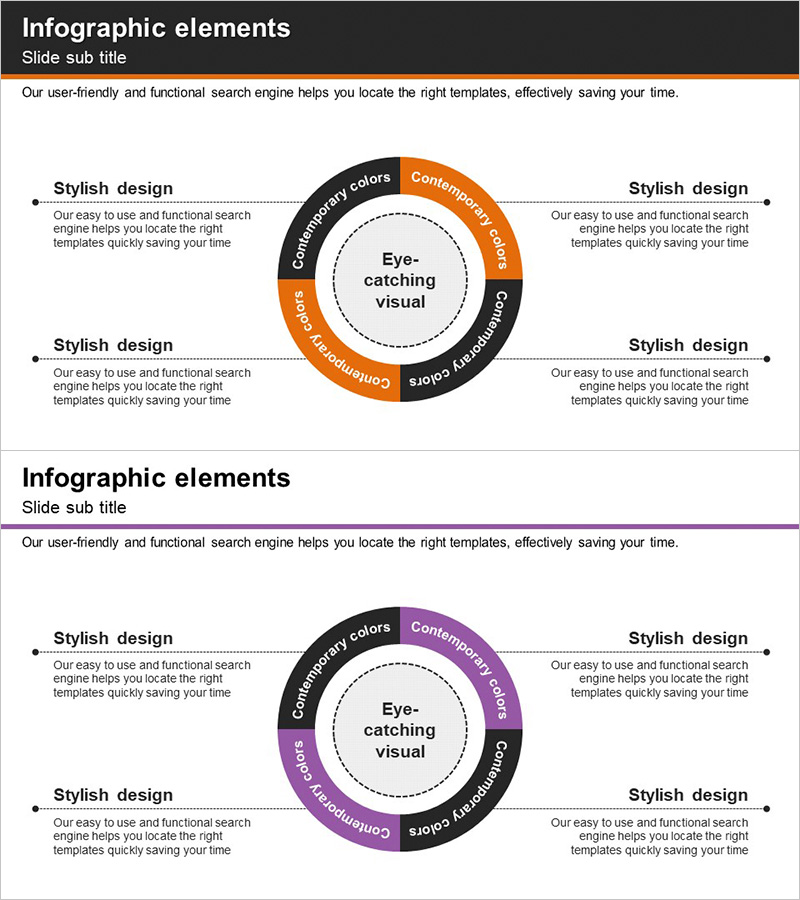
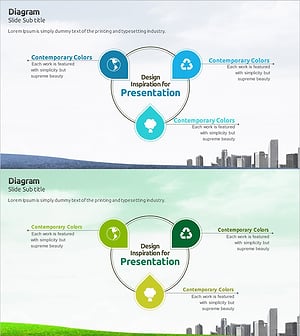
A radial diffusion diagram PowerPoint slide with a 4-layer structure expanding from a central core concept outward. This design is optimized for visualizing business vision, strategic objectives, and implementation roadmaps by placing the central idea at the core and progressively expanding related elements through concentric layers. The two-tone color scheme of orange and charcoal creates strong visual contrast and emphasis, with clearly defined text input areas ready for immediate editing. The 2-slide set is versatile for multiple presentation contexts and business communication scenarios.
Usage Points
-
Main Usage
Visualizes business vision, strategic priorities, and execution plans using a center-outward radial structure. The design clearly communicates organizational direction and phased strategy implementation by hierarchically representing core concepts alongside supporting strategies and tactical initiatives.
-
How to Use
Use in executive presentations, business plans, strategy briefings, and organizational restructuring meetings. Enter the core strategy in the central circle, then populate the four outer layers with strategic objectives, implementation tasks, responsible departments, and performance metrics to create an integrated strategic framework.
-
Recommended For
Ideal for executives, strategy planners, business development teams, and marketing leaders presenting organizational strategy, new business initiatives, or product roadmaps. Particularly effective when emphasizing multi-layered decision structures and the connection between high-level goals and operational execution tasks.
-
Slide Structure
Central circular core point with 4-layer radial expansion structure. Each layer is defined by arc-shaped zones using orange, charcoal, and gray tones to create visual hierarchy. Text input areas are clearly positioned within each arc segment, with a dashed circular border emphasizing the central focal point.
Related Products
-
Medical Diffusion Diagram – Conveying Business Strategy and Vision
#Business Introduction #Business Vision and Strategy #Diagram
-
Core Competency Diagram for Innovative Experiments – Business Vision and Strategy
#Business Introduction #Business Vision and Strategy #Diagram
-
Core Capabilities for Sustainable Operations – Stylish Cluster Diagram
#Business Introduction #Business Vision and Strategy #Diagram
-
Eco Business Area Diagram – Sustainable Business Strategy
#Business Introduction #Business Vision and Strategy #Diagram
