



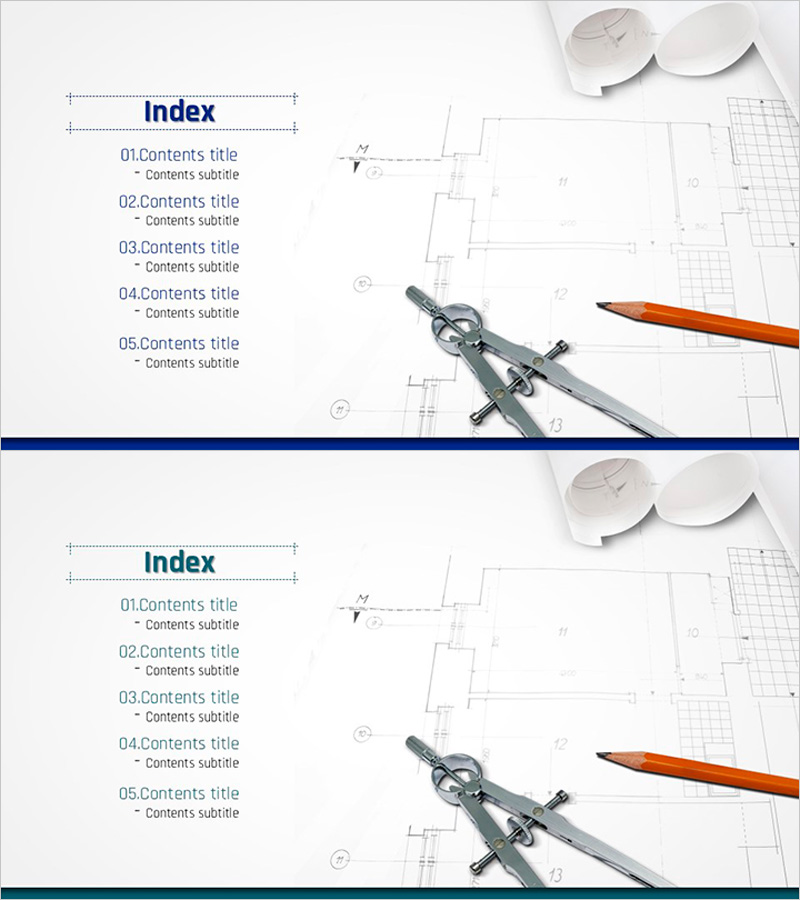
Table of Contents for Architectural Design Templates – A Perfect Design Structure
RJ0300012_2
- Last Update 04/21/2025
- File Size 0.8MB
- # of Slides 2
- File Format PPTX
- Slide Ratio 16:9
- Color
Keywords
About the Product
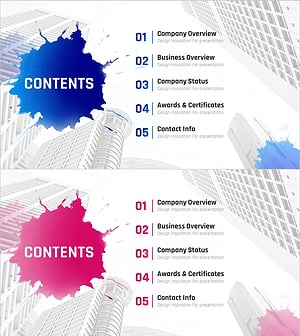
A professional table of contents PowerPoint slide optimized for architectural and design project presentations. The slide features a navy blue background with white typography arranged in a minimalist layout, presenting five content sections in a hierarchical structure. Architectural blueprints and design tools (compass, pencil) are incorporated as background imagery to convey expertise and credibility. The two-slide set offers multiple color variations (navy and gray) and is optimized for 16:9 widescreen format. Each item is numbered (01–05) to clearly indicate sequence and enhance audience comprehension. Immediately applicable for architecture firms, design consulting presentations, and construction project pitches.
Usage Points
-
Main Usage
Establishes a clear presentation structure for architectural and design projects by introducing five key sections—project overview, design process, technical specifications, budget planning, and schedule management—in sequential order. Helps the audience understand the complete presentation flow before detailed content begins.
-
How to Use
Ideal for architecture firms, design consultancies, construction companies, client presentations, project proposals, and design competition submissions. Simply edit the item text to match your project sections and select between navy or gray color variants to align with your corporate branding. Ready to use immediately without additional design work.
-
Recommended For
Architects, design engineers, construction project managers, real estate developers, architecture students, and design portfolio presenters. Particularly effective for initial project presentations and client meetings where establishing a structured, credible framework is essential.
-
Slide Structure
Two-slide set with the first slide featuring a navy background and the second in gray. Each slide displays 'Table of Contents' as the title on the left, followed by five numbered items (01–05) in editable text areas. The right side incorporates architectural blueprint and design tool imagery to reinforce visual professionalism and industry relevance.
Related Products
-
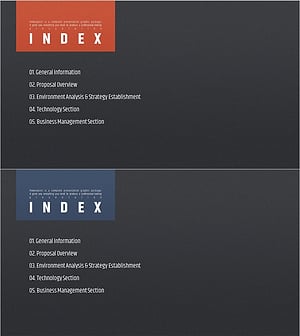
Modern Simple Proposal Template Contents – Professionalism and Clarity
#Slide Type #Table of Contents
-
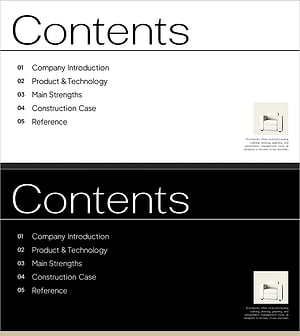
Interior Product Introduction Template Contents – Essential Structure Provided
#Slide Type #Table of Contents
-
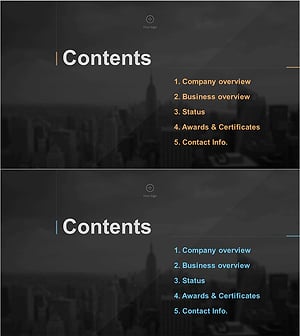
Stylish Company Profile Template Contents
#Slide Type #Table of Contents
-
Painting Theme Company Profile Template Contents
#Slide Type #Table of Contents
