



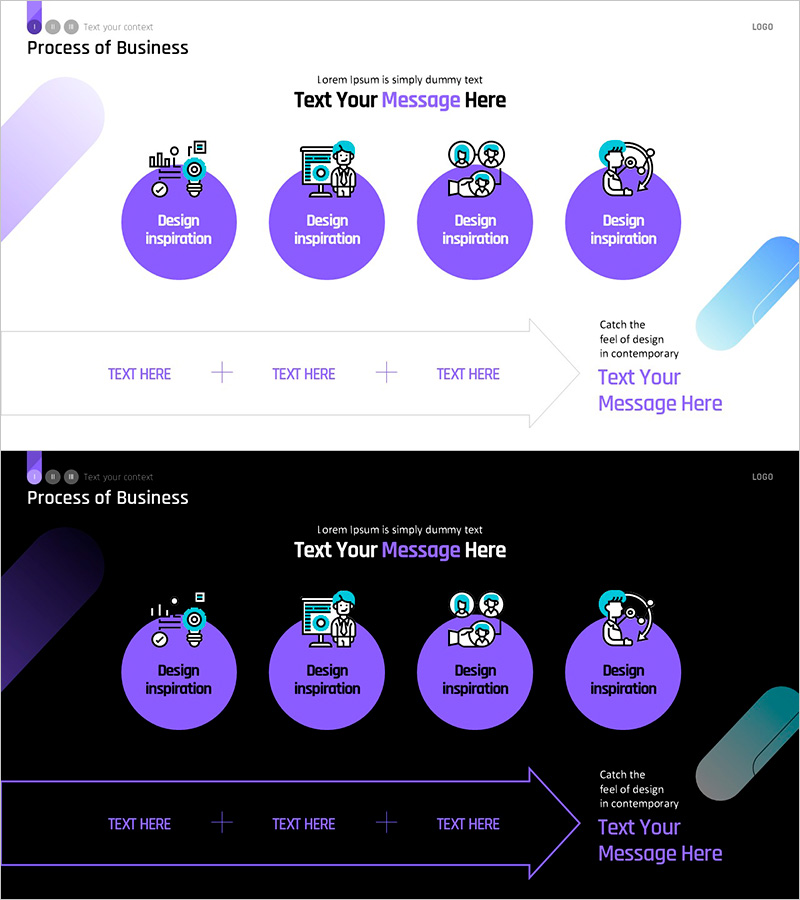
Business Process Infographic Slide – Creative Design
RM0200017_9
- Last Update 04/19/2025
- File Size 0.5MB
- # of Slides 2
- File Format PPTX
- Slide Ratio 16:9
- Color
Keywords
- #Content-Based Slides
- #Design-Based Slides
- #Product/Service Introduction
- #Business Vision and Strategy
- #Text Box
- #Benefits and Advantages
- #Business Goals
- #Core Competencies
- #Circular Text Box
- #Arrow
- #16:9
- #business process PowerPoint slide
- #arrow flow diagram
- #4-step process slide
- #process flow PPT
- #business workflow presentation
About the Product
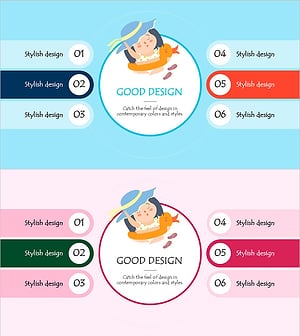
A PowerPoint slide that visualizes a 4-step business process using purple circular icons and arrow connectors. The upper section features step-by-step icons with text input areas, while the lower section includes 3 additional description fields and a right-aligned message box. Two background versions—light and dark—are included to suit different presentation environments. Ideal for company introductions, business strategy presentations, project status updates, and process workflows. Fully editable PPTX format ready for immediate use.
Usage Points
-
Main Usage
Visualize business processes, project phases, and workflow sequences across 4 stages with clarity and impact. Each stage features an icon and text area for detailed descriptions, while the bottom arrow and message box emphasize key takeaways and strategic outcomes.
-
How to Use
Enter stage names and descriptions in the 4 circular buttons at the top, add supporting details in the 3 text fields below, and place your key message or conclusion in the right-side message box. Choose the light background for daytime presentations and the dark background for evening or high-contrast settings.
-
Recommended For
Perfect for business plans, company profiles, strategy presentations, project proposals, and marketing plans. Ideal for executives, team leaders, project managers, and marketing professionals presenting process flows, strategic initiatives, and project timelines.
-
Slide Structure
Top: 4 circular icons with text input areas / Middle: 3 text fields with arrow connectors / Right: message box (total 3 text input zones + 4 icon areas). Information hierarchy follows a sequential comparison format across stages.
Related Products
-
Rainbow Paper Presentation Template Infographic Elements
#Product/Service Introduction #Business Vision and Strategy #Diagram
-
Idea Core Competency Diagram – Visualize Business Strategy
#Business Vision and Strategy #Diagram #Business Goals
-
Effective Business Transformation Strategy with Road Template
#Product/Service Introduction #Business Vision and Strategy #Diagram
-
Diffusion Diagram for Water Play – The Importance of Enjoyable Swimming
#Product/Service Introduction #Business Vision and Strategy #Diagram
