



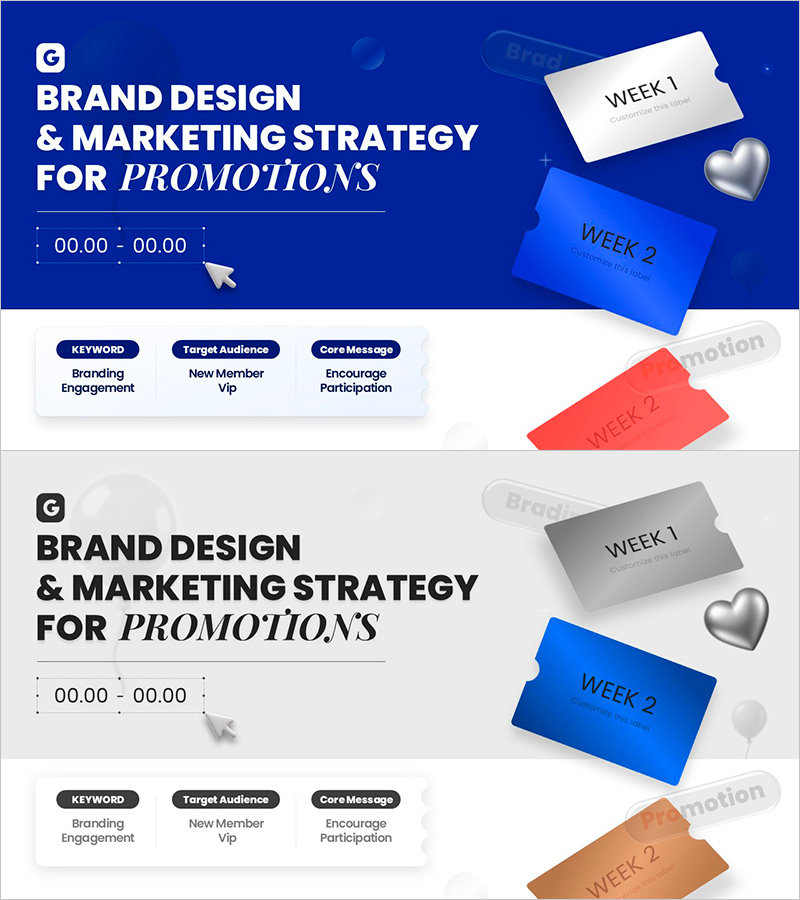
Promotion Brand Strategy Key Visual Slide
RJ0200071_3
- Last Update 09/10/2025
- File Size 4.4MB
- # of Slides 2
- File Format PPTX
- Slide Ratio 16:9
- Color
Keywords
About the Product
A 2-slide PowerPoint presentation set designed for promotion brand strategy visualization. Features a deep blue title slide with key messaging and a white-gray detail slide showcasing weekly promotion schedules (WEEK 1, WEEK 2) with color-coded cards. Three core sections—Branding Engagement, New Member VIP, and Encourage Participation—are clearly separated for immediate use in marketing strategy presentations. Formatted in 16:9 widescreen PPTX, compatible with all presentation environments. Includes editable text areas and flexible card layouts for customizing campaign timelines and strategic messaging.
Usage Points
-
Main Usage
Delivers promotion campaign brand strategy and weekly execution timeline at a glance through a key visual slide. Ideal for marketing team strategy meetings, executive briefings, and partner presentations to communicate campaign core messages and implementation schedules effectively.
-
How to Use
Use the first slide as a title introducing the overall campaign overview and core keywords. Position the second slide as the main content explaining weekly execution strategies, target audiences, and core messages. Maintain the color scheme and card layout while freely editing text and numerical data to match your campaign details.
-
Recommended For
Marketing planners, brand managers, and promotion specialists presenting campaign strategies to executives or external partners. Suitable for new product launches, seasonal promotions, membership expansion campaigns, and various marketing initiatives requiring visual timeline communication.
-
Slide Structure
Two-slide format: Slide 1 contains a title area (top text + time display) plus three card sections (KEYWORD, Target Audience, Core Message). Slide 2 maintains the same header structure with WEEK 1 and WEEK 2 cards arranged for comparative weekly promotion content display.
Related Products
-
Diagram for Major Service Introduction – Effective Marketing Strategy
#Product/Service Introduction #Marketing Plan and Strategy #Diagram
-
Modern Fashion Overview – Exploring Visual Trends
#Slide Type #Product/Service Introduction #Intro
-
Beef Cooking Introduction Slide – Product and Service Overview
#Product/Service Introduction #Diagram #Product/Service Introduction
-
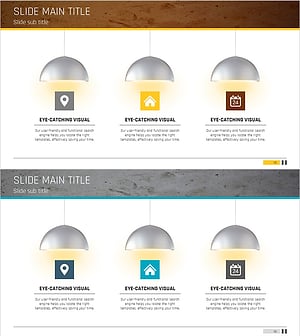
Captivating Presentation Featuring Indoor Lighting and Text Boxes
#Product/Service Introduction #Diagram #Features
