



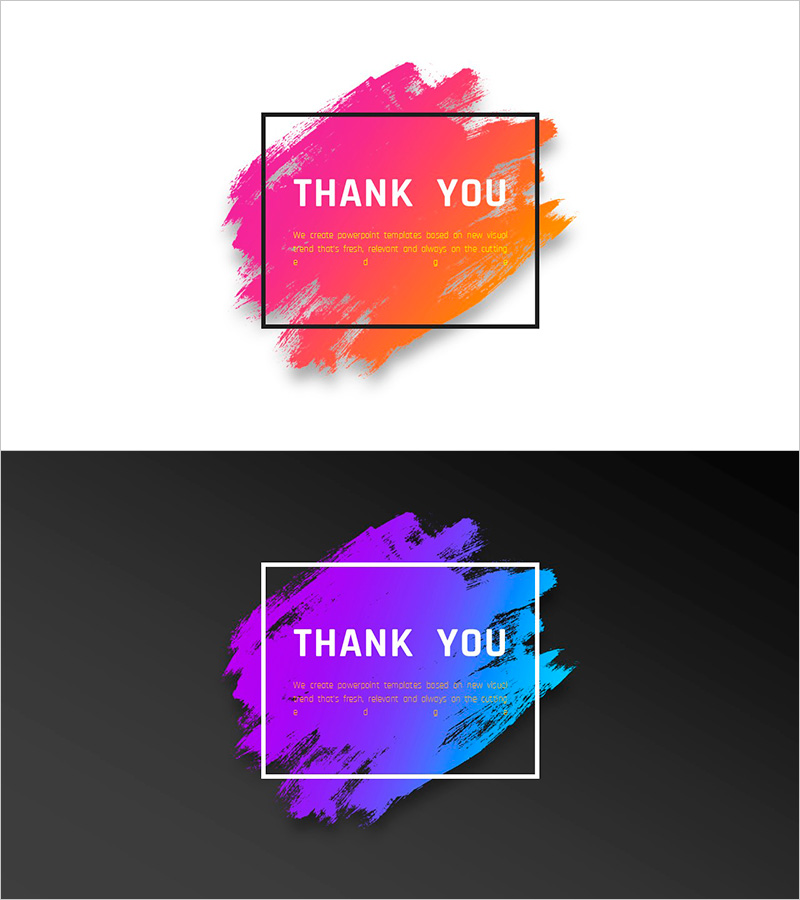
Gradient PowerPoint Ending Cover – Thank You Message
RJ0200060_20
- Last Update 04/16/2025
- File Size 0.9MB
- # of Slides 2
- File Format PPTX
- Slide Ratio 16:9
- Color
Keywords
About the Product
A professional ending cover slide for PowerPoint presentations featuring a thank you message design. This 2-slide set includes gradient backgrounds transitioning from pink to orange and purple to blue, with a bold black frame highlighting the central text area. The brush stroke effects create a contemporary, dynamic visual impact while maintaining clarity for your closing remarks. Both color variations allow you to match your presentation theme and audience mood. The text input areas are clearly defined for easy customization of your thank you message and subtitle. Download instantly and add to your presentation for a memorable closing impression that reinforces audience engagement.
Usage Points
-
Main Usage
Conclude your presentation with a professional thank you slide that reinforces your message and leaves a positive final impression. Ideal for business presentations, product launches, investor pitches, seminars, and conferences where closing remarks need visual emphasis.
-
How to Use
Place this slide at the end of your presentation to refocus audience attention on your closing message. Select either the warm (pink-orange) or cool (purple-blue) color variant based on your presentation theme. Edit the text areas to include your thank you message, speaker name, and contact information.
-
Recommended For
Business executives, sales professionals, educators, researchers, and presenters who need a polished closing slide for corporate meetings, investor presentations, product demonstrations, academic conferences, and training sessions.
-
Slide Structure
Two-slide layout with gradient backgrounds and centered black rectangular frames. Each slide contains a 'THANK YOU' headline area and subtitle text field for customization. Brush stroke effects add visual interest while maintaining professional appearance and text readability.
Related Products
-
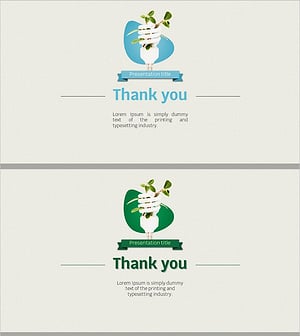
Eco-friendly Recycling Wide Template – Impressive End Page
#Slide Type #Ending Cover
-
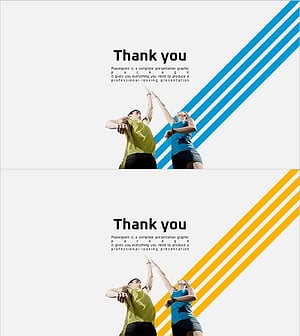
Healthy Living Exercise Template Ending
#Slide Type #Ending Cover
-
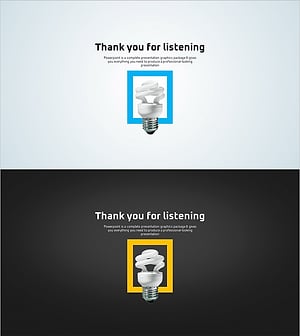
Green Eco-friendly Energy Template – End Page for a Sustainable Future
#Slide Type #Ending Cover
-

Overseas Travel Illustration Template – Ending Page to Express Gratitude
#Slide Type #Ending Cover
