



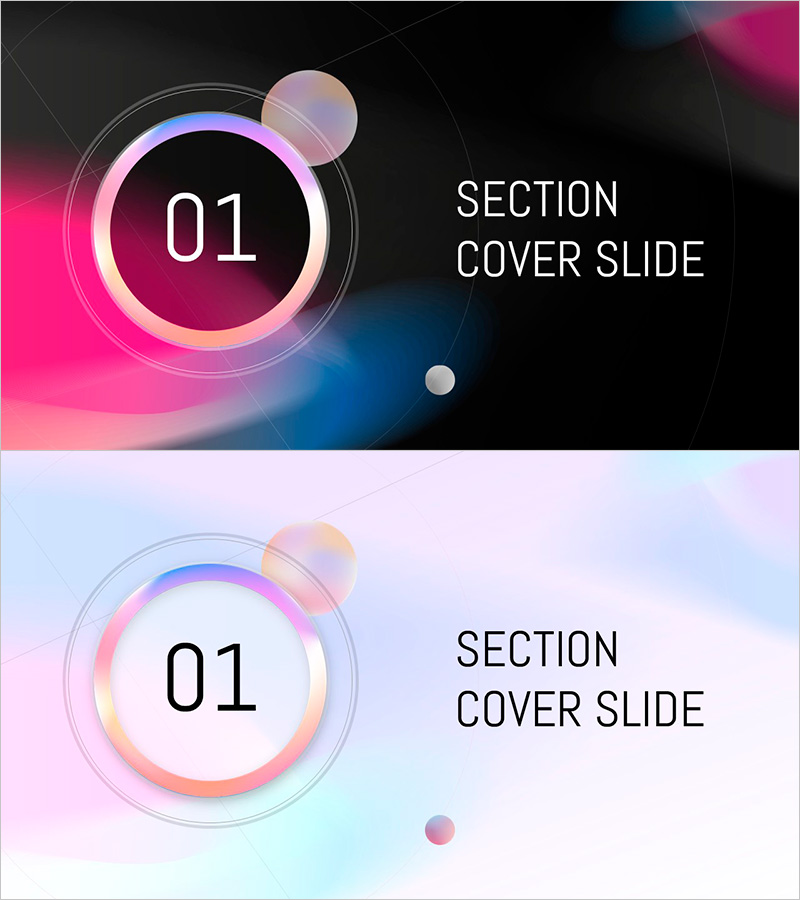
Circular Gradient Wide Template Section Dividing Slide
RJ0200056_3
- Last Update 04/14/2025
- File Size 3.7MB
- # of Slides 2
- File Format PPTX
- Slide Ratio 16:9
- Color
Keywords
About the Product
A professional section divider slide featuring a circular gradient design that transitions smoothly from pink to blue. This PowerPoint slide set includes 2 slides in 16:9 widescreen format, with both dark and light background versions for flexible presentation environments. The layout positions a circular frame on the left for section numbers and a text area on the right for section titles, making it ideal for corporate presentations, business reports, and educational materials. The gradient effect and geometric elements create visual separation between content sections while maintaining design consistency throughout your presentation.
Usage Points
-
Main Usage
Insert this slide between major sections of your presentation to create clear visual breaks and guide audience attention. The circular gradient frame and numbered layout help viewers understand document structure and maintain engagement as you transition between topics.
-
How to Use
Enter your section number (01, 02, 03, etc.) in the circular frame on the left side, and add your section title in the text area on the right. Choose the dark background version for dimly lit presentation rooms or the light background version for bright environments to ensure optimal visibility.
-
Recommended For
Ideal for business plans, investment pitch decks, marketing proposals, product presentations, annual reports, training seminars, and any multi-section presentation requiring professional visual structure. Works well for corporate, educational, and consulting contexts.
-
Slide Structure
2-slide set featuring one dark background version and one light background version. Each slide contains a circular frame element (for section numbers), a text input area (for section titles), and decorative sphere elements positioned strategically for visual balance.
Related Products
-
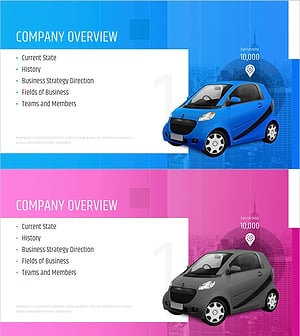
Car Sharing Business Plan Template Section Slide
#Slide Type #Section Cover
-

Restaurant Business Plan Template Section Slide
#Slide Type #Section Cover
-
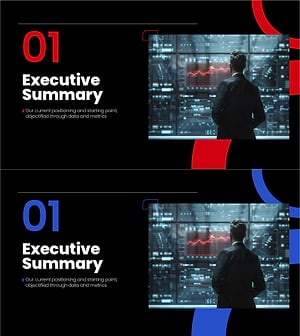
Section Divider PowerPoint Slide – Dark Numbered Intro
#Slide Type #Section Cover
-

Fashion Business Plan Template Section Slide – Emphasizing Operation Plans
#Slide Type #Section Cover
