



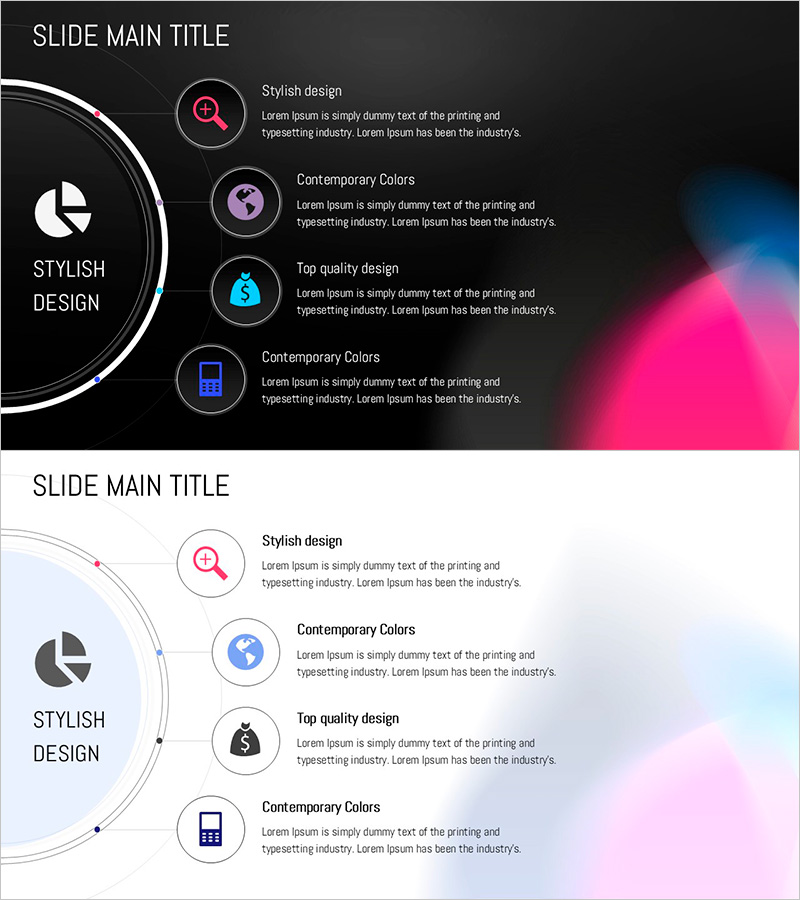
Circular Gradient Wide Template Diagram – Highlighting Product/Service Benefits
RJ0200056_17
- Last Update 04/14/2025
- File Size 3.1MB
- # of Slides 2
- File Format PPTX
- Slide Ratio 16:9
- Color
Keywords
- #Content-Based Slides
- #Design-Based Slides
- #Product/Service Introduction
- #Diagram
- #Differentiation Strategy for Products/Services
- #Benefits and Advantages
- #Spread
- #Radial Diagram
- #16:9
- #radial diagram PowerPoint
- #circular diagram slide template
- #4-item emphasis slide
- #gradient icon PPT
- #product benefits diagram PowerPoint
About the Product
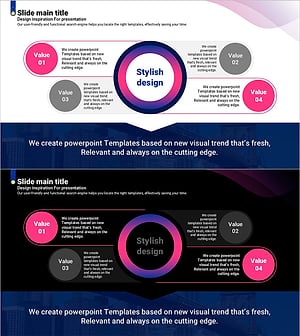
A radial diagram PowerPoint slide with four directional branches extending from a central hub. Features a dark background with pink, purple, cyan, and blue gradient icons arranged in a circular pattern to emphasize product benefits, service features, and core values. The 2-slide set includes both dark and light theme versions, each with dedicated text areas for descriptions, making it ready for immediate use in presentations and company profiles. Delivered in 16:9 widescreen PPTX format compatible with all presentation environments.
Usage Points
-
Main Usage
Clearly highlight four core benefits, features, or values of a product or service using a radial structure. The branching design from a central concept enables hierarchical information delivery, while icons and descriptions maximize visual impact for audience engagement.
-
How to Use
Enter your core message (product name, service name, or strategy) in the central circular area, then fill in each of the four radial branches with corresponding benefits, features, or objectives. Use the dark theme for premium presentation atmospheres and the light theme for approachable company profile documents.
-
Recommended For
Product marketing presentations, service introduction decks, company profile core value sections, business proposal differentiation slides, and investor pitch materials highlighting competitive advantages. Ideal for marketing teams, sales departments, and executive presentations.
-
Slide Structure
2-slide set: dark background version (black background with pink, purple, cyan, blue gradient icons) and light background version (light background with matching icons). Each slide divides into a left circular diagram area and right 4-item text section, with dedicated spaces for icon, title, and description text in each branch.
Related Products
-
Visualizing Picture Tool Strategy in Infographic Slide
#Product/Service Introduction #Business Vision and Strategy #Diagram
-
The Strength of the Media – Diagram Template for Presentation
#Product/Service Introduction #Diagram #Differentiation Strategy for Products/Services
-
Avocado Diagram – Product/Service Differentiation Strategy
#Product/Service Introduction #Diagram #Differentiation Strategy for Products/Services
-
Curved Theme Purple Template Diagram – Optimized for Product/Service Introduction
#Product/Service Introduction #Diagram #Differentiation Strategy for Products/Services
